


If you’re running a Shopify store, you’ve probably wondered whether the platform includes built-in email marketing features. The short answer is yes, but there’s more to the story than a simple yes or no.
Shopify does offer email marketing capabilities through Shopify Email, its native email marketing tool. However, understanding what’s included, what it costs, and how it compares to other options will help you make the best decision for your business. This guide covers everything you need to know about Shopify’s email marketing features and alternatives.
What Is Shopify Email?
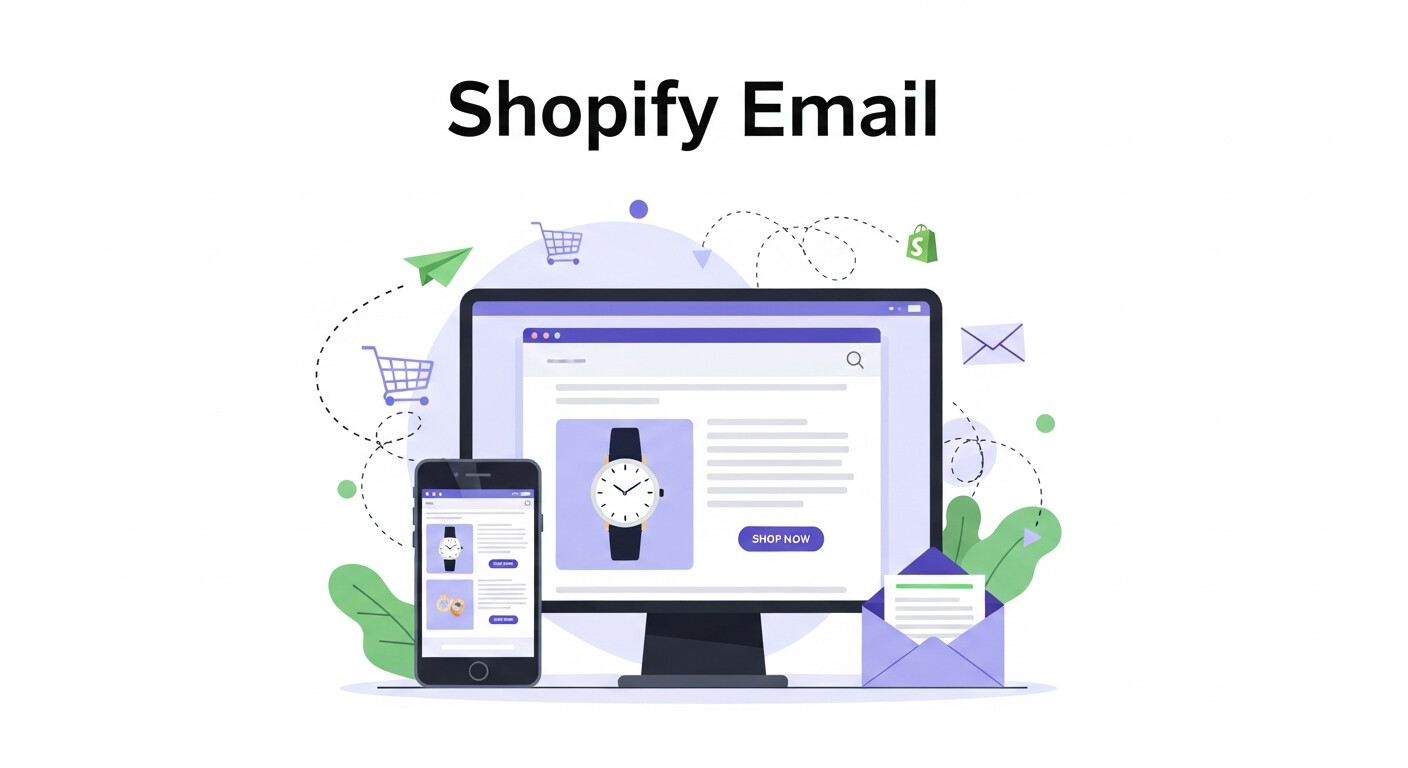
Shopify Email is the platform’s built-in email marketing solution that launched in 2020. This tool allows store owners to create, send, and track email campaigns directly from their Shopify admin dashboard.
The service integrates seamlessly with your store data, automatically pulling in product information, customer details, and purchase history. This tight integration means you can create targeted campaigns without manually importing data or switching between platforms.
Shopify Email comes with professionally designed templates optimized for different campaign types, including welcome emails, product announcements, and promotional campaigns. The templates are mobile-responsive and designed to match your brand’s look and feel.
Key Features of Shopify Email
Template Library and Customization
Shopify Email provides dozens of pre-built email templates that you can customize to match your brand. The drag-and-drop editor makes it easy to add your logo, change colors, and modify layouts without any coding knowledge.
Each template is designed with conversion in mind, featuring clear call-to-action buttons and product showcases that link directly to your store. You can also create templates from scratch if you prefer more control over the design.
Customer Segmentation
The platform automatically segments your customers based on their shopping behavior, location, and purchase history. You can target specific groups like first-time buyers, repeat customers, or people who haven’t purchased in a while.
This segmentation capability helps improve email relevance and engagement rates since you’re sending more targeted messages to specific audience groups.
Automated Email Workflows
While Shopify Email’s automation features are more basic compared to dedicated email marketing platforms, you can still set up essential automated campaigns like welcome series and abandoned cart emails.
These automated workflows help nurture customers and recover potentially lost sales without requiring manual intervention for every email sent.
Performance Analytics
Shopify Email provides basic analytics, including open rates, click-through rates, and revenue generated from each campaign. You can track which emails perform best and use this data to optimize future campaigns.
The analytics integrate with Shopify’s broader reporting tools, giving you a complete picture of how email marketing contributes to your overall sales performance.
Shopify Email Pricing
Shopify Email follows a freemium pricing model. You get 2,500 free emails per month, regardless of which Shopify plan you’re using. After you exceed this limit, you’ll pay $1 for every 1,000 additional emails sent.
This pricing structure makes Shopify Email particularly attractive for small businesses just starting with email marketing. However, as your email list grows, the costs can add up quickly compared to some third-party alternatives.
There are no setup fees or monthly subscriptions—you only pay for what you use beyond the free allowance.
Limitations of Shopify Email
Basic Automation Features
While Shopify Email covers the essentials, its automation capabilities are limited compared to dedicated email marketing platforms. You won’t find advanced features like complex multi-step workflows, behavioral triggers, or sophisticated lead scoring.
Limited A/B Testing
The A/B testing functionality is basic, allowing you to test subject lines but not email content, send times, or other variables that can significantly impact campaign performance.
Fewer Integrations
Since Shopify Email is designed primarily for Shopify stores, it lacks the extensive third-party integrations you’ll find with platforms like Mailchimp or Klaviyo.
Advanced Segmentation Constraints
While customer segmentation exists, the options are more limited than what you’d get with specialized email marketing tools that offer detailed behavioral tracking and predictive analytics.
Deliverability and Email Reputation Management
Email deliverability plays a critical role in the success of any Shopify email marketing strategy. Even the most well-designed campaigns fail if emails land in spam folders. Shopify Email helps maintain basic deliverability by handling technical requirements like SPF and DKIM automatically. However, store owners must still follow best practices such as maintaining clean email lists, avoiding spam-trigger words, and sending emails consistently. As your list grows, monitoring bounce rates and spam complaints becomes essential. Strong deliverability ensures higher open rates and better campaign performance, directly impacting revenue and customer trust over time.
Personalization Capabilities in Shopify Email
Personalization is a key driver of email engagement, and Shopify Email offers basic personalization options using customer data. You can include customer names, product recommendations, and order details to make messages more relevant. While this level of personalization works well for small to mid-sized stores, it lacks predictive personalization based on browsing behavior or future purchase intent. Still, using even simple personalization tactics can significantly increase click-through rates and conversions. As your business scales, understanding these limitations will help you decide when to upgrade to more advanced tools.
Compliance and Data Privacy Considerations
Email marketing compliance is essential for protecting your brand and avoiding legal penalties. Shopify Email supports compliance with regulations like CAN-SPAM and GDPR by including unsubscribe links and managing customer consent. Store owners are still responsible for ensuring proper opt-in practices and transparent data usage policies. Maintaining compliance builds customer trust and improves long-term engagement. Shopify’s secure infrastructure also helps protect customer data, reducing the risk of breaches. Understanding these compliance requirements early allows businesses to scale email marketing responsibly and confidently.
Using Shopify Email for Customer Retention
Shopify Email is particularly effective for customer retention strategies such as post-purchase follow-ups, reorder reminders, and loyalty-based promotions. Retaining existing customers is often more cost-effective than acquiring new ones, making email a powerful retention channel. Shopify’s integration with order history allows you to create timely and relevant retention emails. While automation options are limited, consistent retention campaigns can still drive repeat purchases. For stores focused on long-term customer value, Shopify Email provides a solid foundation for building lasting relationships.
Reporting Limitations and Growth Insights
While Shopify Email includes essential reporting metrics, it may not provide the depth needed for advanced decision-making. Metrics like open rates and revenue attribution are useful, but deeper insights such as customer lifetime value trends or predictive engagement scoring are missing. These limitations can make it harder to optimize campaigns at scale. For small businesses, the built-in analytics are sufficient. As your email strategy matures, more detailed insights may become necessary to identify growth opportunities and improve overall marketing performance.
Transitioning from Shopify Email to Advanced Platforms
Many Shopify stores eventually outgrow Shopify Email as their marketing needs become more complex. Transitioning to platforms like Klaviyo or Omnisend allows access to advanced automation, deeper segmentation, and multi-channel campaigns. The transition process is typically smooth, as most platforms integrate directly with Shopify and allow easy data migration. Starting with Shopify Email helps build foundational knowledge, making the switch easier later. Planning this transition strategically ensures continued growth without disrupting ongoing campaigns or customer communication.
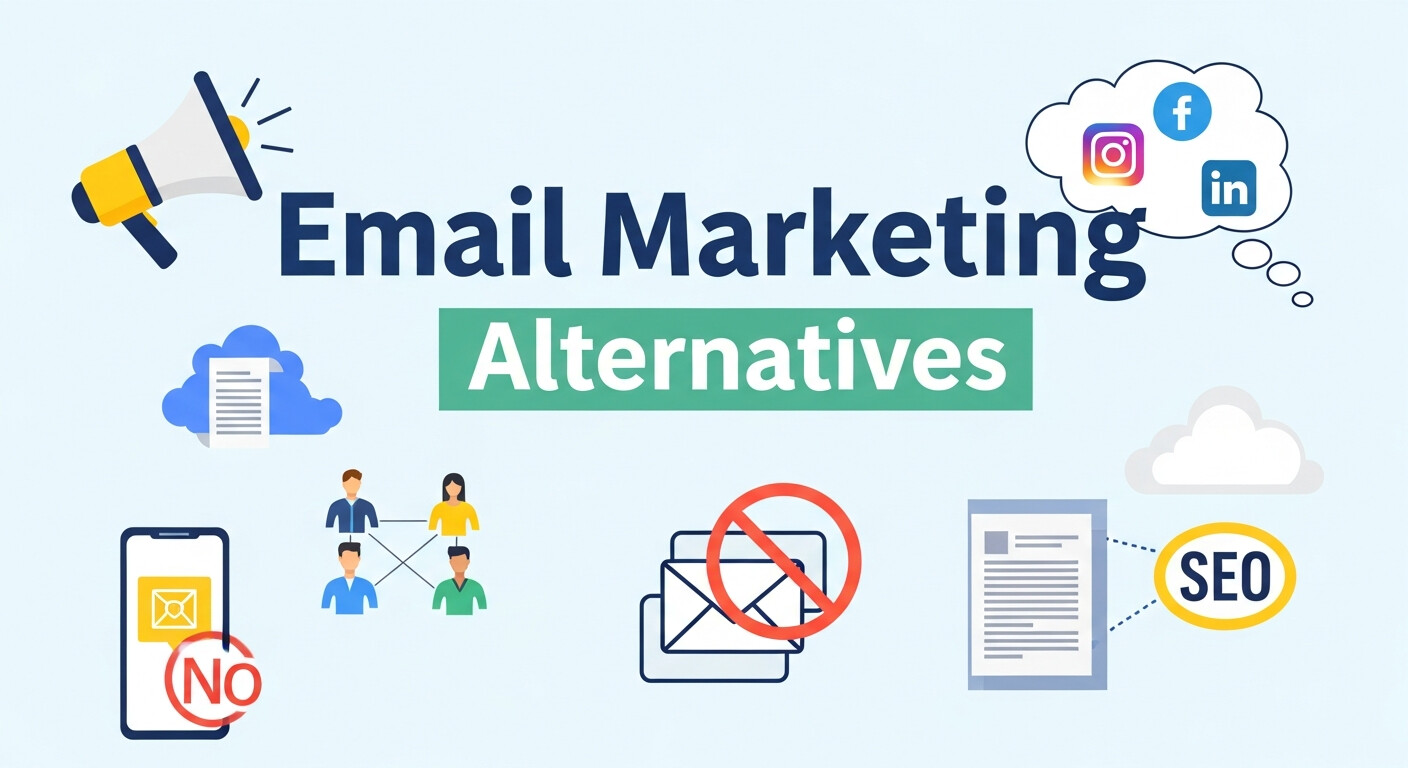
Popular Shopify Email Marketing Alternatives
Klaviyo
Klaviyo is one of the most popular email marketing platforms among Shopify merchants. It offers advanced segmentation, sophisticated automation workflows, and detailed analytics. The platform excels at creating highly personalized campaigns based on customer behavior and purchase history.
Pricing starts at $20 per month for up to 500 contacts, making it more expensive than Shopify Email but offering significantly more features.
Mailchimp
Mailchimp provides a user-friendly interface with robust automation features and extensive template options. It offers a free plan for up to 2,000 contacts and 10,000 emails per month, making it cost-effective for small businesses.
The Shopify integration is straightforward, though not as seamless as Shopify Email’s native integration.
Omnisend
Omnisend specializes in e-commerce email marketing with features like product recommendations, discount codes, and cart abandonment workflows. It offers both email and SMS marketing capabilities.
The platform starts at $16 per month and includes advanced segmentation and automation features that surpass Shopify Email’s capabilities.
Should You Use Shopify Email or a Third-Party Alternative?
Choose Shopify Email If:
You’re just starting with email marketing and want a simple, cost-effective solution. The native integration makes it easy to get started without learning a new platform or managing additional subscriptions.
Shopify Email works well for basic promotional campaigns, product announcements, and simple automation sequences. If your email marketing needs are straightforward, the built-in solution might be all you need.
Consider Third-Party Alternatives If:
Your business relies heavily on email marketing for revenue generation. Advanced features like sophisticated automation, detailed segmentation, and comprehensive analytics can significantly impact your bottom line.
You want to scale your email marketing efforts with features like advanced A/B testing, predictive analytics, or multi-channel marketing campaigns that include SMS and social media.
You need integrations with other marketing tools, CRM systems, or analytics platforms that aren’t available through Shopify Email.
Getting Started with Shopify Email Marketing
Setting Up Shopify Email
Access Shopify Email through your admin dashboard under the “Marketing” section. The setup process is straightforward—you’ll verify your sending domain and customize your email preferences.
Import your existing customer list or start building one through your store’s opt-in forms and checkout process. Make sure to comply with email marketing regulations like CAN-SPAM and GDPR.
Best Practices for Success
Segment your email list from the beginning, even if you start with basic categories like new customers versus repeat buyers. This foundation will help you send more relevant emails as your list grows.
Focus on providing value in every email, whether that’s exclusive discounts, helpful content, or early access to new products. Avoid overwhelming subscribers with too many promotional emails.
Test different subject lines, send times, and email content to understand what resonates with your audience. Even basic A/B testing can significantly improve your results over time.
Making the Right Choice for Your Store
Shopify Email provides a solid foundation for e-commerce email marketing, especially for businesses just getting started or those with basic needs. The native integration, competitive pricing, and ease of use make it an attractive option for many store owners.
However, as your business grows and email marketing becomes more critical to your success, you may find the limitations restrictive. Advanced features available through third-party platforms can drive significantly better results for businesses ready to invest more in their email marketing efforts.
Consider starting with Shopify Email to learn the basics and understand your email marketing needs. You can always migrate to a more advanced platform later as your requirements evolve. The key is choosing a solution that matches your current needs while providing room to grow.
Frequently Asked Questions (FAQ)
Does Shopify include built-in email marketing?
Yes, Shopify includes a built-in email marketing tool called Shopify Email. It allows you to create, send, and track email campaigns directly from your Shopify admin dashboard without using third-party software.
Is Shopify Email free to use?
Shopify Email offers 2,500 free emails per month on all Shopify plans. After that, you’re charged $1 for every additional 1,000 emails sent. There are no monthly subscription fees.
Can Shopify Email send automated emails?
Yes, Shopify Email supports basic automation such as welcome emails and abandoned cart emails. However, it lacks advanced automation features like complex workflows and behavioral triggers.
How good is Shopify Email for email marketing?
Shopify Email is a solid option for beginners and small stores with basic email marketing needs. It’s easy to use and integrates seamlessly with store data, but it has limitations for advanced campaigns.
Can I use third-party email marketing tools with Shopify?
Absolutely. Shopify integrates with popular email marketing platforms like Klaviyo, Mailchimp, and Omnisend, which offer more advanced automation, segmentation, and analytics.
Which is better: Shopify Email or Klaviyo?
Shopify Email is better for simplicity and low cost, while Klaviyo is better for advanced automation, deep customer segmentation, and revenue-focused email strategies. The right choice depends on your business size and goals.
When should I switch from Shopify Email to another platform?
You should consider switching when email marketing becomes a major revenue driver, your list grows significantly, or you need advanced features like SMS marketing, predictive analytics, or complex workflows.


I'm Email Marketer who crafts targeted campaigns that drive engagement, nurture leads, and boost conversions. With a passion for creating personalized email strategies.









No Comments