

HubSpot doesn’t allow direct file attachments in marketing emails to ensure deliverability, reduce spam risk, and improve mobile experience. Marketers can share content via cloud links, HubSpot File Manager, or landing pages while using personalization, automation, and analytics for better engagement.
HubSpot’s email marketing platform offers powerful tools for creating and sending campaigns, but one common question marketers face is whether they can attach files directly to their marketing emails. The short answer is no—HubSpot doesn’t allow direct file attachments in marketing emails, and there are good reasons for this limitation.
Understanding why this restriction exists and learning alternative methods to share content will help you create more effective email marketing campaigns that reach your audience’s inbox rather than their spam folder.
Why HubSpot Doesn’t Allow Email Attachments
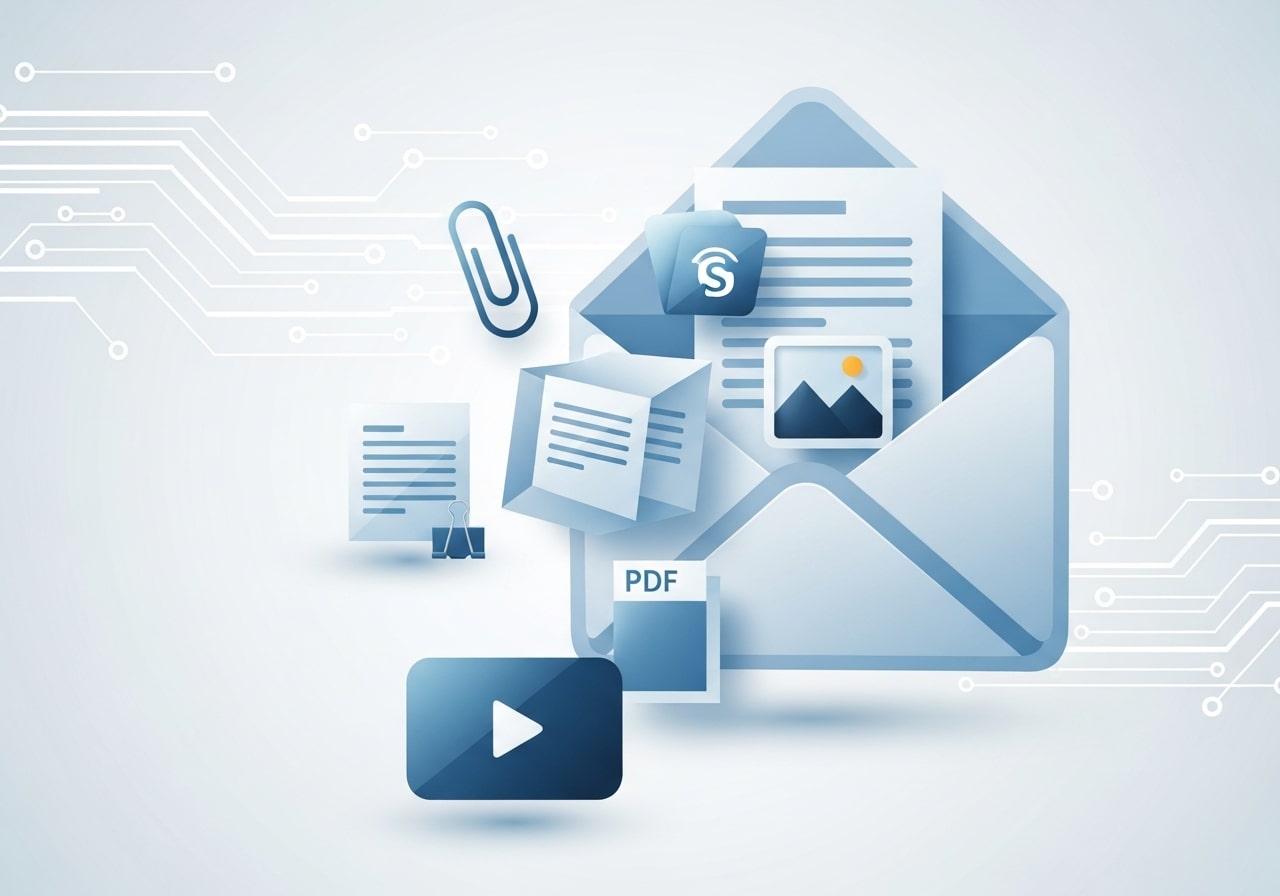
HubSpot’s decision to restrict file attachments in marketing emails stems from several technical and strategic considerations that ultimately benefit your campaign performance.
Deliverability Concerns
Email attachments significantly increase the likelihood that your messages will be flagged as spam. Internet service providers and email clients use sophisticated filtering systems that view attachments—especially from bulk senders—as potential security threats. Files can contain malware, viruses, or other harmful code, making email providers naturally suspicious of messages containing attachments.
File Size Limitations
Most email providers impose strict file size limits, typically ranging from 10MB to 25MB per message. Large attachments can cause emails to bounce back or fail to deliver entirely. Even smaller files can slow down email loading times, particularly for recipients with slower internet connections or mobile devices.
Mobile Optimization
With over 40% of emails opened on mobile devices, attachments create additional friction for mobile users. Downloaded files may not display properly on smartphones or tablets, and mobile data usage becomes a concern for recipients when downloading large files.
Alternative Methods for Sharing Content
While you can’t attach files directly to HubSpot marketing emails, several effective alternatives can help you share content with your subscribers.
Link to Cloud Storage
The most straightforward solution involves uploading your files to cloud storage platforms and including links in your emails. Popular options include:
Google Drive: Upload your file, adjust sharing permissions to “Anyone with the link can view,” and copy the shareable link into your email content.
Dropbox: Similar to Google Drive, Dropbox allows you to create shareable links for any uploaded file.
OneDrive: Microsoft’s cloud storage solution offers the same functionality with seamless integration for Office documents.
This method provides several advantages: files don’t affect email deliverability, recipients can choose whether to download content, and you can track engagement through link clicks.
HubSpot File Manager Integration
HubSpot’s built-in file manager offers a native solution for hosting and sharing content. Upload files directly to your HubSpot portal, then use the generated links in your marketing emails.
To use this feature, navigate to Marketing > Files and Folders, upload your content, and copy the public URL. This approach keeps everything within your HubSpot ecosystem while providing detailed analytics on file engagement.
Landing Page Strategy
Create dedicated landing pages to house your content instead of relying on direct file sharing. This strategy offers multiple benefits for your email marketing efforts.
Landing pages allow you to capture additional lead information before providing access to your content. You can also include related content recommendations, social sharing buttons, and calls-to-action that drive further engagement with your brand.
HubSpot’s landing page builder makes it easy to create professional pages that showcase your content while maintaining consistent branding across your marketing materials.
Interactive Content in Emails
Interactive content such as quizzes, polls, or calculators can drastically increase engagement rates. Instead of passively reading an email, subscribers participate, providing real-time feedback or results. HubSpot allows you to link to interactive tools hosted on your website or landing pages. These features make your emails feel dynamic and memorable, encouraging click-throughs and repeat engagement. Interactive content can also help segment audiences based on responses, delivering more personalized experiences in follow-up campaigns. By combining entertainment and value, interactive elements can transform static emails into meaningful interactions that strengthen brand loyalty and drive measurable marketing outcomes.
Video Integration

Embedding videos directly in emails can be challenging, but linking to video content is highly effective. Videos can explain complex concepts, demonstrate products, or showcase testimonials more engagingly than text alone. HubSpot supports linking to hosted videos on platforms like YouTube, Vimeo, or your landing pages, with trackable metrics to measure performance. Including a visually appealing thumbnail and a clear call-to-action can increase click-through rates significantly. Video content also tends to improve message retention, helping subscribers remember your brand and key points. Using videos strategically within campaigns strengthens storytelling, improves engagement, and drives higher conversions across the customer journey.
Personalized Recommendations
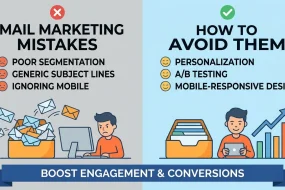
Personalization goes beyond using a subscriber’s first name. HubSpot allows you to deliver customized content based on past interactions, purchase history, or browsing behavior. By sending personalized product recommendations, eBooks, or blog posts, you increase relevance and engagement. AI-powered tools can analyze user data to suggest content most likely to resonate with each recipient. This approach not only boosts click-through rates but also improves the overall customer experience, making subscribers feel understood and valued. Personalized recommendations help guide prospects through the sales funnel efficiently, increasing conversions and fostering long-term loyalty by providing content that aligns with individual preferences and needs.
Automated Email Workflows
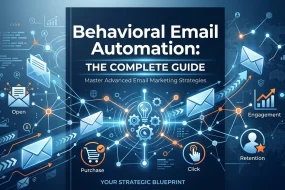
HubSpot’s automation capabilities enable marketers to create workflows that send content based on triggers such as form submissions, email opens, or website visits. Automated workflows ensure timely delivery of relevant information without manual intervention, nurturing leads efficiently. For example, a subscriber who downloads a whitepaper can automatically receive a follow-up email with related resources. Workflows can segment audiences, deliver personalized messaging, and provide consistent communication across multiple touchpoints. By automating repetitive tasks, marketing teams save time while maintaining high engagement levels. When properly designed, automated workflows increase conversions, reduce lead drop-off, and ensure a seamless, relevant experience for every subscriber.
Email Accessibility Best Practices
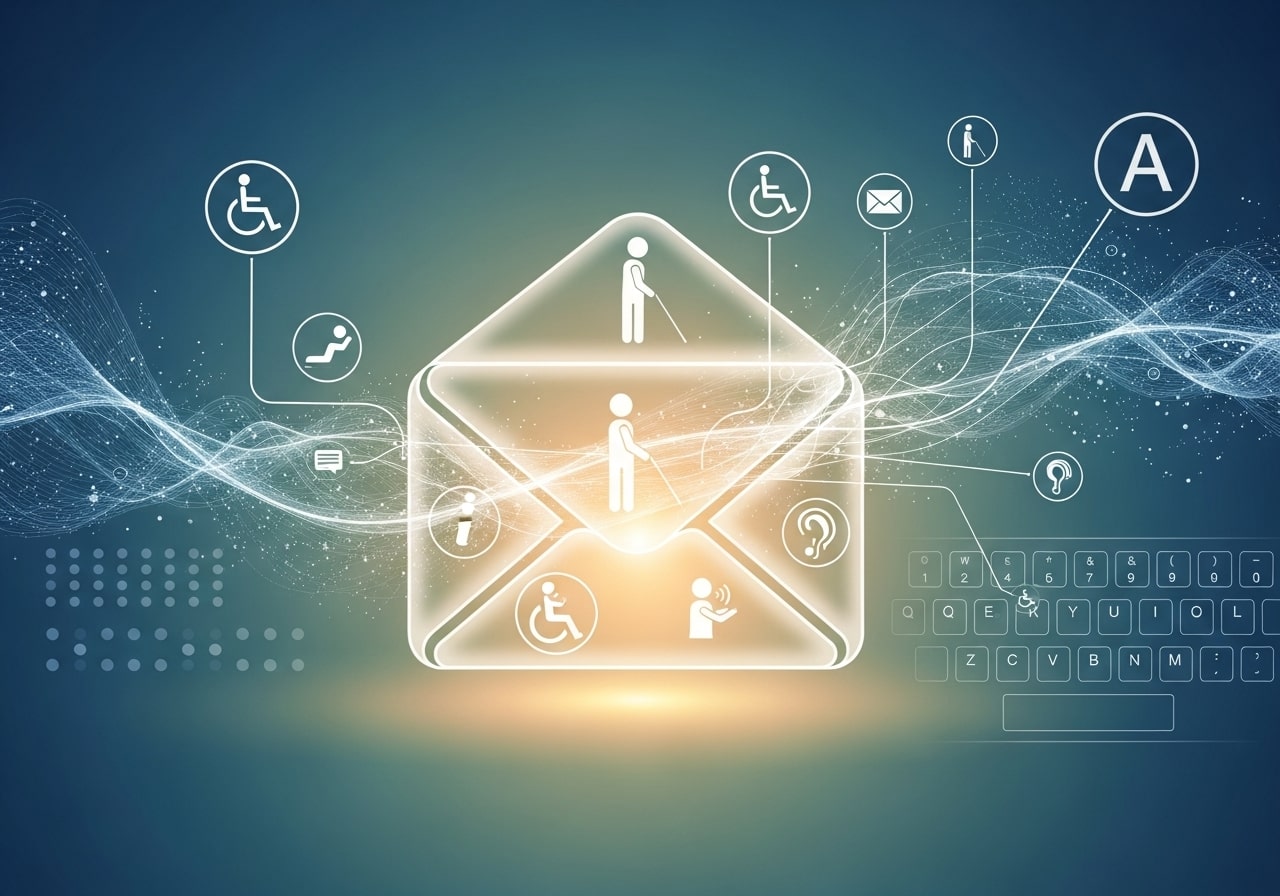
Ensuring emails are accessible to all users, including those with disabilities, is essential for inclusivity and engagement. HubSpot provides tools to optimize emails for screen readers, alt text for images, and proper color contrast. Accessibility also extends to mobile optimization, responsive layouts, and clear formatting that enhances readability. Accessible emails reach a broader audience, reduce bounce rates, and improve user satisfaction. Designing with accessibility in mind reflects positively on your brand, demonstrating social responsibility and attention to user needs. Following these best practices ensures that every subscriber, regardless of ability, can fully engage with your content, improving overall campaign effectiveness and reach.
A/B Testing for Content Performance
A/B testing is critical for optimizing email performance. HubSpot allows marketers to test different subject lines, CTAs, images, or email layouts to determine which versions resonate best with subscribers. Running controlled experiments helps identify strategies that increase open rates, click-through rates, and conversions. Testing should focus on one variable at a time to get accurate insights. By analyzing results, marketers can refine email design, content placement, and messaging for maximum impact. Continuous A/B testing builds a culture of data-driven decision-making, ensuring campaigns evolve based on real audience behavior and preferences, ultimately improving ROI and long-term marketing success.
Best Practices for Content Sharing
Implementing these alternative approaches requires strategic thinking about how you present and deliver content to your email subscribers.
Clear Call-to-Action Language
When linking to external content, use specific, action-oriented language that clearly explains what recipients will find when they click. Instead of generic phrases like “click here,” use descriptive text such as “Download the 2026 Marketing Trends Report” or “Access Your Free Template.”
Content Preview Strategy
Give subscribers a preview of what they’ll receive before asking them to click through to external links. Include brief descriptions, key takeaways, or even thumbnail images that showcase the content value.
Mobile-First Considerations
Ensure that any linked content displays properly on mobile devices. Test your cloud storage links and landing pages across different screen sizes to guarantee a seamless user experience.
Analytics and Tracking
Take advantage of HubSpot’s tracking capabilities by using trackable links for all external content. This data helps you understand which content resonates with your audience and informs future email marketing strategies.
Advanced Content Distribution Techniques
Sophisticated email marketers can implement more advanced strategies for content sharing that go beyond simple file links.
Segmented Content Delivery
Use HubSpot’s list segmentation features to deliver different content to different subscriber groups. Create personalized download links based on subscriber interests, behavior, or demographic information.
Progressive Profiling Integration
Combine content sharing with progressive profiling by directing subscribers to forms that capture additional information before providing content access. This gradual approach to data collection helps you build more complete subscriber profiles over time.
Email Series Strategy
Instead of attempting to share large amounts of content in a single email, create a series of messages that deliver content in digestible portions. This approach can improve engagement rates while building anticipation for upcoming content.
Measuring Content Sharing Success
Tracking the performance of your content-sharing efforts requires attention to specific metrics that indicate subscriber engagement and interest.
Click-Through Rates
Monitor click-through rates on content links to understand which types of content generate the most interest. Compare performance across different content formats, topics, and presentation methods.
Download Conversion Rates
If you’re using landing pages or forms to gate content access, track how many email recipients complete the download process. Low conversion rates might indicate friction in your content delivery process.
Engagement Quality Metrics
Look beyond basic click metrics to understand the quality of engagement with your shared content. Time spent on landing pages, social shares, and follow-up email opens can provide insights into content value and relevance.
Maximizing Your Email Marketing Impact
While HubSpot’s attachment restrictions might initially seem limiting, these constraints actually encourage better email marketing practices that improve deliverability and engagement rates.
Focus on creating compelling email content that drives recipients to take meaningful actions rather than simply consuming attached files. Use your emails to build relationships, provide value, and guide subscribers through well-designed content experiences that support your broader marketing goals.
Remember that successful email marketing is about building trust and providing value consistently over time. By implementing these alternative content-sharing strategies, you’ll create more engaging campaigns while maintaining the technical advantages that keep your emails out of spam folders and in front of your audience.
FAQ: HubSpot Email Marketing & Content Sharing
1. Can I attach files directly to HubSpot marketing emails?
No. HubSpot doesn’t allow direct file attachments in marketing emails to maintain high deliverability, reduce spam risk, and ensure a better mobile experience.
2. Why does HubSpot restrict attachments in emails?
Attachments can trigger spam filters, cause delivery issues due to file size limits, and create a poor mobile experience. Using links to external content ensures emails reach inboxes reliably.
3. What are the alternatives to attaching files?
You can link to cloud storage platforms like Google Drive, Dropbox, or OneDrive. HubSpot’s File Manager can host content and generate shareable links. Creating landing pages allows you to house content while capturing leads and guiding users through your marketing funnel.
4. How can I make content links more engaging?
Use clear, action-oriented language such as “Download Your Free Template” instead of generic phrases like “Click Here.” Provide previews, key takeaways, or thumbnail images to highlight the content’s value.
5. Can I track engagement with shared content?
Yes. You can use trackable links through HubSpot or landing pages to monitor click-through rates, download conversions, time spent on pages, and other engagement metrics.
6. How do I ensure content links work on mobile?
Test cloud storage links and landing pages across various devices and screen sizes. Ensure layouts are mobile-friendly and pages load quickly for the best user experience.
7. Can I personalize content delivery in HubSpot emails?
Yes. You can use list segmentation to deliver targeted content to specific subscriber groups and combine this with progressive profiling to capture additional data before granting access to content.
8. Should I deliver all content in one email?
It is often better to create a series of emails that share content in smaller, digestible portions. This method increases engagement, builds anticipation, and improves overall click-through rates.
9. How do landing pages improve content sharing?
Landing pages allow you to present content professionally, capture lead information, suggest related resources, and guide users through your marketing funnel more effectively than sending files directly.
10. How do these strategies improve email marketing results?
Avoiding attachments increases deliverability, reduces spam risk, improves mobile accessibility, and provides measurable insights. Following these best practices helps build trust, increase engagement, and drive conversions.


I'm Email Marketer who crafts targeted campaigns that drive engagement, nurture leads, and boost conversions. With a passion for creating personalized email strategies.






No Comments