

Unwanted marketing emails clutter inboxes, reduce productivity, and increase stress. By understanding their sources, using email provider tools, applying smart filtering strategies, and maintaining good habits, you can block spam, protect your privacy, and keep your inbox clean and manageable.
Your inbox shouldn’t feel like a battlefield. Yet for many of us, opening our email feels like dodging digital grenades—promotional offers, newsletter subscriptions we don’t remember signing up for, and endless marketing campaigns that somehow found their way to our primary inbox.
If you’re drowning in unwanted marketing emails, you’re not alone. The average office worker receives 121 emails per day, with a significant portion being promotional content. While email marketing remains a powerful tool for businesses, it can become overwhelming when it floods your personal or professional communication channels.
The good news? You have more control than you think. This guide will walk you through practical steps to block marketing emails, manage your subscriptions, and create a cleaner, more organized inbox that actually serves your needs.
Understanding Why You Get So Many Marketing Email

Before diving into solutions, it’s helpful to understand how your email address ends up on marketing lists in the first place. Most marketing emails reach you through legitimate means—you provided your email when creating an account, making a purchase, or downloading a free resource. However, some emails come from:
Data brokers and lead generation companies that collect and sell email addresses to marketers. These companies gather information from public records, social media profiles, and other online sources.
List sharing between companies, where businesses share customer databases with partners or affiliates, is often buried in terms of service agreements you may have unknowingly accepted.
Opt-in forms with pre-checked boxes that automatically subscribe you to multiple lists unless you actively uncheck them during signup processes.
Understanding these sources helps you make more informed decisions about where and when to share your email address moving forward.
Quick Fixes: Block Marketing Emails in Major Email Providers
Gmail
Gmail offers several built-in tools to combat unwanted marketing emails:
Use the Unsubscribe Button: Gmail often displays an “Unsubscribe” link next to the sender’s name in legitimate marketing emails. Click this for a quick opt-out.
Block Specific Senders: Open the unwanted email, click the three dots menu, and select “Block [sender name].” All future emails from this address will go directly to spam.
Create Filters: Go to Settings > Filters and Blocked Addresses > Create a new filter. You can filter by sender, subject line keywords, or other criteria to automatically delete or label unwanted emails.
Report as Spam: Click the spam button (exclamation mark icon) to help Gmail’s algorithm learn what you consider unwanted email.
Outlook
Microsoft Outlook provides similar functionality with some unique features:
Junk Email Options: Go to Home > Junk > Junk E-mail Options to adjust your spam sensitivity levels and manage blocked senders.
Sweep Rules: Select an email from an unwanted sender, then choose Sweep > Block messages from this sender to automatically handle future emails from that address.
Rules and Alerts: Create custom rules under File > Manage Rules & Alerts to automatically sort, delete, or forward emails based on specific criteria.
Apple Mail

For Mac and iOS users, Apple Mail offers these options:
Mark as Junk: Select unwanted emails and click the Junk button to train Mail’s spam filter.
Block Sender: Right-click on an email and select “Block Contact” to prevent future messages from that sender.
Rules: In Mail preferences, create rules to automatically handle emails based on sender, subject, or content.
Advanced Strategies for Email Management
Create Dedicated Email Addresses
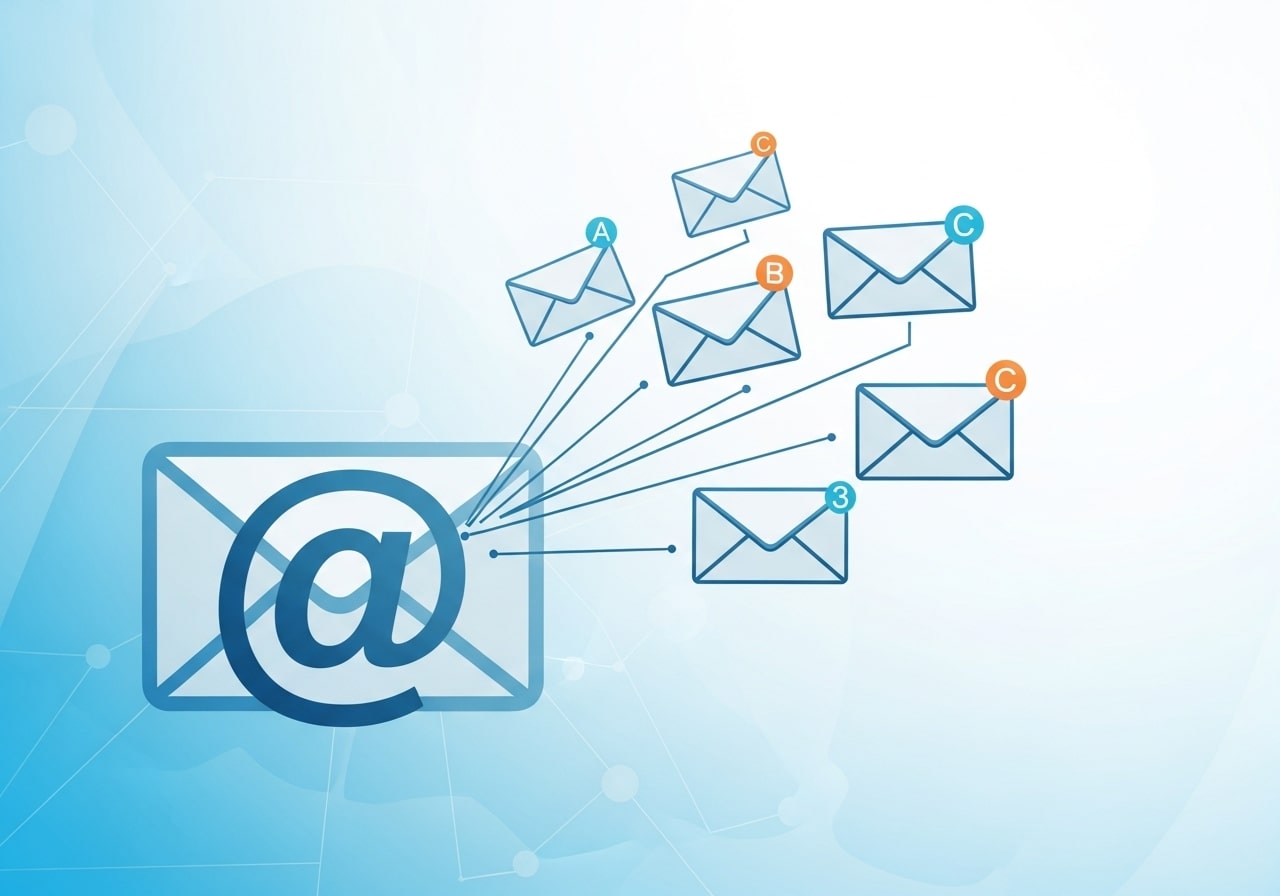
One of the most effective long-term strategies involves using multiple email addresses for different purposes:
Primary Personal Email: Reserve this for family, friends, and important personal communications. Share it sparingly.
Shopping and Services Email: Use a secondary address for online purchases, service signups, and loyalty programs.
Newsletter and Subscription Email: Create a third address specifically for newsletters, blogs, and content you actually want to receive.
This approach makes it easier to manage different types of communications and reduces the risk of important emails getting lost among marketing messages.
Use Email Aliases
Many email providers allow you to create aliases—additional email addresses that forward to your main inbox. For example, with Gmail, you can add a “+” sign and any text to your address (like [email protected]), and it will still deliver to your main account. This helps you track which services share your information and makes it easier to filter emails.
Implement the Two-Week Rule
When you unsubscribe from marketing emails, give legitimate companies up to two weeks to process your request. If you continue receiving emails after this period, mark them as spam rather than continuing to unsubscribe, as this might actually confirm your email address is active.
When Unsubscribing Makes Things Worse
While unsubscribing seems like the obvious solution, it can sometimes backfire. Clicking unsubscribe links in emails from unknown or suspicious senders might actually confirm that your email address is active and monitored, potentially leading to more spam.
Here’s how to tell when it’s safe to unsubscribe:
Safe to Unsubscribe: Emails from recognizable companies, retailers you’ve purchased from, or services you remember signing up for.
Don’t Unsubscribe: Emails from unknown senders, suspicious-looking messages with poor grammar or design, or emails that seem designed to trick you into clicking.
Red Flags: Be wary of emails with urgent language like “Unsubscribe NOW or be charged,” messages claiming you’ve won something you didn’t enter, or emails with generic greetings like “Dear Valued Customer.”
How Marketing Emails Impact Productivity
Unwanted marketing emails do more than clutter your inbox—they directly affect productivity and focus. Constant notifications and inbox overload make it harder to spot important messages, leading to missed deadlines and delayed responses. Research shows that frequent email interruptions break concentration and increase stress levels. Employees often waste valuable time sorting, deleting, or searching for essential emails buried under promotions. By actively blocking marketing emails and organizing your inbox, you reduce mental fatigue and reclaim productive work hours. A clean inbox helps maintain focus, improves response efficiency, and creates a more controlled digital work environment.
Legal Rights You Have Against Marketing Emails
Many people are unaware that they have legal rights when it comes to unwanted marketing emails. Regulations such as the CAN-SPAM Act, GDPR, and similar laws require marketers to provide clear identification, truthful subject lines, and a visible unsubscribe option. Companies must honor unsubscribe requests within a specific timeframe. Violations can result in penalties for senders. Understanding these rights empowers you to take action when businesses misuse your email address. Knowing the law also helps you identify legitimate emails versus spam and reinforces your ability to protect your digital privacy.
Psychological Benefits of a Clean Inbox
A clutter-free inbox offers more than organization—it supports mental well-being. An overflowing inbox can create anxiety, decision fatigue, and a sense of being overwhelmed. Each unread email represents an unresolved task competing for attention. By reducing marketing emails, you lower cognitive load and gain a greater sense of control over your digital life. A clean inbox promotes clarity, reduces stress, and encourages intentional communication habits. When your inbox reflects only meaningful messages, it becomes a tool for productivity rather than a source of distraction or frustration.
Tools and Services to Help Block Marketing Emails
Unroll.Me
This free service scans your inbox and shows you all your subscriptions in one place. You can easily unsubscribe from multiple lists or combine subscriptions into a daily digest email.
Leave Me Alone
A paid service that automatically unsubscribes you from marketing emails and provides detailed reports on your email cleanup progress.
Built-in Spam Filters
Most email providers continuously improve their spam detection. Make sure your spam filters are enabled and set to an appropriate sensitivity level.
Third-Party Email Clients
Consider using email clients like Spark, Airmail, or Newton that offer advanced filtering and organization features beyond what standard webmail provides.
Setting Boundaries: Preventing Future Marketing Email Overload
Read Before You Check Boxes
Before creating accounts or making purchases online, carefully review any checkboxes related to marketing communications. Companies often pre-check these boxes, automatically subscribing you to their email lists.
Use Temporary Email Services
For one-time downloads, free trials, or when you’re unsure about a company’s email practices, consider using temporary email services like 10MinuteMail or Guerrilla Mail.
Review Privacy Policies
While lengthy, privacy policies often explain how companies use your email address and whether they share it with third parties. Look for opt-out options or data sharing practices before providing your information.
Be Selective with Loyalty Programs
Retail loyalty programs often come with heavy email marketing. Consider whether the benefits outweigh the inbox clutter, and look for options to receive benefits without email communications.
Maintaining Your Clean Inbox
Once you’ve decluttered your inbox, maintaining it requires ongoing attention:
Weekly Email Audits: Spend 10-15 minutes each week reviewing and unsubscribing from any new unwanted emails.
Regular Filter Updates: Adjust your email filters as your needs change or as you discover new patterns in unwanted emails.
Monitor New Subscriptions: Pay attention to new marketing emails and trace them back to their source to prevent similar future subscriptions.
Educate Family and Colleagues: If you share email addresses or devices, make sure others understand your email management preferences.
Take Control of Your Digital Communication
Blocking marketing emails isn’t just about reducing inbox clutter—it’s about reclaiming control over your digital attention and ensuring important communications don’t get lost in the noise. By implementing these strategies systematically, you can transform your email experience from overwhelming to manageable.
Start with the quick fixes for your current email provider, then gradually implement longer-term strategies like dedicated email addresses and regular inbox maintenance. Remember that email management is an ongoing process, but the time you invest upfront will save you hours of frustration later.
Your inbox should work for you, not against you. Take the first step today by blocking those persistent marketing emails that no longer serve your needs.
Frequently Asked Questions (FAQ)
1. Why am I receiving so many marketing emails even if I didn’t sign up?
Many marketing emails come from past signups, purchases, or data-sharing agreements hidden in terms and conditions. In some cases, your email may have been shared between partner companies or obtained through data brokers.
2. Is it safe to click the unsubscribe link in marketing emails?
It is generally safe to unsubscribe from emails sent by legitimate and recognizable companies. However, for suspicious or unknown senders, clicking unsubscribe may confirm your email is active and lead to more spam. In those cases, marking the email as spam is safer.
3. What is the fastest way to stop marketing emails?
The fastest approach is using your email provider’s built-in unsubscribe, block, and spam-reporting tools. Creating filters to automatically delete or label marketing emails can also provide immediate relief.
4. Will blocking a sender stop all marketing emails from a company?
Blocking a sender only stops emails from that specific address. Many companies use multiple email addresses, so unsubscribing or creating keyword-based filters is often more effective.
5. Can email filters accidentally block important messages?
Yes, poorly designed filters can sometimes catch important emails. It’s best to review your filters regularly and test them before applying permanent deletion rules.
6. Do third-party unsubscribe tools really work?
Yes, reputable tools like Unroll.Me and Leave Me Alone can significantly reduce inbox clutter. However, they require access to your email account, so always review privacy policies before using them.
7. How can I prevent marketing emails in the future?
Be selective when sharing your email address, uncheck marketing consent boxes, use email aliases or secondary addresses, and avoid unnecessary signups. Regular inbox audits also help prevent buildup.
8. Does marking emails as spam actually help?
Yes, marking emails as spam trains your provider’s filtering system and improves spam detection for future messages, benefiting both you and other users.
9. Are temporary email addresses safe to use?
Temporary email services are useful for one-time signups or downloads, but they should not be used for important accounts since you may lose access to messages sent later.
10. How often should I clean my inbox?
A weekly or biweekly inbox review is usually enough to stay organized. Consistent maintenance prevents marketing emails from becoming overwhelming again.


I'm Email Marketer who crafts targeted campaigns that drive engagement, nurture leads, and boost conversions. With a passion for creating personalized email strategies.










No Comments