

Struggling to connect personally with your email subscribers? Personalized emails are the key to building stronger relationships, increasing engagement, and boosting conversions. Luckily, MailPoet, a powerful email plugin for WordPress, makes personalization simpler than you might think.
This guide will walk you through everything you need to know to send individual subscriber emails using MailPoet, so you can make each message feel like a one-on-one conversation.
What is MailPoet and Why Should You Use It?
MailPoet is an email marketing plugin designed for WordPress users who want to manage their email campaigns directly from their website. Whether you’re a small business owner or running a growing blog, MailPoet’s tools make email marketing accessible and hassle-free.
Key features include:
- Seamless WordPress Integration: Manage emails without leaving your dashboard.
- Customizable Templates: Create polished email designs with drag-and-drop tools.
- Subscriber Personalization: Send tailored messages to individual recipients or segments of your audience.
- Ease of Use: No complicated setup or steep learning curve.
Now, let’s dig into the step-by-step process of sending individual emails using MailPoet.
Step 1: Install and Set Up MailPoet
How to Install the Plugin
To get started with MailPoet:
- Log in to your WordPress dashboard.
- Navigate to Plugins > Add New.
- Search for “MailPoet.”
- Click Install Now and then Activate.
Easy, right? Once activated, you’re ready to configure the plugin.
Configuring Initial Settings
After activating MailPoet, follow these steps:
- Go to MailPoet > Settings in your WordPress menu.
- Set your sender name and email (this is how your recipients will identify you).
- Choose an email-sending service. MailPoet offers a built-in option, but you can connect to third-party services if you prefer.
With these steps, your MailPoet installation is good to go!
Step 2: Build and Organize Your Subscriber List
Before you can send individualized emails, you need to have your subscribers in place. Luckily, MailPoet makes managing your list intuitive and straightforward.
Adding Subscribers
To add subscribers manually, follow these steps:
- Go to MailPoet > Subscribers in your WordPress dashboard.
- Click Add New to enter the subscriber’s details, including their name and email address.
- Optionally, import a list of subscribers in bulk using a CSV file.
Organizing with Segments
For more advanced users, MailPoet allows segmentation, enabling you to group subscribers based on specific criteria like behavior or preferences. While this guide focuses on sending emails to individuals, segmentation is a helpful tool to have in your arsenal for future campaigns.
Step 3: Create a New Email
Now comes the fun part—designing your email!
- Go to MailPoet > Emails in your dashboard.
- Click Add New and select Newsletter (you can use this option even for individual emails).
- Choose a pre-designed template or start from scratch. MailPoet offers plenty of professional layouts, so don’t worry if design isn’t your forte.
Step 4: Personalize the Content
Add Personal Touches with Dynamic Fields
MailPoet’s dynamic fields make personalization effortless. These placeholders automatically populate with the subscriber’s specific details.
- Use
[subscriber:first_name]to greet them by name. - Include details like
[subscriber:last_name]or other custom fields as needed.
Example:
Hi [subscriber:first_name],
We noticed you haven’t tried our newest feature. Check it out now for an even better experience!
Fit the Message to the Recipient
When addressing an individual subscriber, it’s worth tailoring the tone and content even more:
- Reference past purchases or interactions.
- Include personalized thank-you notes.
Not only does this make your email feel more genuine, but it also strengthens your connection with the recipient.
Step 5: Select a Single Recipient
Here’s where MailPoet’s individual email functionality shines:
- Move to the Recipients step while creating your email.
- Select Single Subscriber.
- Use the search bar to look up the recipient by name or email address.
Once you’ve chosen your recipient, the email is ready for final touches.
Step 6: Preview, Test, and Send
Preview the Email
MailPoet allows you to preview the email before sending it. Click Preview to see how it will appear to your subscriber.
Test Email
For extra assurance, send yourself a test email by clicking Send Test Email. This will allow you to check for any errors or formatting issues.
Send Now or Schedule
When you’re satisfied, you can:
- Hit Send Now to send the email immediately.
- Or, schedule it for a specific time that suits your recipient best.
Why Personalized Emails are Crucial
 Did you know personalized emails can lead to 6x higher transaction rates compared to generic campaigns? They create a sense of trust and understanding, showing your audience that you recognize their unique needs.
MailPoet makes personalization easy, so you can focus on building deeper relationships without the usual hassle of manual processes.
Start Sending Meaningful Emails Using MailPoet
MailPoet isn’t just about emails; it’s about building connections. By following this guide, you’re well on your way to creating impactful, personalized email experiences for each of your subscribers.
If you’re not using MailPoet yet, now’s the perfect time to start. Install the plugin today, grow your subscriber list, and send beautifully tailored emails with confidence.
Optimizing Subject Lines for Engagement
 Crafting compelling subject lines is one of the most effective ways to increase email open rates. A strong subject line should be concise, clear, and evoke curiosity or urgency. Using personalization in subject lines, such as including the subscriber’s name or referencing their recent activity, can significantly boost engagement. Marketers should also consider A/B testing multiple variations to see which resonates best with their audience. Understanding your audience’s preferences and combining them with insights from previous campaigns will help refine future messaging. Leveraging AI-powered personalization tools can provide recommendations for subject lines that maximize engagement based on historical Email Marketing Data.
Timing Your Emails for Maximum Impact
The timing of your emails can dramatically influence open and click-through rates. Sending emails when subscribers are most active, such as during morning hours or mid-week, often yields higher engagement. However, audience behavior may vary depending on factors like location, industry, and demographics. By analyzing Email Marketing Data, you can determine patterns and optimize delivery times for each segment. Automated tools and scheduling features in platforms like MailPoet allow marketers to send messages when subscribers are most likely to engage. Even small adjustments in timing can result in noticeable improvements in conversions, boosting your overall Email Marketing Revenue.
Segmenting Subscribers for Targeted Campaigns
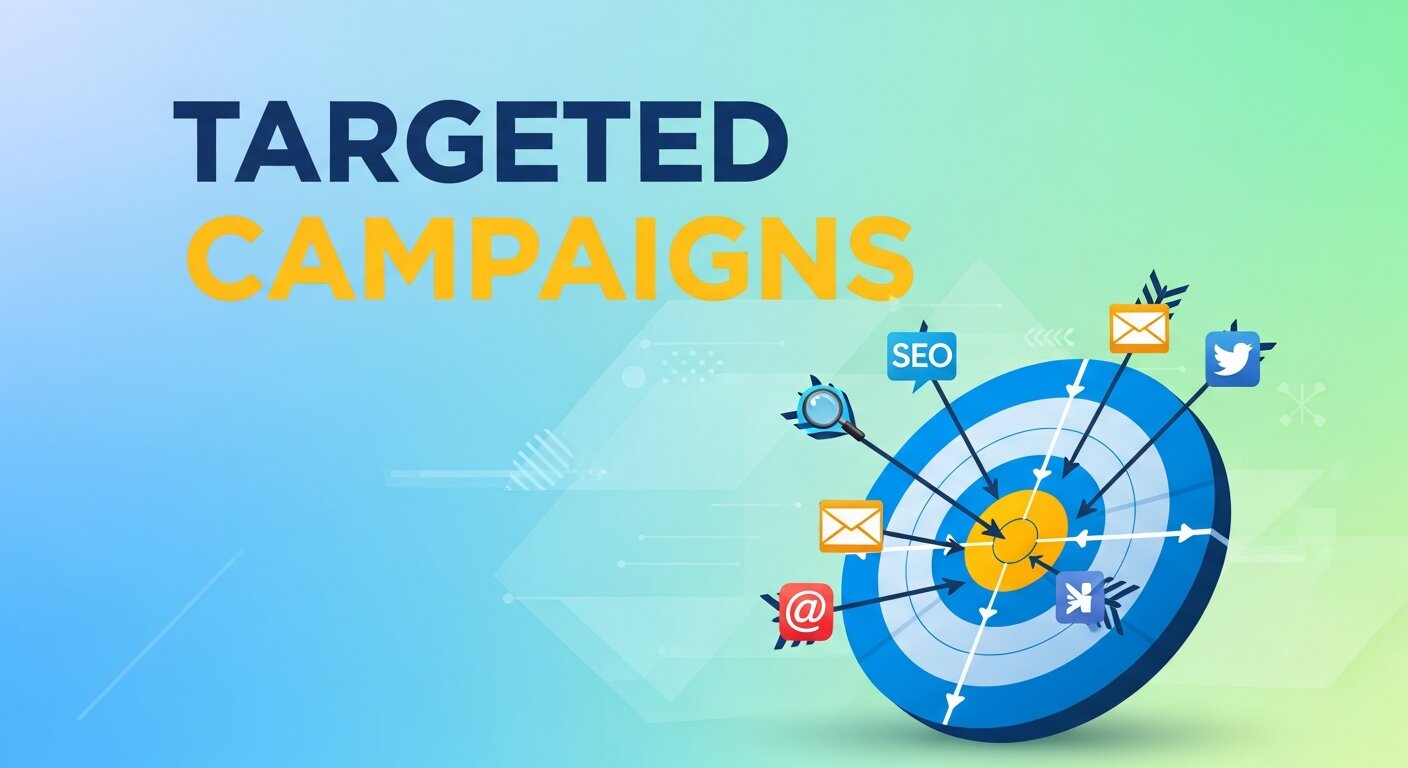 Segmenting your email list allows you to send highly relevant content to specific groups rather than a one-size-fits-all approach. Segmentation can be based on demographics, purchase history, engagement levels, or subscriber preferences. Targeted campaigns lead to higher open rates, click-throughs, and conversions. Using AI-powered personalization, marketers can automatically group subscribers and predict the content they are most likely to engage with. Monitoring Email Marketing Data helps refine these segments over time, ensuring your messages remain relevant. When campaigns are properly segmented and personalized, businesses often see a measurable increase in Email Marketing Revenue as subscribers respond to content that matches their needs.
Creating Dynamic and Interactive Content
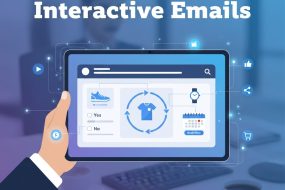
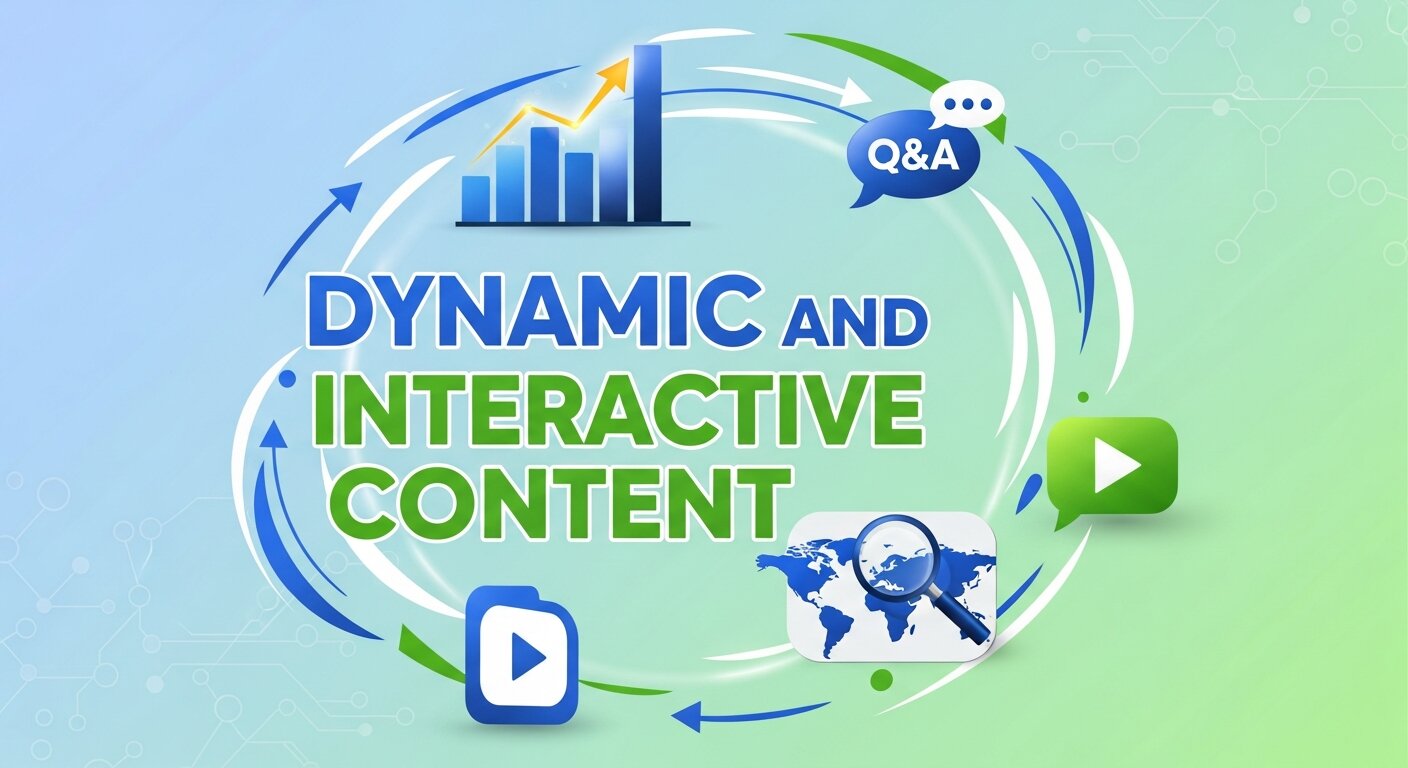 Dynamic email content adapts based on subscriber behavior or profile, creating a more personalized experience. Examples include countdown timers, personalized product recommendations, and content that changes based on user location or previous interactions. Incorporating interactive elements like clickable tabs or surveys encourages engagement and keeps readers involved. By analyzing Email Marketing Data, marketers can determine which dynamic features resonate most with their audience and adjust future campaigns accordingly. Implementing these techniques, supported by AI-powered personalization tools, can improve relevance and customer satisfaction. Ultimately, this approach not only strengthens subscriber relationships but also drives higher conversions and increased Email Marketing Revenue.
Tracking and Analyzing Campaign Performance
Monitoring campaign performance is critical to understanding what works and what doesn’t. Key metrics include open rates, click-through rates, conversions, and overall ROI. Analyzing Email Marketing Data allows marketers to identify trends, measure engagement, and pinpoint areas for improvement. Tools like MailPoet provide dashboards to simplify performance tracking and report generation. Using insights from past campaigns, strategies can be adjusted to maximize results. AI-powered personalization can also automatically suggest optimizations, from content recommendations to audience targeting adjustments. Regularly reviewing performance metrics ensures campaigns stay effective, and consistent improvements directly contribute to higher Email Marketing Revenue over time.
Leveraging Automation for Efficiency
Email automation saves time while maintaining high engagement levels. Automated workflows allow marketers to send welcome emails, abandoned cart reminders, and follow-up messages without manual intervention. By analyzing Email Marketing Data, automation can be optimized to deliver messages at the ideal moment for each subscriber. AI-powered personalization further enhances automation by dynamically adjusting content and recommendations for individual recipients. This combination of automation and data-driven personalization ensures that emails are relevant, timely, and engaging. Businesses that implement advanced automation strategies often experience increased productivity, improved subscriber satisfaction, and measurable growth in Email Marketing Revenue.
Enhancing Deliverability and Inbox Placement
Ensuring your emails reach subscribers’ inboxes is crucial for campaign success. Factors like sender reputation, authentication protocols, and content relevance influence deliverability. Avoiding spammy language, maintaining a clean subscriber list, and using proper opt-in methods can help maintain high inbox placement rates. Analyzing Email Marketing Data can reveal delivery issues, bounce rates, and engagement patterns to optimize campaigns further. Incorporating AI-powered personalization ensures emails are relevant and valuable, reducing unsubscribes and spam complaints. Consistently high deliverability not only maintains audience trust but also maximizes the impact of campaigns, contributing to sustained increases in Email Marketing Revenue.
Using Behavioral Triggers to Increase Engagement
Behavior-based triggers allow emails to be sent in response to specific subscriber actions, such as clicking a link, visiting a page, or abandoning a cart. Triggered emails feel timely and relevant, which often results in higher engagement rates than generic campaigns. By analyzing Email Marketing Data, marketers can identify common behaviors and set up automated campaigns to address them. AI-powered personalization enhances these triggered emails by suggesting content or products most likely to resonate with the individual subscriber. Implementing behavior-based triggers strengthens customer relationships, improves the user experience, and leads to measurable growth in Email Marketing Revenue.
Frequently Asked Questions (FAQ)
1. What is MailPoet used for?
MailPoet is a WordPress email marketing plugin that allows you to create, send, and manage email campaigns directly from your WordPress dashboard. It’s commonly used for newsletters, automated emails, welcome sequences, and personalized subscriber messages. Because it integrates seamlessly with WordPress, you don’t need to switch between multiple platforms to manage your email marketing.
2. Can I send an email to just one subscriber in MailPoet?
Yes, you can. While MailPoet is often used for bulk email campaigns, it also allows you to send emails to a single subscriber. During the recipient selection step, simply choose the specific subscriber instead of an entire list or segment. This is perfect for personalized follow-ups or one-on-one communication.
3. How do I personalize emails in MailPoet?
MailPoet uses dynamic fields (also called shortcodes) to personalize emails. For example, you can insert a subscriber’s first name using a placeholder like [subscriber:first_name]. When the email is sent, the system automatically replaces the placeholder with the subscriber’s actual information, making each email feel customized.
4. Is MailPoet free to use?
MailPoet offers a free plan that allows you to send emails to a limited number of subscribers. However, advanced features and larger subscriber lists require a paid plan. Pricing typically depends on the number of subscribers you have and the email-sending volume you need.
5. Can I schedule individual emails instead of sending them immediately?
Yes. After creating your email and selecting the recipient, you can choose to send it immediately or schedule it for a specific date and time. Scheduling is useful if you want your message delivered at an optimal time for engagement.
6. Does MailPoet track email performance?
Yes, MailPoet provides analytics such as open rates, click rates, and engagement metrics. This allows you to measure how well your personalized emails are performing and make improvements for future campaigns.
7. Can I import subscribers from another platform?
Absolutely. MailPoet allows you to import subscribers using a CSV file. This makes it easy to migrate your email list from another email marketing platform into your WordPress dashboard.
8. Is MailPoet suitable for small businesses and bloggers?
Yes, MailPoet is especially popular among small businesses, bloggers, and WordPress site owners because of its simplicity and native WordPress integration. It removes the complexity often associated with traditional email marketing platforms while still offering powerful personalization features.


I'm Email Marketer who crafts targeted campaigns that drive engagement, nurture leads, and boost conversions. With a passion for creating personalized email strategies.














No Comments