

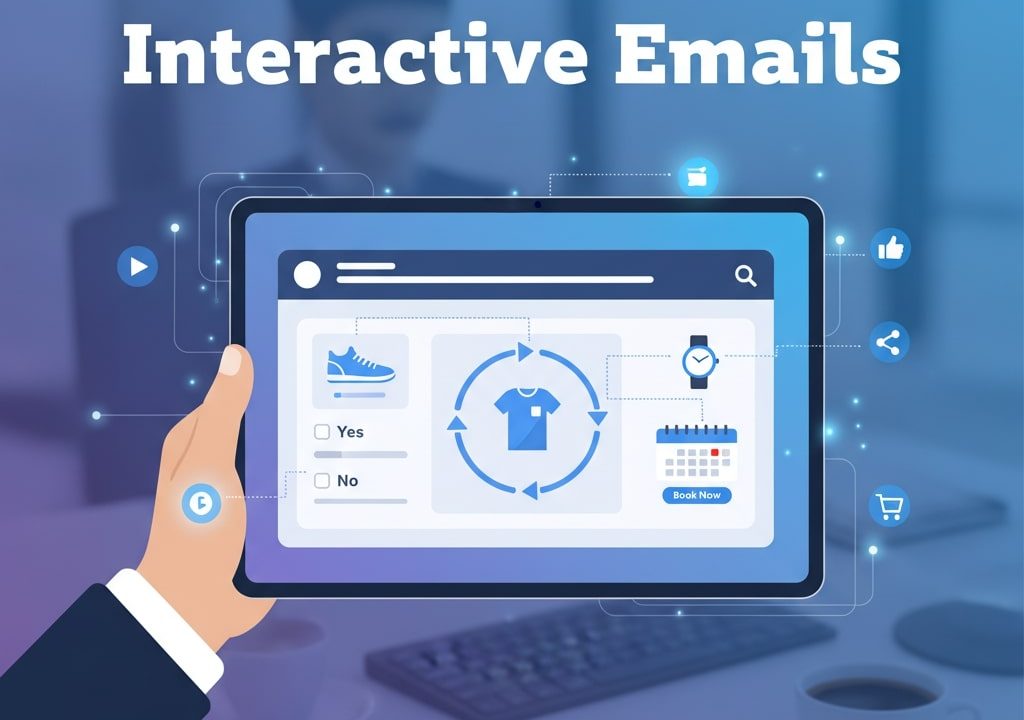
Interactive emails enhance engagement by transforming traditional static messages into dynamic, web-like experiences. By incorporating elements such as image carousels, polls, quizzes, gamification, countdown timers, add-to-calendar buttons, and interactive storytelling, brands can capture attention, increase click-through rates, and reduce friction for subscribers. Advanced features like real-time personalization, interactive navigation menus, and embedded tutorials create more relevant and immersive interactions.
In today’s crowded inbox, the average subscriber skims through dozens of emails daily, making it harder than ever to capture attention. Static emails often fail to stand out, leading to low open and click rates. Interactive emails change the game by embedding web-like functionality directly into the message. By incorporating elements such as polls, carousels, and live countdowns, you invite recipients to participate rather than passively observe. In this guide, we explore seven powerful strategies to create interactive emails that drive engagement, improve metrics, and enhance the subscriber experience.
Understanding Interactive Emails
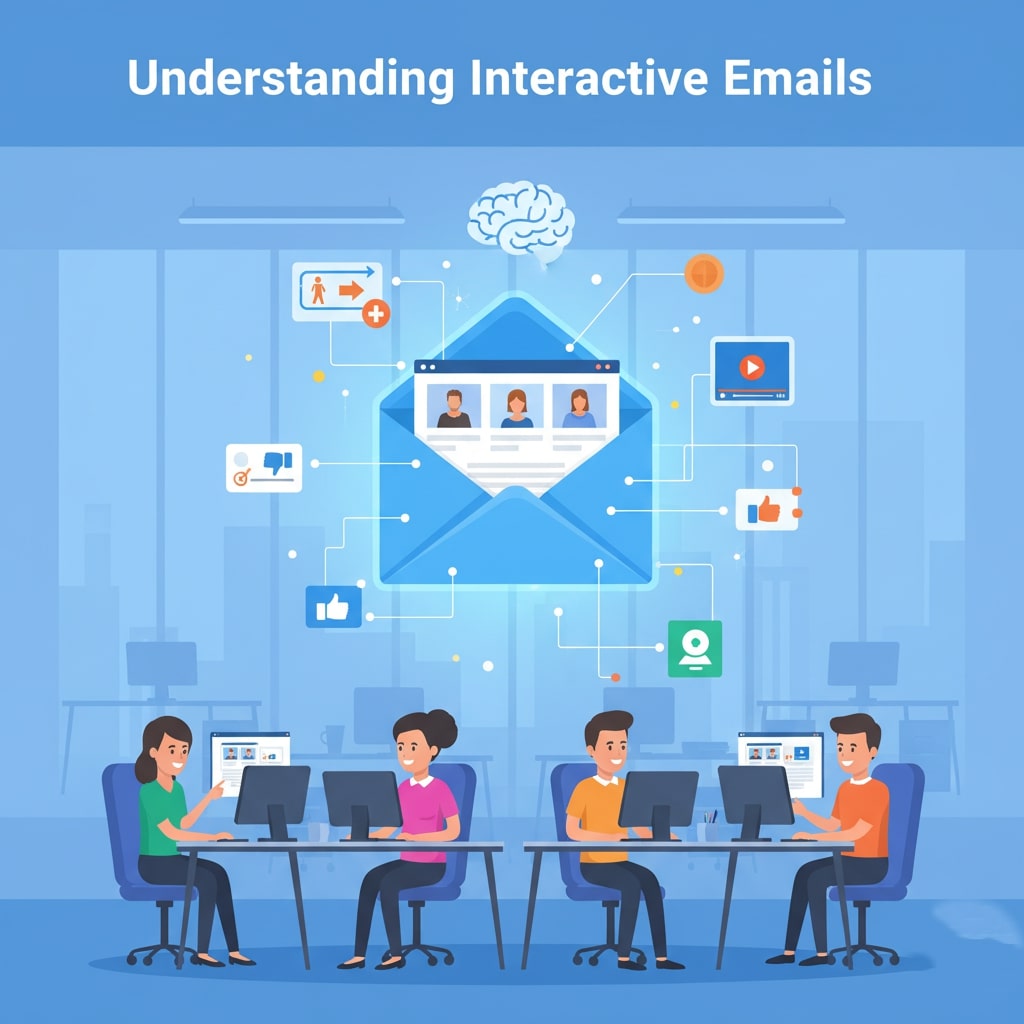
Interactive emails blend traditional email content with dynamic features that users expect on the web. Rather than clicking through to a separate landing page, subscribers can engage with interactive elements right inside the message. Common components include accordion menus for FAQs, image carousels showcasing products, embedded forms for quick surveys, and live countdown timers to build urgency. By reducing friction and streamlining the path to action, interactive emails can boost click rates, time on email, and overall conversions.
Benefits of Interactive Email Campaigns
When executed correctly, interactive emails offer multiple advantages over static alternatives. First, they increase user engagement by inviting recipients to click, swipe, or input information without leaving the email client. Second, they provide real-time feedback on subscriber preferences, enabling more accurate segmentation. Third, interactive elements can lighten the need for long scrolls by collapsing content behind accordions or tabs. Finally, the novelty factor can improve brand perception, demonstrating innovation and a user-first approach. Together, these benefits translate into higher open rates, improved click rates, and stronger ROI for your email marketing efforts.
Strategy 1: Image Carousels for Product Showcases
An image carousel allows subscribers to swipe or click through multiple images in a single email block. Retailers can highlight new arrivals, best sellers, or seasonal collections in one interactive space. Carousels reduce the need for repetitive calls to action and keep emails visually fresh. To implement a carousel, use tools or frameworks that support interactive AMP components or CSS targeting supported email clients. Always include clear fallback images for clients that do not support interactive scripts.
Strategy 2: Embedded Polls and Surveys
Asking subscribers for feedback directly in the inbox makes it easier for them to respond and for you to gather insights. Embedded polls can be as simple as a two-option yes-no question or a multi choice survey to gauge interest in upcoming products. Responses can trigger automated follow-ups or personalized recommendations, creating a feedback loop that fosters loyalty. Make sure your poll designs are concise, visually appealing, and mobile-friendly to maximize participation.
Strategy 3: Gamification Elements
Applying game mechanics to emails increases fun and motivation to engage. Examples include scratch cards that reveal a discount when swiped or spin-to-win wheels embedded in the email body. Gamification drives curiosity and encourages further interactions. When planning a game mechanic, ensure the logic is handled via supported email technologies, and provide a clear call to action after the game completes, such as “Shop Your Prize” or “Claim Your Reward.”
Strategy 4: Live Countdown Timers
Countdown timers add urgency and help communicate limited-time offers without requiring manual updates. By using animated GIFs or supported live timer scripts, you can show hours, minutes, and seconds ticking down toward a sale end or event start. Timers can increase click-through rates by creating a sense of scarcity, but they must be tested for compatibility and performance to avoid display issues in certain inboxes.
Strategy 5: Add to Calendar Buttons
For event-driven campaigns, offering an “Add to Calendar” button within the email streamlines the registration process. Subscribers simply click the button to import event details into Google Calendar, Outlook, or Apple Calendar without leaving their inbox. This reduces friction, decreases the chance of forgotten webinars or launches, and improves attendance rates. Provide clear instructions and test across calendar platforms to ensure a seamless experience.
Strategy 6: Product Configurators and Quizzes
Interactive quizzes or configurators let subscribers tailor products or recommendations directly in the email. For instance, a skincare brand could ask a few quick questions about skin type and recommend personalized product sets. By combining conditional logic with dynamic content blocks, you can deliver highly relevant offers that feel bespoke. Always plan fallback content for clients lacking support for advanced scripts.
Strategy 7: Interactive Storytelling Sequences
Interactive storytelling brings a narrative-driven experience directly into the subscriber’s inbox. Instead of presenting information in a static, linear format, you guide readers through a story made of sequential interactive elements such as tap-to-reveal text, image-driven story chapters, or scenario choices. A brand can use micro-stories to introduce a product line, demonstrate a use case, or share a customer success narrative. When subscribers tap through story parts, they feel actively involved—almost like navigating an app or mini-website inside the email.
Story-driven interactivity not only increases time spent on the email but also strengthens emotional connection, making the message more memorable. For brands with complex offerings, storytelling simplifies understanding by breaking down information into digestible pieces. You can even tailor the storyline based on user choices, leading them to personalized product recommendations, exclusive offers, or educational resources. This combination of narrative pacing and interactive engagement provides a unique experience that stands out in crowded inboxes.
Interactive Navigation Menus
Interactive navigation menus turn your email into a mini-website. These menus allow subscribers to explore different sections—such as categories, services, offers, or blog content—without scrolling endlessly. Accordions, tabs, dropdowns, and expandable menus make your email cleaner, more organized, and easier to navigate.
Brands with large product catalogs or multiple service offerings benefit the most from interactive menus. Instead of overwhelming readers with long paragraphs and cluttered layouts, the email becomes an intuitive interface where users choose what they want to explore. This dramatically reduces friction and keeps attention intact.
With interactive menus, you can highlight multiple product types, feature comparisons, or seasonal categories—all within a single email. This increases the chances of clicks because subscribers get to interact only with the content they find most relevant. Plus, analytics from these clicks provide deeper insight into user intent, helping refine future personalization and segmentation strategies.
Real-Time Personalization Blocks

Real-time personalization blocks take email customization to a new level by dynamically updating content at the moment the email is opened. These blocks can display personalized product suggestions, geo-targeted weather-based offers, nearest store availability, recently viewed items, or real-time inventory levels.
This technology allows brands to serve fresh, contextual content even if days have passed since the email was sent. Imagine a subscriber opening an email and seeing “Low stock in your size” or “Local temperature: 34°C — Shop cooling essentials.” Real-time personalization makes the message feel alive and relevant, significantly increasing the likelihood of conversion.
Additionally, these interactive blocks can present personalized countdown timers, location-based event reminders, or live price drops. They improve the subscriber experience by providing information that feels tailored and timely, resulting in higher engagement and stronger customer connections.
Interactive Tutorials and How-To Demonstrations
Interactive tutorials embed step-by-step demonstrations within the email, using tap-to-progress instructions, expandable tips, and mini product walkthroughs. This is particularly powerful for industries like tech, beauty, home improvement, or SaaS, where product usage needs explanation.
Instead of redirecting users to a website or YouTube video, you deliver a hands-on learning experience inside the inbox. Subscribers can explore features, learn usage steps, or compare variations without leaving the email. This reduces friction and increases comprehension—leading to more confident purchase decisions.
These tutorials can combine visuals, animation, clickable icons, and tooltips to explain complex steps in an intuitive way. When users interact with each step, they spend more time engaged, increasing dwell time while also absorbing more information. Interactive learning elements build trust and encourage product adoption, making them ideal for onboarding, launches, and educational content.
Tools, Platforms, and Frameworks

Building interactive emails requires the right technology stack. AMP for Email is an open source framework backed by major providers like Gmail. Many ESPs now offer built in interactive templates or plug ins for creating polls, carousels, and countdowns. Popular platforms include Mailchimp, ActiveCampaign, and Campaign Monitor. When selecting a solution, evaluate compatibility matrices, ease of use, analytics capabilities, and support for mobile responsiveness.
Best Practices and Testing
Before sending interactive emails to your full list, perform thorough testing across email clients and devices. Always include fallback content or static versions for unsupported clients. Keep interactive elements lightweight to avoid slowing down load times. Limit the number of dynamic features per email to prevent cognitive overload. Monitor performance metrics closely, comparing open rates, click rates, and conversions against static benchmarks. Use A/B testing to refine your interactive designs and determine which elements resonate most with your audience.
Conclusion
Interactive emails represent the next frontier in email marketing, offering engaging experiences that far surpass static messages. By integrating carousels, polls, gamification, timers, and more, you can capture attention, gather valuable data, and drive higher conversions. Invest in the right tools, test diligently, and follow best practices to ensure a seamless experience for all subscribers. Start experimenting with one strategy at a time, measure the impact, and iterate toward interactive campaigns that propel your email marketing performance to new heights.
Frequently Asked Questions (FAQ)
What are interactive emails?
Interactive emails are messages that include web-like features such as polls, image carousels, countdown timers, accordion menus, or embedded forms. These elements allow subscribers to engage directly inside the email without clicking out to a separate webpage, making the experience more dynamic and user-friendly.
Why should I use interactive elements in my email campaigns?
Using interactive components increases engagement by encouraging subscribers to click, swipe, or respond inside the email. This helps reduce friction, makes the content more memorable, and generates valuable real-time insights about user interests. The result is often higher open rates, improved click-through rates, and a stronger overall ROI compared to static emails.
Do interactive emails work across all email clients?
Not all email clients support every type of interactive feature. While Gmail and a few others support AMP for Email, many clients only display basic HTML. For this reason, it’s essential to include fallback content or static alternatives so the email remains functional even when advanced features aren’t supported.
Are interactive emails difficult to create?
Creating interactive emails can be simple or complex ,depending on the tools you use. Many email service providers such as Mailchimp, Campaign Monitor, and ActiveCampaign now offer built-in modules for carousels, polls, and countdowns. For more advanced interactivity, AMP for Email or specialized plugins may be required. Even without coding, marketers can often build interactive emails using drag-and-drop editors.
How do interactive emails improve conversions?
Interactive features reduce the number of steps a subscriber must take to perform an action, such as answering a survey, exploring products, or registering for an event. This shorter path leads to higher engagement and greater likelihood of clicking through to shop, sign up, or learn more, directly improving conversion rates.
Are interactive emails mobile-friendly?
Yes, most interactive elements can be optimized for mobile devices. Since a large portion of subscribers open emails on smartphones, designing with mobile responsiveness in mind—especially for polls, quizzes, and carousels—ensures a smooth user experience across all screen sizes.
What’s the best way to test interactive emails before sending?
You should test interactive emails across multiple devices and clients, including Gmail, Outlook, Apple Mail, and major mobile apps. Tools like Litmus and Email on Acid help preview how your design behaves in different inboxes. Always verify that fallback content appears correctly in clients that do not support interactivity.
Do interactive emails affect load speed?
They can, especially if heavy animations, large images, or complex scripts are included. Keeping interactive elements lightweight and optimized is essential for maintaining fast loading times. Faster emails lead to better engagement and lower bounce rates.
How do I measure the success of interactive email campaigns?
Success is typically evaluated through metrics such as click-through rate, engagement rate with the interactive elements, time spent on the email, and conversion rate. Comparing these results with static versions through A/B testing helps determine which interactive features resonate most with your audience.
Can interactive emails work for all types of businesses?
Yes. Whether you’re in e-commerce, SaaS, education, hospitality, or events, interactive emails can enhance user engagement and streamline actions. Any business that wants to increase interaction, reduce subscriber friction, and deliver a more enjoyable user experience can benefit from adopting interactive email strategies.


I'm Email Campaign Manager who helps businesses design, execute, and optimize effective email marketing campaigns. With expertise in audience segmentation, campaign automation, and performance tracking, ensures emails reach the right audience and deliver measurable results.










No Comments