

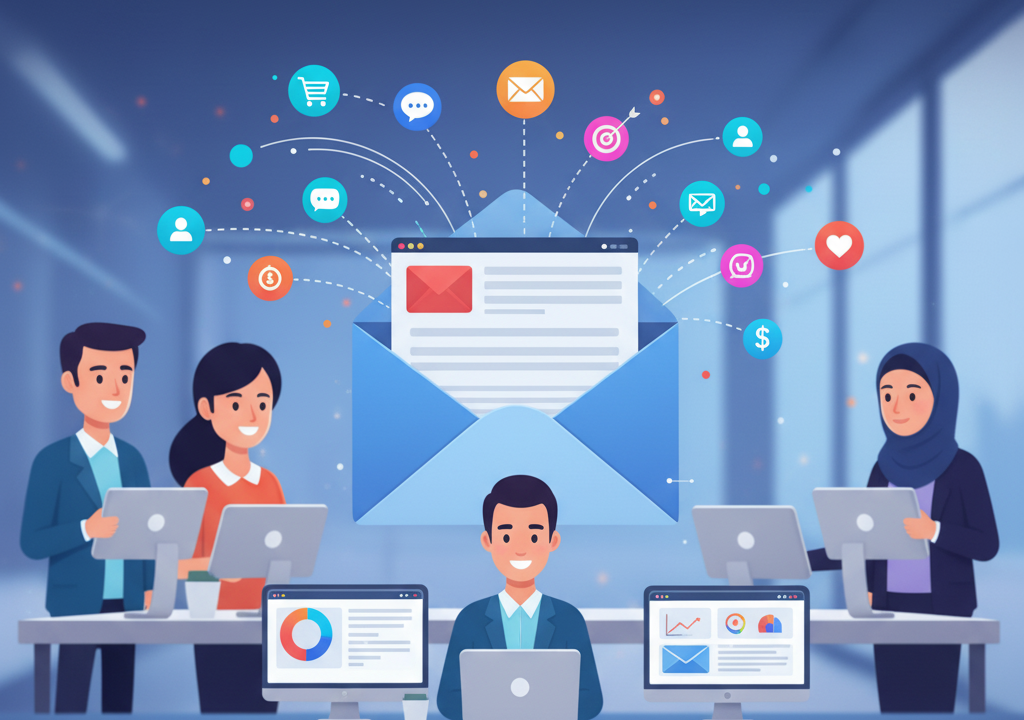
Interactive email marketing transforms traditional static emails into dynamic, engaging experiences that significantly boost open rates, click-throughs, and conversions. By incorporating features such as carousels, polls, countdown timers, accordions, and gamified elements, brands can increase engagement, collect valuable user data, and deliver highly personalized content.
In the competitive world of email marketing, grabbing subscribers’ attention is tougher than ever. Interactive elements in emails can transform a static message into an engaging experience, leading to higher open rates, click-throughs, and conversions. This comprehensive guide explores why interactive emails matter, the most effective interactive features, how to implement them using AMP for Email and fallback solutions, and best practices to ensure your campaigns captivate your audience.
Why Interactive Email Marketing Matters

Traditional email campaigns rely on static content: images, text, and call-to-action buttons. While still effective, these elements can feel stale to subscribers inundated with dozens of marketing emails daily. By adding interactivity—such as carousels, polls, countdown timers, and accordions—you tap into your audience’s curiosity and encourage real-time engagement. Benefits include:
- Improved Engagement: Interactive elements compel subscribers to click and interact within the email, boosting click-through rates.
- Enhanced Personalization: Dynamic content can change based on user input or data, delivering tailored experiences.
- Data Collection: Polls and surveys can gather valuable preferences and feedback without redirecting users to external landing pages.
- Competitive Advantage: Interactive campaigns stand out in crowded inboxes, helping your brand make a memorable impression.
Personalization Through Interactive Dynamic Content
Personalization has always been a powerful driver in email marketing, but interactivity enhances it by enabling users to shape their own experience. Interactive dynamic content goes beyond using names or segment-based recommendations—subscribers can actively influence what they see inside the email.
For example, an interactive product selector can allow users to click through categories, choose preferences, or complete a micro-survey that instantly adapts the content shown. Based on their actions, the email updates in real time to display tailored product suggestions, personalized offers, or relevant educational content. This approach reduces friction, shortens the customer journey, and increases the likelihood of conversion because subscribers feel genuinely understood and valued. Interactive personalization delivers a hybrid experience combining the convenience of browsing and the power of data-driven automation.
Gamification in Email Marketing
Gamification brings a playful, rewarding element to emails that boosts engagement and encourages repeated interactions. By integrating game-like components—such as spin-to-win wheels, scratch cards, progress bars, and hidden rewards—brands can turn a simple message into an entertaining experience. These features tap into intrinsic motivations like curiosity, competition, and the desire for rewards.
Interactive games inside emails can reveal discount codes, unlock exclusive content, or guide subscribers to limited-time offers. They also serve as powerful tools for growing loyalty programs, increasing subscriber retention, and gathering behavioral insights. When executed well, gamified emails make marketing feel less like advertising and more like participation, transforming routine campaigns into memorable brand moments.
Advanced Analytics for Interactive Elements
Interactive emails produce richer data compared to traditional campaigns. Instead of merely tracking opens and clicks, marketers can analyze detailed engagement behaviors—such as how many slides users viewed in a carousel, which poll answers were most popular, or how long subscribers hovered over interactive areas.
This granular data allows brands to refine their messaging, optimize layouts, and better understand audience preferences. For example, if customers consistently scroll through a product slider but click only certain items, that information can inform future targeting, segmentation, and product recommendations. Interactive metric insights can also help identify friction points, improve email design, and strengthen overall customer experience strategies. By integrating interactive analytics with CRM systems, businesses gain a powerful tool for continuous optimization and customer understanding.
Accessibility in Interactive Email Design
While interactive elements improve engagement, they must also be built with accessibility in mind to ensure an inclusive experience for all subscribers. Many users rely on screen readers, keyboard navigation, or high-contrast displays. Poorly designed interactive content can create barriers if it is not optimized for assistive technologies.
To achieve accessibility, marketers should ensure that interactive components include ARIA labels, ALT text, logical tab order, readable fallback content, and proper semantic structure. Interactive buttons must be easy to activate with both touch and keyboard inputs. Additionally, motion-based elements like GIFs or animations should be optimized to avoid triggering sensory discomfort. Accessible interactivity strengthens brand trust, expands audience reach, and ensures compliance with global accessibility standards. It also creates a smoother experience for all users—not only those using assistive devices.
Future Trends in Interactive Email Technology
The future of interactive email marketing is rapidly evolving, driven by advances in AI, automation, and emerging frameworks. AI-powered personalization will soon enable emails that adapt in real time based on predictive behavior models. Machine learning could determine which interactive elements to display, the difficulty level of quizzes, or the ideal product recommendations for each user.
We may also see wider adoption of live e-commerce components inside emails, such as inventory counters, dynamic pricing updates, and interactive shopping carts powered by AMP. As email clients continue to expand support for richer experiences, marketers will be able to deliver near-app-level functionality directly in the inbox. Furthermore, integrations with voice assistants, augmented reality previews, and immersive micro-apps will redefine how subscribers interact with brands. These innovations promise a future where emails aren’t merely messages but fully interactive, intelligent experiences.
Interactive Email Automation and Journey Mapping
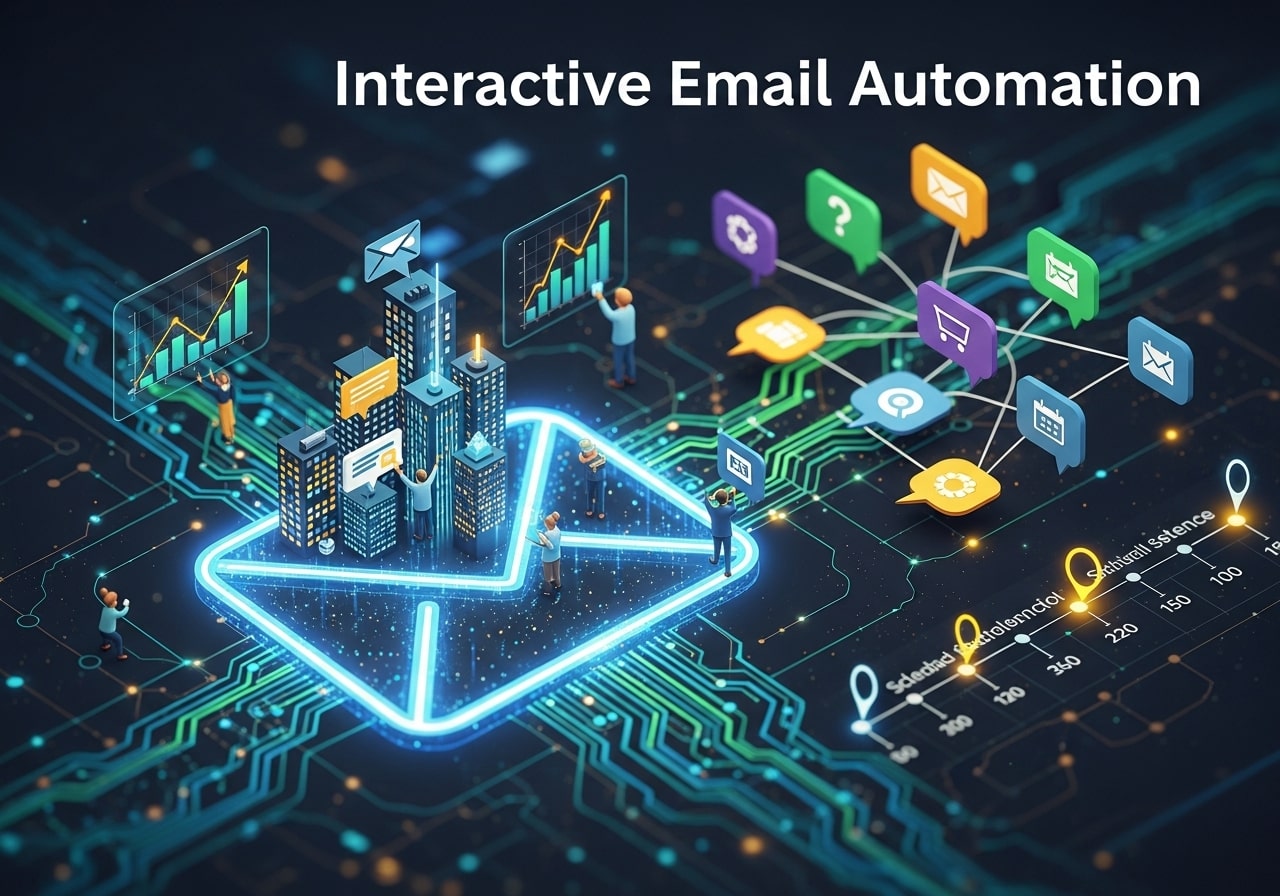
Interactive elements become even more powerful when combined with automated email flows and journey mapping. Instead of using interactivity only in one-off campaigns, brands can integrate dynamic features into onboarding sequences, abandoned-cart reminders, post-purchase follow-ups, and re-engagement campaigns.
For example, a welcome email might include an interactive preference center where new subscribers can choose topics of interest or product categories, instantly shaping the rest of their email journey. Abandoned-cart emails can include carousels showing what the user left behind, along with related recommendations they can browse without leaving the inbox. After purchase, interactive feedback forms or satisfaction sliders can collect insights in seconds.
By embedding interactivity into automated flows, marketers can create self-guided customer journeys that feel more intuitive, responsive, and personalized. This not only improves retention but also increases lifetime value by turning every touchpoint into an opportunity for meaningful engagement.
Security and Privacy Considerations in Interactive Emails
As interactivity grows, so does the importance of ensuring robust security and data privacy protections. Interactive features—especially those involving polls, forms, authentication requests, or data submission—must be handled carefully to maintain subscriber trust.
Marketers need to ensure that sensitive information is never collected directly within unsupported or unsecured environments. AMP forms must be configured with secure data endpoints, while all tracking scripts and interactive modules must comply with regulations like GDPR, CCPA, and other global privacy laws. Clear communication about data usage and permissions is essential, especially when interactive elements gather personal preferences or behavioral details.
Additionally, fallback versions must function without exposing vulnerabilities, ensuring that subscribers on non-AMP clients still receive a safe, reliable experience. By prioritizing privacy and implementing strong verification and encryption practices, brands can confidently deliver interactive emails that protect user data while enhancing engagement.
Popular Interactive Email Elements
Here are the most popular and effective interactive features you can integrate into your email campaigns:
1. Carousels and Image Sliders
Carousels allow subscribers to browse through multiple images or products directly within the email. This is especially useful for product showcases, portfolio emails, or event galleries.
2. Accordion Menus
Accordions let you collapse and expand sections of content. Use them to organize FAQs, menus, or long-form content to keep emails concise.
3. Polls, Surveys, and Quizzes
Engage subscribers with one-click polls or short quizzes. You can display a thank-you message or personalized content based on responses.
4. Countdown Timers
Create urgency by embedding live countdown timers for flash sales, product launches, or event registrations. Seeing time tick down drives action.
5. Interactive Buttons and On-Click Effects
Buttons that change color, display confirmation messages, or trigger animations can make calls to action more enticing.
6. Embedded Videos and GIFs
While embedding full videos can be challenging across email clients, animated GIFs or video thumbnails with play buttons offer a near-video experience.
Implementing Interactive Emails with AMP

AMP for Email is a framework developed by Google that enables rich interactivity within emails. Major email clients like Gmail and Yahoo support AMP. Here’s how to get started:
- Enable AMP in Your ESP: Ensure your email service provider supports AMP emails. Popular ESPs include Mailchimp, SendGrid, and Salesforce Marketing Cloud.
- Create an AMP HTML Version: Alongside your standard HTML email, build an AMP version using
<amp-email>components like<amp-carousel>and<amp-accordion>. - Provide Fallbacks: Not all email clients support AMP. Include standard HTML and a plain-text version as fallbacks so all subscribers receive a functional email.
- Validate Your AMP Email: Use Google’s AMP validation tools to check syntax and ensure compatibility.
- Test Thoroughly: Send test campaigns to multiple email clients (Gmail, Yahoo, Outlook, etc.) to verify that the interactive elements render and perform correctly.
Best Practices for Interactive Email Campaigns
To maximize the impact of your interactive elements, follow these best practices:
- Keep It Simple: Don’t overload your email with interactivity. Focus on one or two features that align with your campaign goals.
- Mobile Responsiveness: Ensure interactive components work seamlessly on mobile devices. Test on various screen sizes.
- Clear Calls to Action: Even with interactivity, maintain clear, visible CTAs for users who prefer a traditional click-through.
- Load Performance: Optimize images and code to ensure fast load times. Slow emails can frustrate subscribers and increase unsubscribes.
- Accessibility: Provide ALT text for images, ensure adequate color contrast, and include fallback text for AMP components for screen readers.
Case Study: Boosting Click-Throughs with a Poll
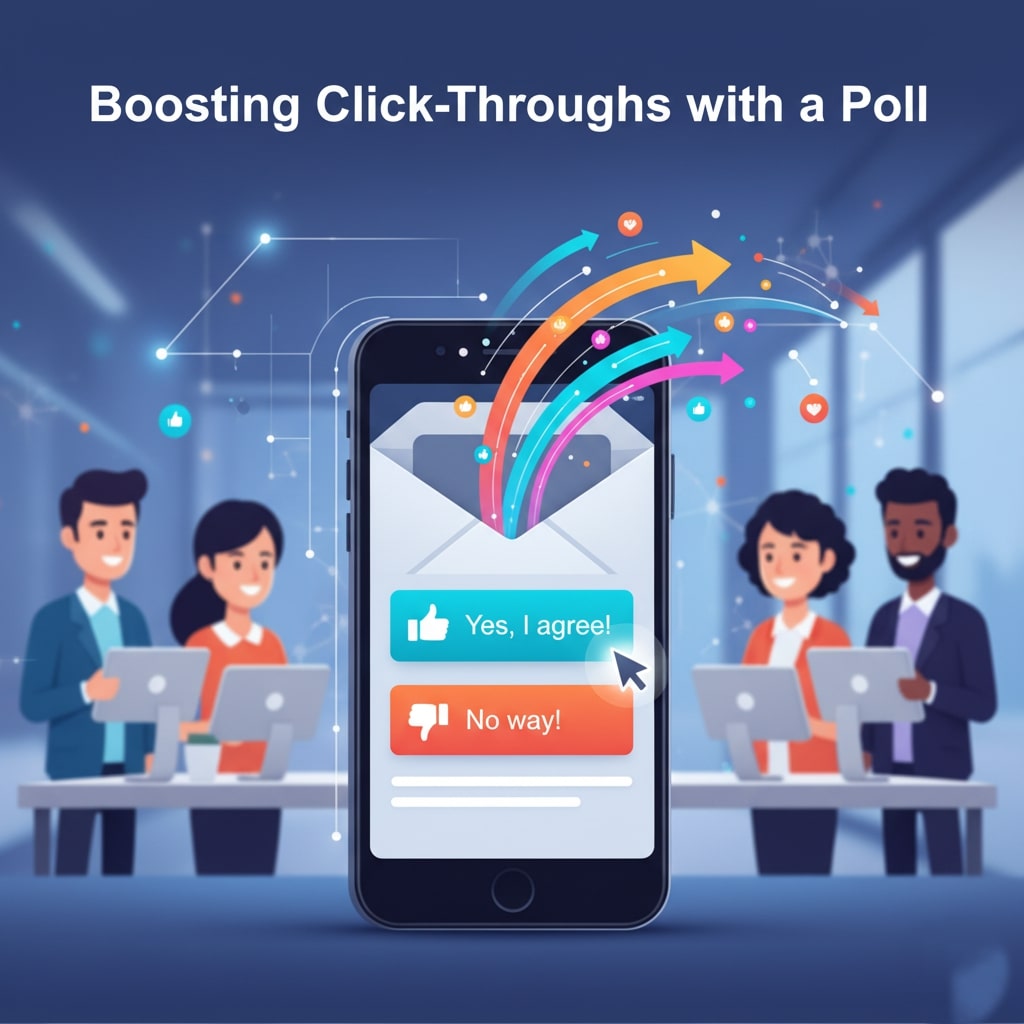
XYZ Retail ran a segmented email campaign featuring a one-question poll asking subscribers which product category they preferred. By embedding the poll directly in the email, they achieved an 18% response rate and a 25% lift in click-throughs compared to static content. Furthermore, data collected informed personalized follow-up emails, driving a 12% revenue increase in the subsequent campaign.
Conclusion
Interactive elements are redefining the email marketing landscape by turning passive recipients into active participants. Whether you choose simple accordions or dive into AMP-powered carousels and polls, prioritize seamless experiences, robust testing, and clear CTAs. By incorporating the strategies in this guide, you’ll not only boost engagement metrics but also build deeper connections with your audience—setting your campaigns apart in crowded inboxes.
FAQ: Interactive Email Marketing
1. What is an interactive email?
An interactive email includes elements that allow subscribers to engage directly within the email itself, such as carousels, polls, accordions, countdown timers, or embedded videos, rather than just clicking through to a website.
2. Why should I use interactive elements in emails?
Interactive features increase engagement, encourage clicks, collect user data, enhance personalization, and help your emails stand out in crowded inboxes.
3. Which email clients support interactive emails?
AMP-powered interactivity is supported in Gmail, Yahoo Mail, and Mail.ru. For other clients like Outlook, standard HTML fallbacks ensure your content remains accessible.
4. What is AMP for Email, and why is it important?
AMP for Email is a framework developed by Google that enables dynamic content and real-time interactivity inside emails. It allows features like carousels, forms, and polls to function directly in supported email clients.
5. How do I ensure interactive emails work for all subscribers?
Always provide fallback versions (standard HTML and plain-text) for email clients that don’t support AMP. Test across multiple devices and clients to verify rendering and functionality.
6. Can interactive emails improve conversion rates?
Yes. Interactive elements like polls, countdown timers, and carousels can significantly boost click-through and conversion rates by making the email experience more engaging and urgent.
7. Are interactive emails mobile-friendly?
They can be, but you must design with mobile in mind. Test elements like accordions, carousels, and buttons on multiple screen sizes to ensure smooth usability.
8. Do interactive emails affect email load time?
Poorly optimized interactive elements can slow load times. Minimize heavy scripts, compress images, and simplify interactivity to keep emails fast and responsive.
9. How can I measure the success of interactive emails?
Track metrics such as click-through rate (CTR), engagement rate on interactive elements, conversions, and responses to polls or surveys to gauge effectiveness.
10. Is it difficult to create interactive emails?
It depends on complexity. Simple interactivity like accordions or GIFs is easy to implement, while AMP-powered carousels, polls, and dynamic forms require more technical setup and testing. Using a capable ESP with AMP support simplifies the process.


I'm Email Campaign Manager who helps businesses design, execute, and optimize effective email marketing campaigns. With expertise in audience segmentation, campaign automation, and performance tracking, ensures emails reach the right audience and deliver measurable results.











No Comments