


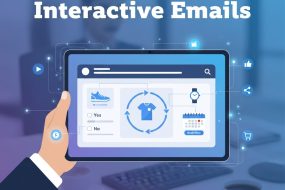
Interactive email marketing transforms traditional static emails into dynamic, engaging experiences by adding elements such as polls, carousels, countdown timers, quizzes, and forms directly inside the inbox. This approach boosts engagement, increases conversions, and enhances user experience by reducing friction and allowing subscribers to interact without leaving their email client.
In the ever-evolving world of email marketing, standing out in a crowded inbox is more challenging than ever. Traditional static emails can easily be ignored or deleted, but interactive email marketing offers a dynamic way to captivate your audience and drive engagement. By embedding interactive elements directly within your emails, you give subscribers an immersive experience that encourages clicks, feedback, and conversions without forcing them to leave their inbox. In this comprehensive guide, we explore what interactive email marketing is, why it matters, which elements to use, and how to implement best practices to supercharge your campaigns.
What is Interactive Email Marketing?
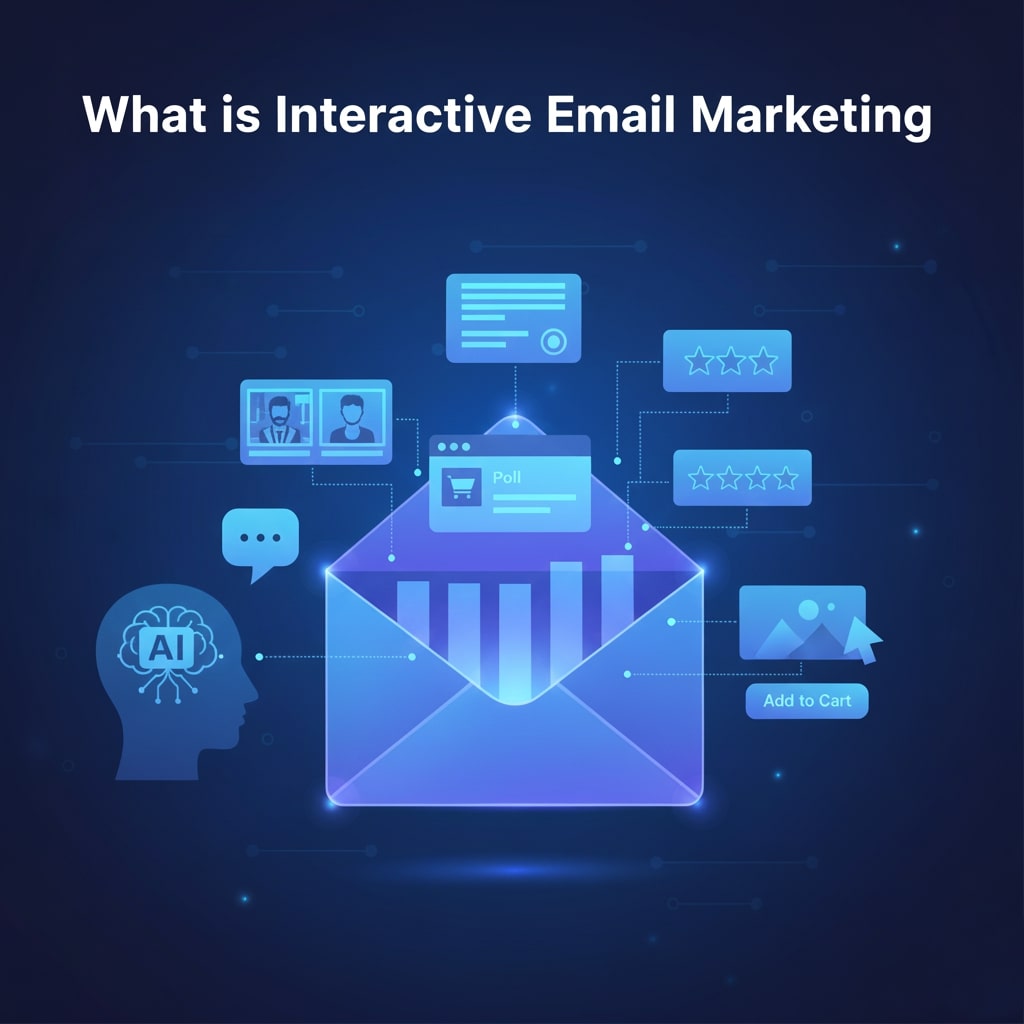
Interactive email marketing refers to the inclusion of engaging, clickable components within an email that allow recipients to take actions—such as answering polls, scrolling through image carousels, filling out forms, or clicking interactive buttons—without leaving their email client. Unlike plain-text or image-based messages, interactive emails use HTML5, CSS animations, and AMP (Accelerated Mobile Pages) technology to deliver a richer, app-like experience inside the inbox.
Rather than directing users to external landing pages, interactive elements keep subscribers engaged within the email itself, reducing friction and making it easier for them to respond immediately. These elements can range from simple GIF animations to advanced content such as product configurators or countdown timers. The result is higher click-through rates, improved user experience, and better-qualified leads.
Why Interactive Emails Matter

Interactive emails offer several benefits over traditional static messages. Here are some of the primary advantages:
- Increased Engagement: Interactive components invite subscribers to click, tap, or swipe directly within the email, boosting click-through rates and time spent with your message.
- Higher Conversion Rates: By reducing the number of steps needed to take action, interactive emails can lead to faster decisions and more sales.
- Enhanced User Experience: Interactive elements make emails feel like mini-applications, offering a novel, memorable interaction that differentiates your brand.
- Valuable Insights: Polls, surveys, and quizzes provide direct feedback from subscribers, helping you refine your messaging and product offerings.
- Reduced Bounce Rate: Engaging content keeps subscribers from deleting your message right away, improving overall deliverability metrics.
Types of Interactive Elements
There is a wide range of interactive elements you can incorporate into your emails. The right choice depends on your goals, target audience, and email platform capabilities. Here are some of the most popular options:
- Image Carousels: Allow users to swipe or click through multiple images, perfect for showcasing product variations or featured items.
- Accordions and Toggles: Enable readers to expand or collapse content sections, making long emails more scannable and interactive.
- Surveys and Polls: Embed simple multiple-choice questions directly in your email to collect opinions or preferences.
- Countdown Timers: Create urgency for limited-time offers by displaying a live countdown clock that updates in real time.
- Add-to-Calendar Buttons: Let recipients save webinar or event dates to their personal calendars with one click.
- Interactive Forms and Quizzes: Gather detailed responses or qualify leads without redirecting users away from the email.
- Hover Effects and Animations: Use subtle CSS animations to highlight buttons, links, or images as subscribers move their cursor over them.
Best Practices for Interactive Email Marketing

Successfully implementing interactive emails requires careful planning and testing. Follow these best practices to maximize performance and avoid common pitfalls:
- Prioritize Mobile Responsiveness: Over half of all emails are opened on mobile devices. Ensure your interactive elements adapt smoothly to different screen sizes and touch gestures.
- Maintain Accessibility: Provide alt text for images and fallbacks for email clients that don’t support certain interactive features. Always include a plain-text version to guarantee readability.
- Test Across Clients: Interactive emails rely on advanced coding techniques that may not be supported everywhere. Use tools like Litmus or Email on Acid to preview your emails in a variety of clients and devices.
- Keep It Simple: Don’t overwhelm subscribers with too many interactive widgets. Focus on one or two high-impact elements per email to maintain clarity and avoid distractions.
- Optimize Load Time: Heavy animations or large images can slow down rendering. Compress assets and use lightweight code to ensure quick load times.
- Measure and Iterate: Track engagement metrics—such as clicks on interactive elements, survey responses, and conversions—and refine your design and copy accordingly.
Advanced Personalization Strategies for Interactive Emails
As inbox competition intensifies, personalization has evolved from simple first-name usage to dynamic, behavior-driven content that adapts to each subscriber in real time. Interactive emails take personalization to the next level by enabling brands to deliver unique experiences based on customer data, browsing behavior, and engagement history. Instead of sending static recommendations or generic offers, marketers can embed personalized product quizzes, tailored content sliders, or dynamic forms that adjust according to user input inside the email itself. For example, a clothing brand could use an in-email style quiz to instantly display personalized outfit suggestions or size recommendations based on the subscriber’s clicks. Similarly, SaaS companies can integrate interactive onboarding modules that adapt to a user’s pain points, survey responses, or past interactions.
Data-driven personalization in interactive emails also has the advantage of making the experience feel more human and conversational. Users who feel understood and valued are more likely to engage deeply, which improves trust and retention. Furthermore, real-time personalization powered by AI algorithms can auto-adjust inventory-based sections, trending items, or time-sensitive content based on the subscriber’s demographics or geographic location. By merging interactivity with personalization, brands can deliver inbox experiences that feel custom-built for each individual, maximizing both engagement and conversions.
One of the most powerful advancements in modern email marketing is the ability to incorporate interactive elements into automated workflows. Automation ensures that subscribers receive relevant, timely messages without manual intervention, while interactivity boosts engagement within those automated sequences. When combined, they create highly efficient, conversion-focused email ecosystems. Automated interactive emails can be used across various stages of the customer journey, such as onboarding, cart recovery, re-engagement, and post-purchase nurturing. For instance, an automated onboarding sequence could include an interactive preference collector that shapes future communication, while a cart abandonment email could feature an interactive product carousel showing abandoned items with real-time pricing or availability updates.
Integrating interactivity into automation also helps marketing teams gather data continuously without relying on external survey links or feedback forms. Embedded polls and quizzes can instantly capture insights into user satisfaction, product interest, or browsing preferences—information that flows directly into your CRM or email marketing platform. This creates a loop where interactive feedback triggers the next automated step, enabling highly customized workflows driven by subscriber actions. As automation and interactivity evolve, marketers gain powerful tools to reduce friction, shorten conversion paths, and deliver more relevant content at scale.
The Role of Accessibility and Inclusivity in Interactive Emails
As interactive email marketing becomes more advanced, ensuring accessibility and inclusivity must remain a top priority. Not all subscribers interact with emails the same way—some rely on screen readers, keyboard-only navigation, high-contrast modes, or assistive technologies due to visual, motor, or cognitive disabilities. Interactive features must therefore be built with universal access in mind. This includes adding descriptive alt text to images, ensuring ARIA labels for interactive buttons, enabling proper tab navigation, and designing animations that meet WCAG guidelines for motion sensitivity. Failing to prioritize accessibility not only alienates a portion of your audience but can also harm your brand’s reputation and deliverability.
Inclusivity extends beyond technical accessibility. Interactive content should consider diverse user backgrounds, languages, cultures, and levels of digital literacy. For example, product carousels should include clear navigation cues, quizzes should use simple and culturally neutral wording, and forms should avoid requiring complex or unnecessary information. Additionally, brands must offer fallback versions for users whose email clients don’t support certain features, ensuring every subscriber receives a complete, functional experience. By embracing accessibility and inclusivity, marketers not only comply with global standards but also expand their reach and deliver interactive emails that resonate with every audience segment—regardless of ability or device limitations.
Top Tools and Platforms for Interactive Emails
Several email marketing platforms and third-party tools make it easier to build and deploy interactive emails. Here are some of the leading options:
- Mailchimp – Offers basic interactive widgets like countdown timers and surveys in its Campaign Builder.
- Campaign Monitor – Provides an email builder with drag-and-drop interactive modules and real-time previews.
- Litmus PutsMail – A testing tool to ensure your interactive code works across email clients.
- BeeFree – A third-party editor that supports AMP email creation for advanced interactivity.
- Zembula – Specializes in smart promotions like scratch-and-reveal and countdown timers that update live.
Measuring Success and Key Metrics
To gauge the effectiveness of your interactive email campaigns, monitor these critical metrics:
- Click-Through Rate (CTR): Tracks how many subscribers clicked on interactive elements versus total opens.
- Engagement Time: Measures how long recipients spend interacting with your email content.
- Conversion Rate: Calculates the percentage of recipients who completed a desired action (purchase, signup) directly from the email.
- Response Rate (Surveys/Polls): Indicates how many subscribers provided feedback through embedded forms or polls.
- Bounce and Deliverability Rates: Ensures that advanced HTML or AMP code isn’t triggering spam filters or rendering failures.
Future Trends in Interactive Email Marketing
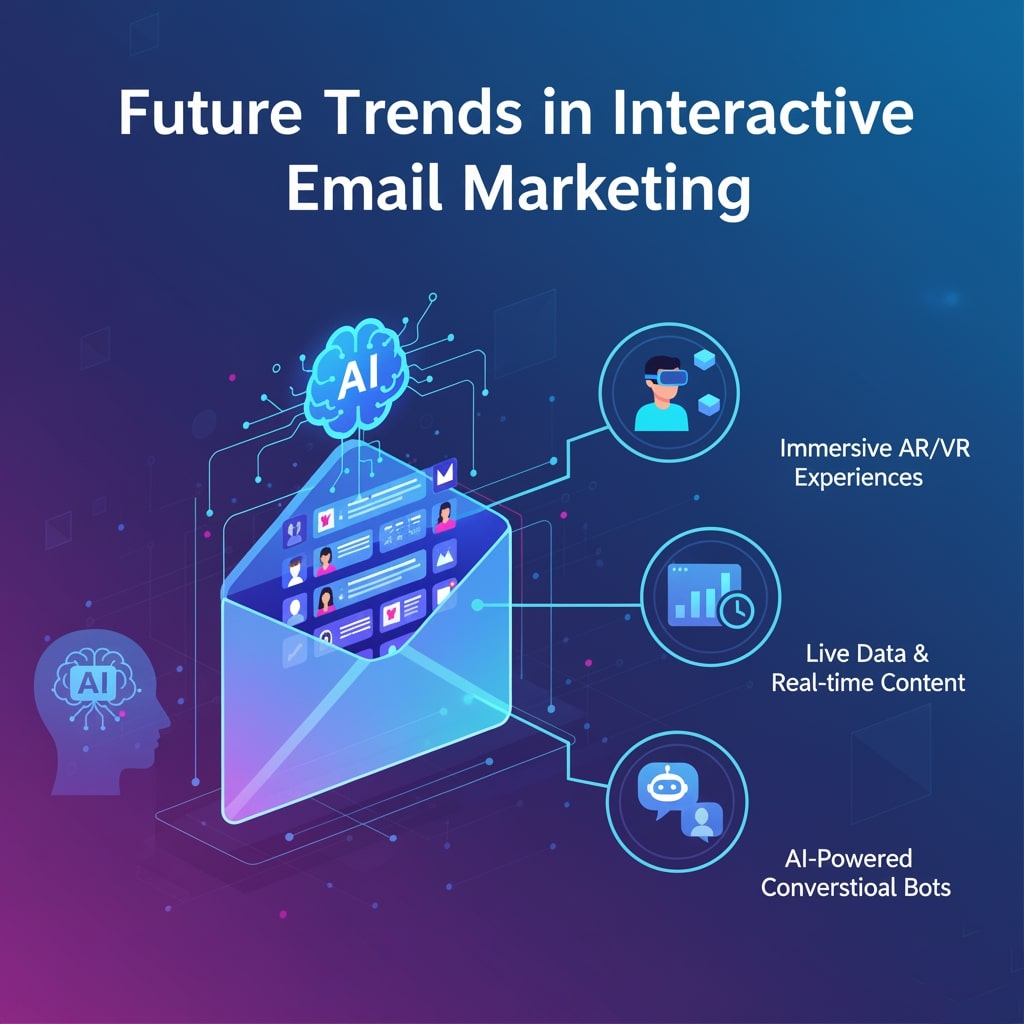
The capabilities of interactive emails continue to expand as technology evolves. Keep an eye on these emerging trends to stay ahead of the curve:
- Personalized Dynamic Content: AI-powered tools will deliver content tailored to individual behavior and preferences directly in the email body.
- Embedded eCommerce: Shoppable emails with in-email checkout will streamline the purchase process, reducing cart abandonment.
- Advanced AMP Features: As more clients support AMP, expect sophisticated forms, interactive maps, and real-time data updates within emails.
- AR/VR Previews: Augmented reality previews of products could let users virtually try on items or view 3D models directly in their inbox.
Conclusion
Interactive email marketing represents the next frontier in digital engagement, offering brands the opportunity to deliver memorable, action-driven experiences without relying on external landing pages. By carefully selecting the right interactive elements, adhering to best practices, and leveraging the latest tools and metrics, you can create high-impact campaigns that resonate with your audience and drive real results. Start small with a countdown timer or survey, measure your performance, and gradually incorporate more advanced features to keep your email strategy fresh and effective. Embrace interactivity today to stand out in the inbox and build stronger connections with your subscribers.
FAQ: Interactive Email Marketing
1. What is interactive email marketing?
Interactive email marketing involves adding clickable, engaging elements—such as polls, carousels, quizzes, or accordions—directly inside an email. These features allow subscribers to interact without visiting a separate landing page, creating a richer and more engaging inbox experience.
2. Do all email clients support interactive emails?
No. Support varies across platforms. Apple Mail, Gmail (web/mobile), and Outlook.com support many interactive features, while desktop Outlook versions have limited compatibility. To ensure a seamless experience, always include fallback content for unsupported clients.
3. Are interactive emails difficult to build?
They can be, depending on complexity. Simple interactivity like GIFs or hover effects is easy, while AMP-powered features, forms, and carousels require advanced HTML/CSS or specialized tools. Many email builders now offer drag-and-drop modules that simplify creation.
4. What industries benefit most from interactive emails?
Retail, eCommerce, SaaS, event marketing, travel, education, and media companies see strong results. Any industry that relies on product showcases, customer feedback, or immersive visuals can gain major value from interactive content.
5. Do interactive emails improve conversion rates?
Yes. By reducing friction and keeping users engaged within the inbox, interactive components can significantly improve click-through rates, increase time-on-email, and drive higher conversions—especially for promotions, surveys, and product showcases.
6. How do I test interactive features before sending?
Use tools like Litmus, Email on Acid, or PutsMail to preview your email across multiple devices and clients. Testing ensures animations render correctly, AMP components load properly, and fallback versions appear where necessary.
7. Are interactive emails mobile-friendly?
They can be, but only with responsive design. Mobile optimization is essential since more than half of email opens occur on mobile. Use touch-friendly buttons, flexible layouts, and scalable animations to ensure smooth interaction on smaller screens.
8. Do interactive elements affect load time?
Heavy images, animations, or complex AMP scripts can slow your email’s load speed. To avoid this, compress media files, use lightweight code, and keep only essential interactive components to maintain fast rendering.
9. Is AMP for email required for interactivity?
No. AMP is only one way to create interactive emails. Many elements—like carousels, accordions, GIFs, countdown timers, and hover effects—can be built using standard HTML and CSS. AMP is best for advanced features like forms, live data, or dynamic content.
10. How do interactive emails impact deliverability?
Properly coded interactive emails do not harm deliverability. Issues arise only when emails include overly large files or unsupported scripts. Clean HTML, optimized assets, and proper testing help maintain strong inbox placement.
11. How can I measure the success of interactive emails?
Track metrics such as click-through rate, engagement time, survey or quiz completion rate, conversions from interactive elements, and overall revenue impact. These insights help refine future campaigns and identify which interactive features work best.
12. Should every email include interactive elements?
Not necessarily. Overusing interactivity can overwhelm subscribers or reduce clarity. Start with one or two high-impact features based on your goal—like a carousel for product launches or a poll for feedback—then scale as needed.


I'm Email Campaign Manager who helps businesses design, execute, and optimize effective email marketing campaigns. With expertise in audience segmentation, campaign automation, and performance tracking, ensures emails reach the right audience and deliver measurable results.













No Comments