

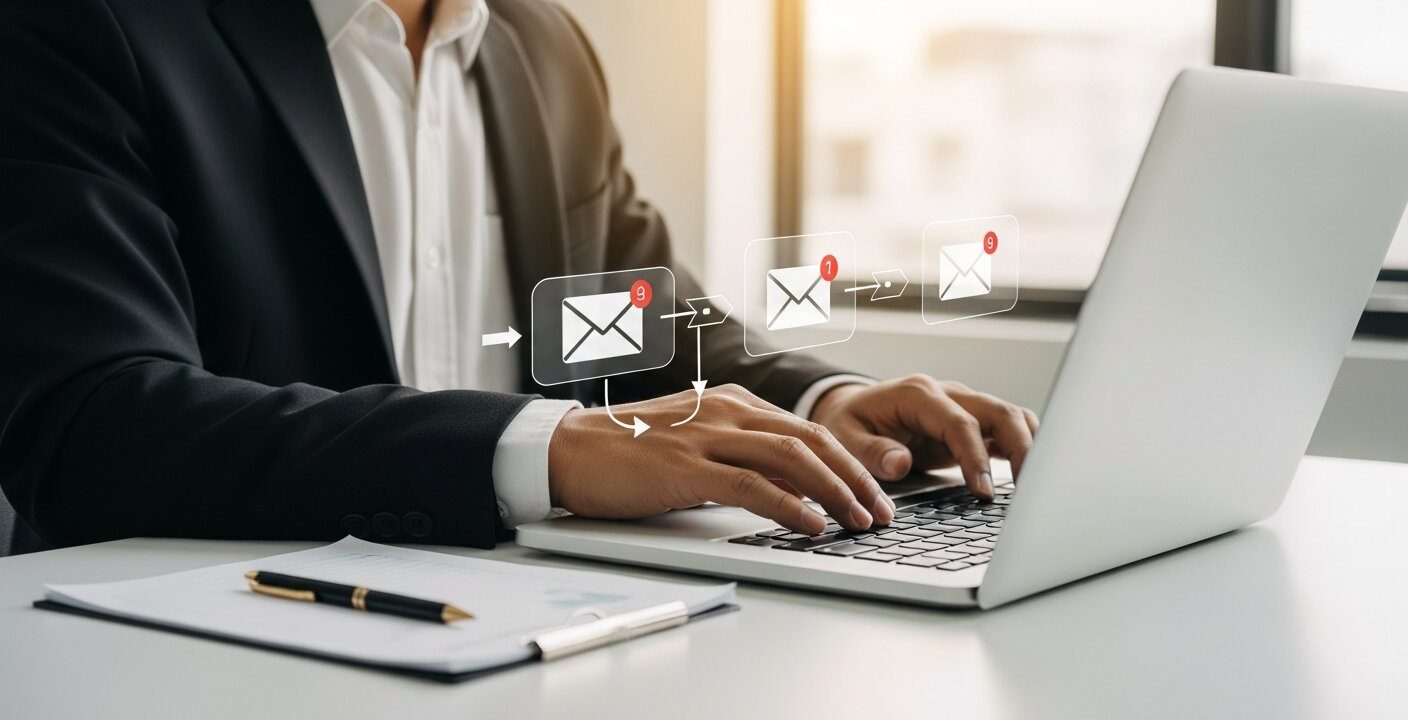
Sending an initial email to a prospect is only the first step in closing a deal or building a relationship. Most recipients ignore the first message they receive. They might be busy, distracted, or simply need more time to consider your offer. To get their attention, you need a reliable method for reaching out multiple times without spending hours tracking replies and writing new messages from scratch.
This is where an automated email follow up completely changes your workflow. By setting up a series of pre-written messages triggered by specific behaviors or timelines, you ensure no lead falls through the cracks. It allows you to maintain consistent communication with your audience, gently guiding them toward a decision.
Implementing a solid follow-up strategy saves time and significantly boosts your response rates. When you rely on software to track who needs another nudge, you free up your schedule to focus on the people who are ready to engage. This guide will walk you through the core components of follow-up automation, from choosing the right tools to crafting sequences that actually convert.
Automated Email Follow-Up Sequences
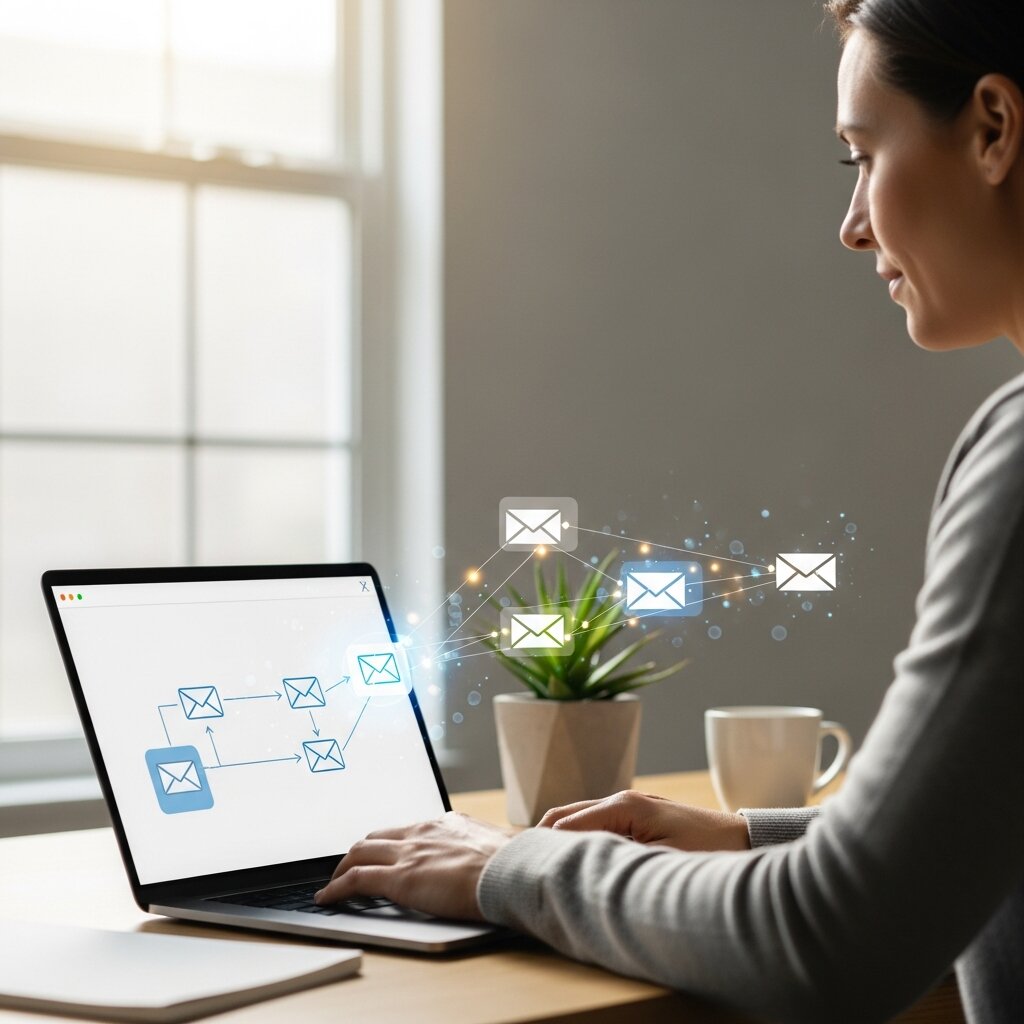
An automated email follow-up sequence is a series of messages designed to trigger after an initial contact. The goal is to keep the conversation going when a prospect goes cold. You might send the first follow-up two days after the initial pitch, a second one four days later, and a final attempt a week after that.
The structure of these sequences relies heavily on timing and relevance. If you send too many emails too quickly, you risk annoying your recipient and triggering spam filters. If you wait too long, they might forget who you are entirely. A well-paced sequence respects the recipient’s inbox while remaining persistent.
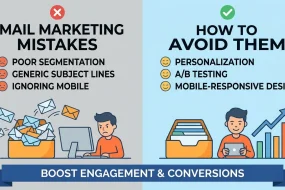
To improve your messaging quality, it’s essential to understand how to write compelling outreach. This resource on write a marketing email that actually gets results helps you craft messages that increase engagement.
Email Follow-Up Automation Tools
Choosing the right software is critical for your automated email follow up success. Email follow-up automation tools come in various shapes and sizes, catering to different business needs. Some platforms focus heavily on cold outreach, while others are built for inbound marketing and newsletter management.
When evaluating tools, look for features like conditional logic, which stops the sequence the moment a prospect replies. You also want robust analytics to track open rates, click-through rates, and overall engagement. Popular systems are often part of larger ecosystems that power full email marketing automation workflows.
Best Practices for Automated Follow-Up Emails

Writing an automated email follow up requires a delicate balance. You want to be persistent but polite. Keep your messages short and highly focused on the value you provide. Here are a few best practices to keep in mind:
Provide Context
When writing an automated email follow up, always make it clear why you are reaching out again. If you want to improve performance further, learning how to write marketing emails that actually get results is extremely helpful. Reference your previous email, a recent interaction, or a specific action they took on your website, such as downloading a resource or signing up for a trial. This simple reminder helps reconnect the conversation and makes your follow-up feel personal instead of generic.
Keep it Brief
In any automated email follow up, clarity and brevity are essential because most people quickly scan their inbox. Keep your message focused on one main idea, avoiding unnecessary details or long explanations. Highlight the key benefit early, and make it easy for the reader to understand what you are offering or asking. End with a simple, low-pressure question or call to action that encourages a quick response without overwhelming them.
Offer New Value
Sales Email Follow-Up Automation Strategy
A strong sales email follow-up automation strategy aligns closely with your buyer’s journey. Sales professionals often deal with long sales cycles, meaning follow-ups must be strategic and sustained over time.
Start by segmenting your leads based on their interest level and industry. A customized approach always outperforms a generic blast. Building those segmented audiences begins with knowing how to build email lists for marketing. Map out exactly how many touchpoints you need to make before moving a lead to a “closed-lost” status. Incorporate different angles in your messaging—one email might focus on saving money, while the next highlights time-saving features.
Drip Email Follow-Up Campaigns
Drip email follow-up campaigns are slightly different from standard sales follow-ups. These are often used for inbound leads who have downloaded a resource or subscribed to a list. The “drip” refers to a slow, steady release of educational content meant to build trust.
Each email in the drip campaign should logically lead to the next. You might start with a welcome email, follow up with a case study a few days later, and eventually present a soft pitch. Automation handles the delivery schedule, ensuring every new subscriber gets the same consistent experience regardless of when they join.
Automated Email Reminders for Leads
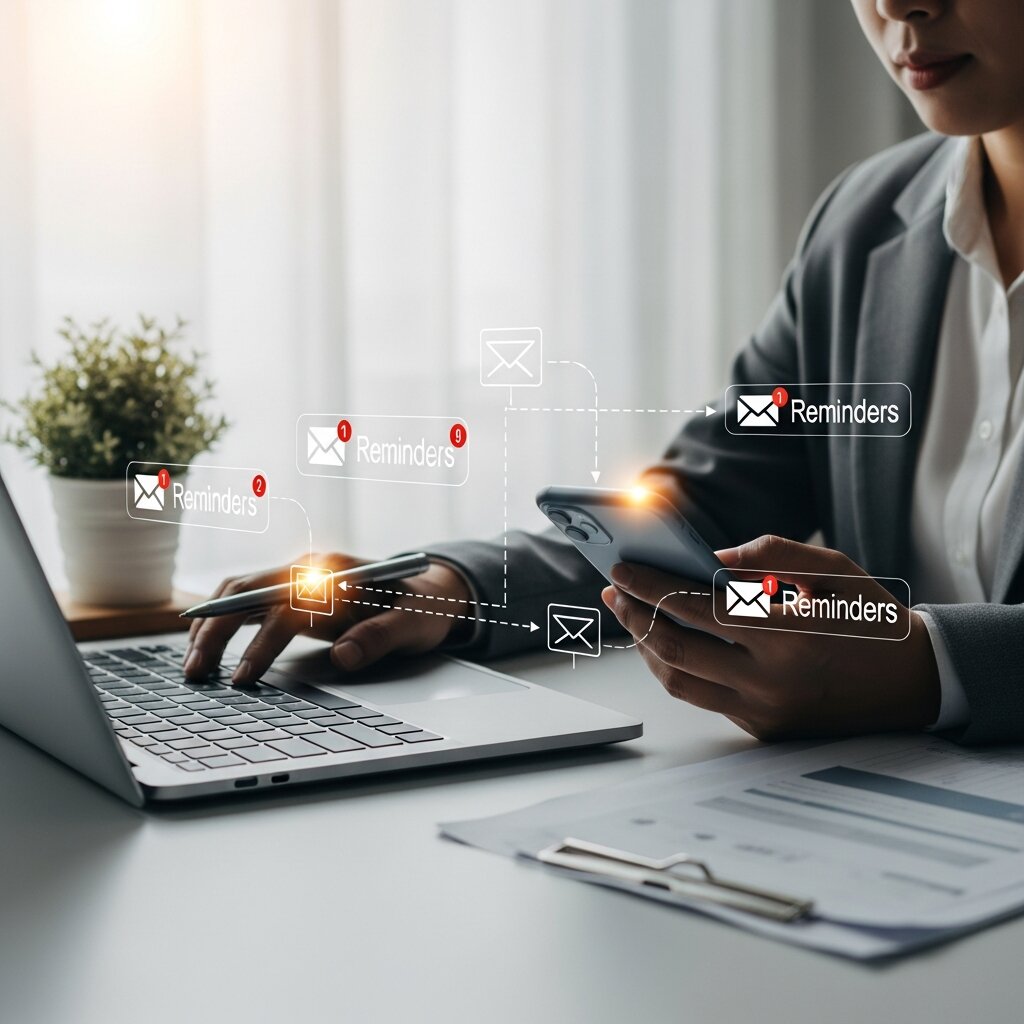
Sometimes, leads intend to reply but simply forget. Automated email reminders for leads act as a gentle tap on the shoulder. These are especially useful for events, webinars, or abandoned shopping carts.
A reminder should be highly specific. If a prospect abandoned a cart, the automated email follow up should feature the exact item they left behind. If they registered for a webinar, the reminder should include the date, time, and login link. By removing friction, you make it easy for the lead to complete the desired action.
Follow-Up Email Marketing Automation
Follow-up email marketing automation integrates your follow-up efforts with your broader marketing campaigns. When a user interacts with a specific marketing asset, automation rules can place them into highly targeted follow-up tracks.
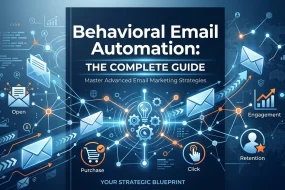
For example, if a contact clicks a link about a specific product in your monthly newsletter, marketing automation can trigger an automated email follow up dedicated entirely to that product. This level of behavioral targeting ensures your messaging remains highly relevant to the recipient’s current interests.
CRM Automated Follow-Up Emails
Your Customer Relationship Management (CRM) system is the central hub for all contact data. Utilizing CRM automated follow-up emails ensures your sales and marketing teams stay perfectly aligned.
When your follow-up sequences run directly through or integrate tightly with your CRM, every interaction is logged automatically. If a lead replies, their status updates in the CRM, alerting the assigned sales rep to take over manually. This prevents embarrassing situations where an automated follow-up is sent to someone who is already engaged in a conversation with your team.
Increase Conversions with Email Follow-Ups
The ultimate goal of any automated email follow up is to drive action. Consistent communication builds familiarity, and familiarity breeds trust. To increase conversions with email follow-ups, you must monitor your metrics closely and run A/B tests.
Test different subject lines to see which generates the highest open rate. Experiment with the timing between emails. Try different calls to action—sometimes a soft ask (“Does this sound interesting?”) works better than a hard ask (“Can we jump on a call tomorrow?”). Data-driven adjustments will slowly but surely improve your conversion rates over time.
Email Nurture Sequence Automation Tips
Nurturing leads is a marathon, not a sprint. Email nurture sequence automation tips often revolve around maintaining a helpful, non-pushy tone.
- Space them out: As the sequence progresses, increase the time between emails.
- Use plain text formatting: Highly designed templates look like marketing material. Plain text feels like a personal message from a friend.
- Keep the subject line consistent: Replying to the same thread (keeping “Re:” in the subject) shows the recipient this is an ongoing attempt to connect.
Frequently Asked Questions (FAQ)
What is an automated email follow up?
It is a scheduled, pre-written email or series of emails sent automatically to a contact who has not responded to a previous message.
Why do I need to follow up automatically?
Manual follow-ups are time-consuming and prone to human error. Automation ensures no leads are forgotten and saves you hours of manual tracking.
How many follow-up emails should I send?
Most experts recommend a sequence of three to five emails. Anything beyond that can trigger spam filters and annoy the recipient.
How much time should I leave between follow-ups?
A common cadence is waiting two days for the first follow-up, three days for the second, and four or five days for subsequent emails.
Will an automated email follow up look like spam?
Not if it is written well. Use personalization tags, plain text formatting, and highly relevant content to make it look like a manual, one-to-one email.
Do follow-up automation tools stop when someone replies?
Yes, most modern automation tools use reply detection to halt the sequence immediately once the recipient responds.
What is the difference between a drip campaign and a follow-up sequence?
A drip campaign is usually an educational series sent to inbound subscribers. A follow-up sequence is typically used in sales to elicit a response from an outbound pitch.
Can I automate follow-ups from my Gmail or Outlook?
Yes, many browser extensions and third-party tools integrate directly with Gmail and Outlook to automate sequences from your primary inbox.
What is a “breakup” email?
It is the final email in a follow-up sequence where you politely state that you won’t be reaching out anymore. It often generates a high response rate.
How do I track the success of my follow-ups?
Use your email tool’s analytics to track open rates, click rates, and reply rates. The reply rate is the most important metric for sales follow-ups.
Should I include attachments in automated follow-ups?
It is best to avoid attachments in cold outreach as they can trigger spam filters. Use links to cloud-hosted documents instead.
Can a CRM automate my follow-ups?
Many modern CRM platforms have built-in email sequencing features or integrate seamlessly with dedicated email automation software.
What should my follow-up subject line be?
Keeping the same subject line as the original email (using the “Reply” thread) is usually the most effective approach for sales follow-ups.
Is it legal to send automated cold emails?
Yes, but you must comply with regulations like CAN-SPAM (US) or GDPR (Europe), which require clear opt-out methods and accurate sender information.
How do I improve a low reply rate?
Revise your messaging to focus more on the recipient’s pain points. Ensure your list is highly targeted and experiment with different calls to action.
Ready to Transform Your Outreach?
Implementing an automated email follow up process is one of the most effective ways to scale your sales and marketing efforts without adding extra workload. Instead of manually tracking replies or repeatedly sending individual emails, automation helps you create structured follow-up sequences that run in the background, ensuring every lead receives timely and consistent communication.
This approach not only saves time but also improves lead nurturing by keeping your brand visible and relevant throughout the decision-making process. Start by reviewing your current outreach workflow to identify where prospects are losing interest or dropping off. Then, select an automation tool that matches your budget and business needs, and build a simple multi-step sequence focused on value-driven messaging.
With a well-planned automated email follow up system in place, you can test different timing, messaging styles, and calls to action to see what resonates best with your audience. Over time, this consistent and strategic approach leads to higher engagement, stronger relationships, and significantly improved conversion rates.


I'm Email Marketer who crafts targeted campaigns that drive engagement, nurture leads, and boost conversions. With a passion for creating personalized email strategies.





No Comments