

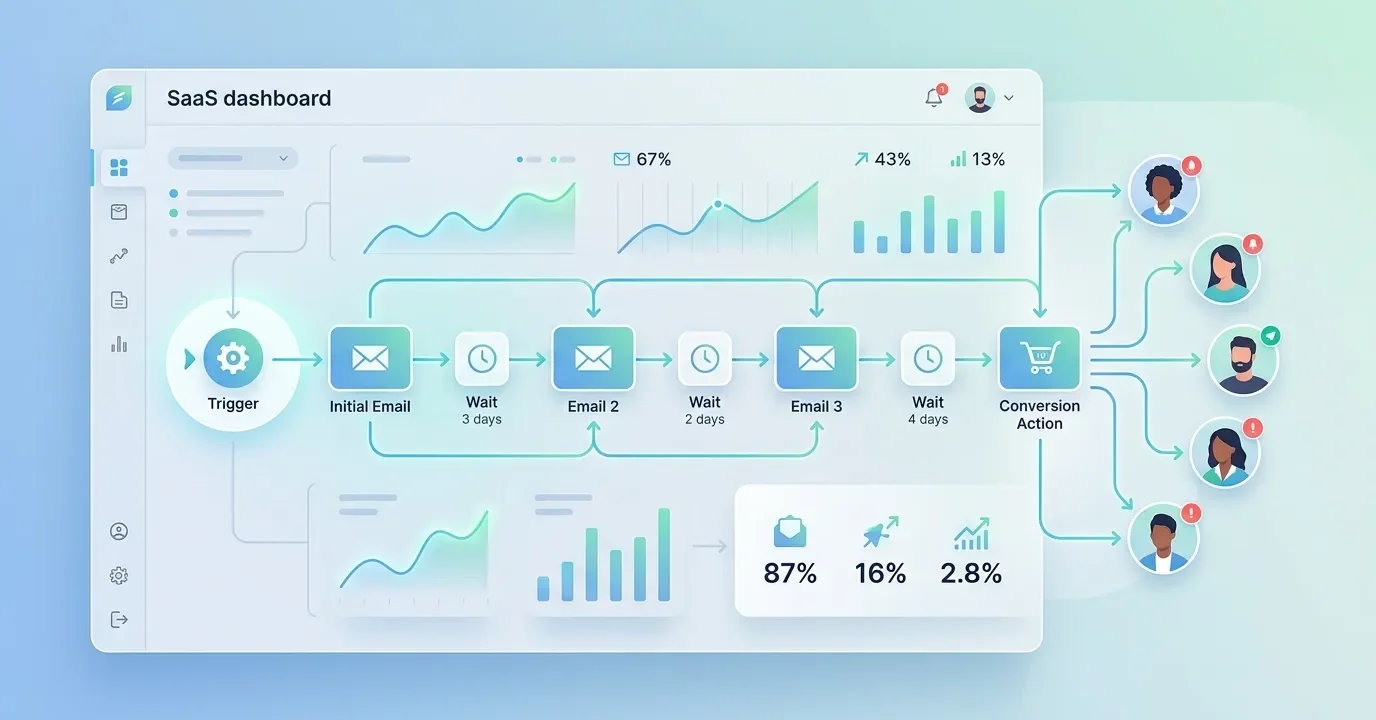
An automated email sequence is a series of pre-written emails that send automatically based on a schedule or a subscriber’s actions. It helps businesses nurture leads, onboard customers, and drive sales without manual effort. Setting one up involves choosing a goal, mapping your workflow, writing the emails, and adding behavior-based triggers.
Sending the same email to thousands of people, one by one, simply isn’t realistic. That’s where an automated email sequence comes in. Once you build it, the system does the heavy lifting—delivering the right message to the right person at exactly the right moment.
The payoff is worth it. Automated emails generate significantly higher open and click rates than standard one-off campaigns, largely because they arrive when subscribers are most engaged. Yet many marketers still treat automation as a “set it and forget it” tool, missing the chance to build real relationships at scale.
This guide breaks down everything you need to know about building an effective automated email sequence. You’ll learn how to design an email automation workflow, choose the right triggers, and structure sequences for onboarding, lead nurturing, and follow-ups. By the end, you’ll have a clear roadmap to launch your first (or next) campaign with confidence.
What is an automated email sequence?
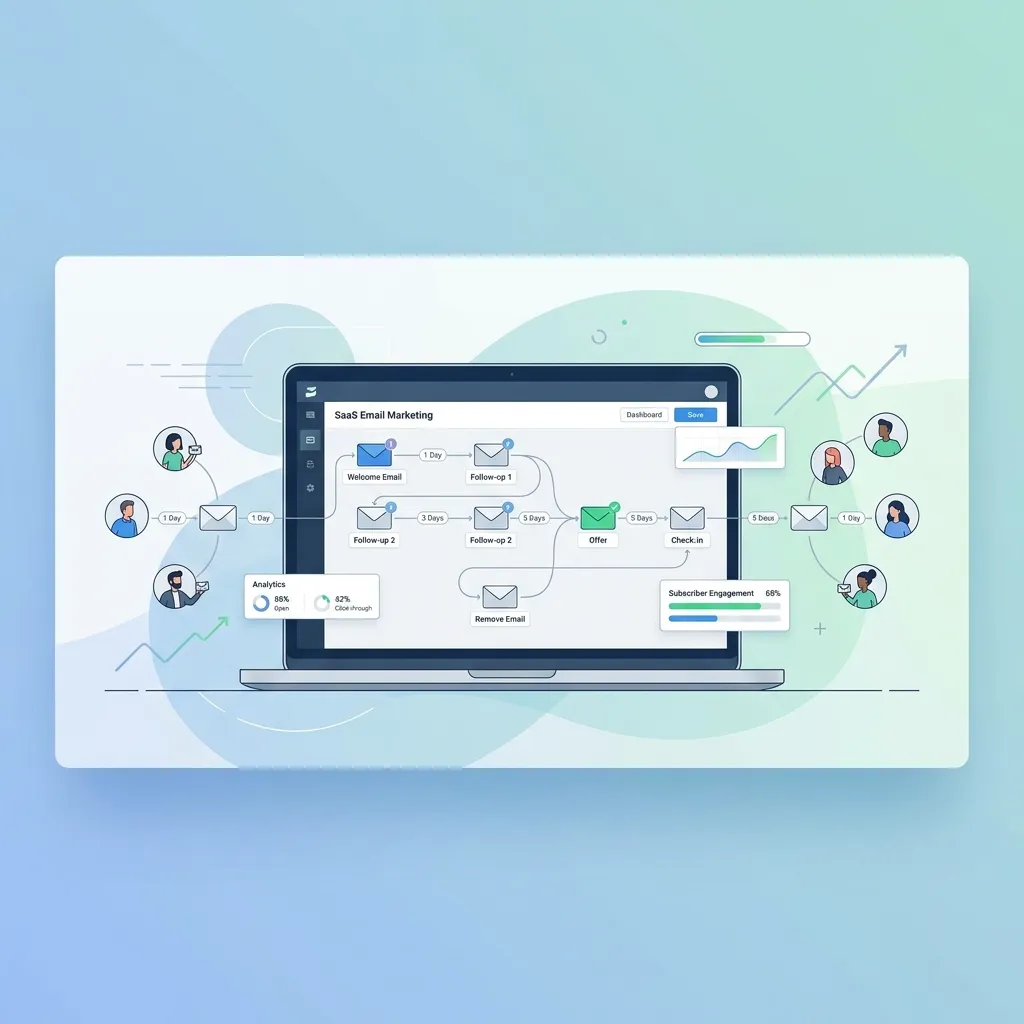
An automated email sequence is a set of emails scheduled to send automatically based on time intervals or subscriber behavior. Instead of writing and sending each message manually, you build the sequence once and let your email marketing platform handle delivery.
A deeper breakdown of system structure can be found in guides on email marketing automation fundamentals, which explain how platforms manage workflows behind the scenes.
These sequences fall into two broad categories:
- Time-based sequences: Emails send according to a fixed schedule. For example, a new subscriber gets email one immediately, email two after three days, and email three a week later.
- Behavior-based sequences: Emails send in response to specific actions, like a purchase, a clicked link, or an abandoned cart.
Most strong campaigns blend both approaches. A welcome series might follow a schedule, while a follow-up email fires only after someone downloads a guide. This flexibility is what makes an automated email marketing strategy so powerful—it meets people where they are.
Why does an automated email marketing strategy matter?
A well-built automated email marketing strategy saves time and boosts revenue at the same time. Here’s why it deserves a spot in your toolkit.
It runs around the clock. Your sequence works while you sleep, welcoming new subscribers and reminding shoppers about items left in their cart. There’s no need to manually press send during business hours.
It delivers consistency. Every new lead receives the same polished onboarding experience. Nothing slips through the cracks because someone forgot to follow up.
It scales effortlessly. Whether you have 100 subscribers or 100,000, the workload stays the same. The automation handles the volume.
It improves relevance. Behavior-based email triggers let you send messages tailored to what each person actually does. Relevant emails earn more opens, clicks, and conversions.
How does an email automation workflow actually work?
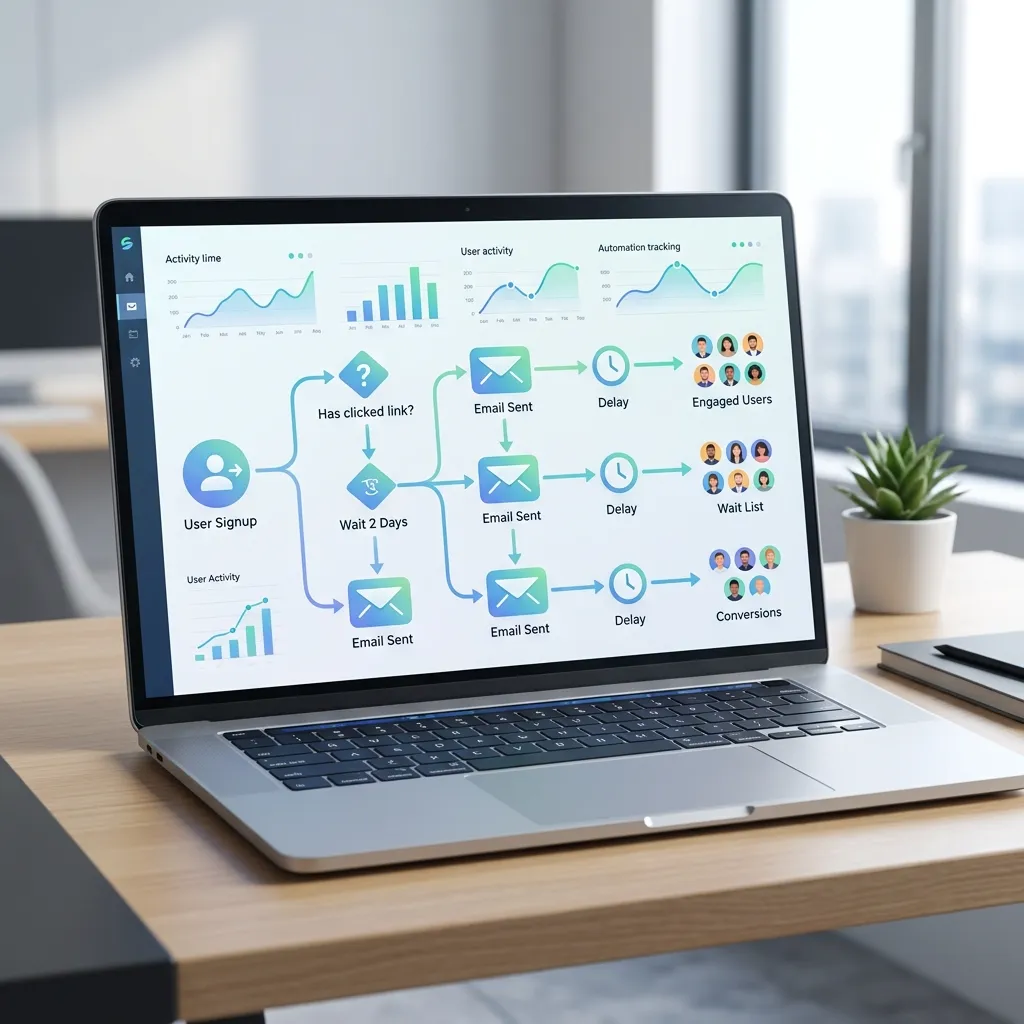
An email automation workflow is the visual map of your sequence—the path a subscriber travels from the first email to the last. Think of it as a flowchart with branches.
This workflow is often built inside tools that also support advanced campaign planning like email workflow automation for better ROI, which helps businesses design high-performing funnels.
Every workflow has three core parts:
1. The trigger
The trigger is the event that starts the sequence. Common triggers include:
- Signing up for a newsletter
- Making a purchase
- Abandoning a cart
- Downloading a resource
- Clicking a specific link
2. The conditions
Conditions decide which path a subscriber follows. For instance, if someone opens your first email, they might receive a different follow-up than someone who ignored it. These “if/then” rules personalize the journey.
3. The actions
Actions are what the system does next—usually sending an email, but sometimes adding a tag, updating a contact field, or waiting a set number of days before the next step.
When you combine these pieces thoughtfully, you create email marketing funnel automation that guides people from first contact to loyal customer without constant oversight.
How do you set up an automated email sequence step by step?
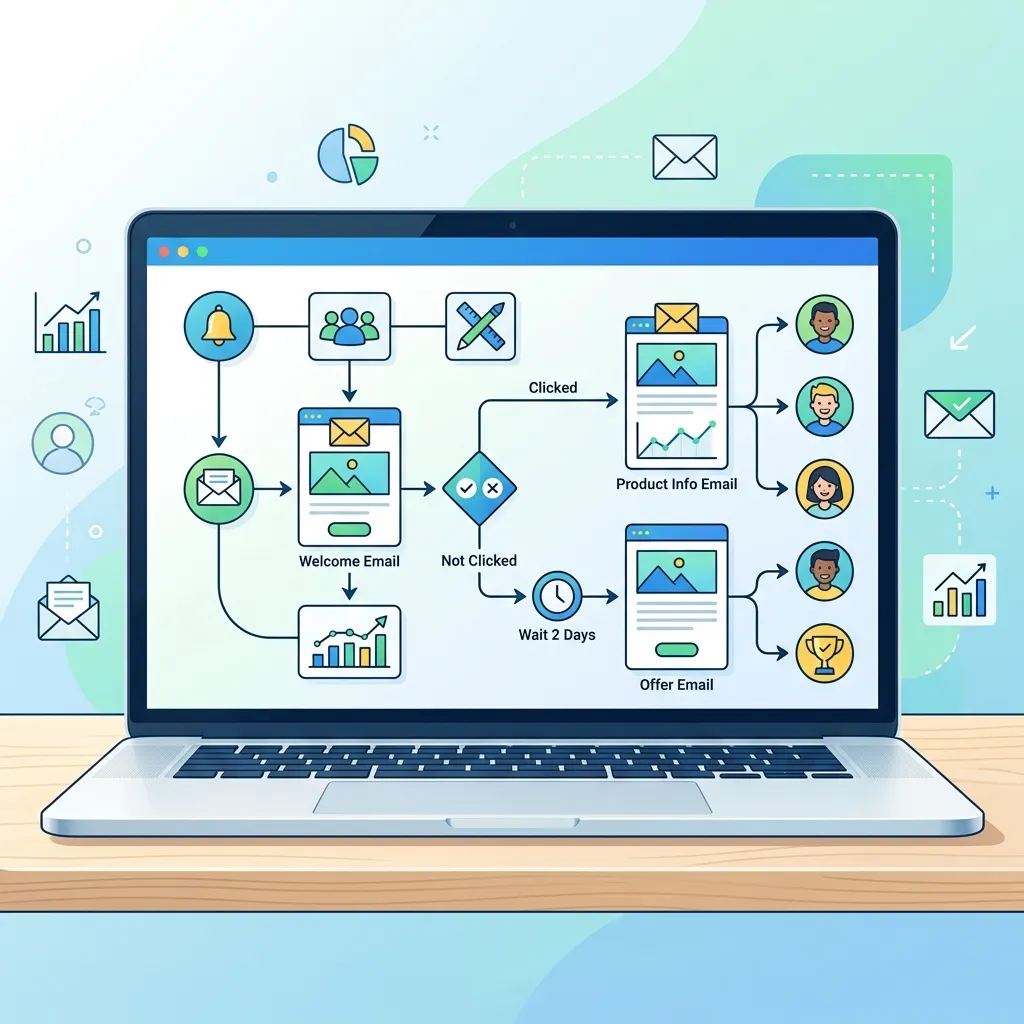
Building your first sequence feels less overwhelming when you break it into clear stages. Follow these six steps.
Step 1: Define your goal
Start with the outcome you want. Are you welcoming new subscribers, recovering abandoned carts, or re-engaging inactive contacts? Your goal shapes every decision that follows. A customer onboarding email sequence looks very different from a sales-focused drip campaign.
Step 2: Choose your trigger
Decide what event kicks off the sequence. For a welcome series, the trigger is a new sign-up. For a re-engagement campaign, it might be 60 days of inactivity. Pick a trigger that matches your goal.
Step 3: Map your workflow
Sketch out the full path before you write a single word. Note how many emails you’ll send, the timing between them, and any branches based on subscriber behavior. This blueprint becomes your email automation workflow.
Step 4: Write your emails
Now craft the messages. Keep each email focused on one clear idea and one call to action. Write subject lines that earn opens, and make sure every email moves the reader closer to your goal.
Step 5: Add behavior-based triggers
Layer in conditions that respond to subscriber actions. Did someone click a product link but not buy? Send a gentle reminder. Did they open every email? Offer them an exclusive deal. These behavior-based email triggers make your sequence feel personal.
Step 6: Test and optimize
Before launching, send test emails to check formatting, links, and timing. Once live, track open rates, click rates, and conversions. Use that data to refine your subject lines, timing, and content over time.
What are the most effective types of automated email sequences?
Different goals call for different sequences. Here are the most valuable types to consider for your automated follow-up email system.
Customer onboarding email sequence
A customer onboarding email sequence welcomes new users and helps them get value from your product fast. It typically introduces key features, shares helpful tips, and points people toward their first “win.” Strong onboarding reduces churn and turns trial users into paying customers.
A simple onboarding flow might look like this:
- Welcome email — sent immediately, thanking the user and setting expectations.
- Getting started email — sent on day two, highlighting one core feature.
- Tips email — sent on day five, sharing best practices.
- Check-in email — sent on day ten, inviting feedback or questions.
Lead nurturing email automation
Lead nurturing email automation builds trust with prospects who aren’t ready to buy yet. Instead of pushing for a sale, these emails educate and add value. You might share blog posts, case studies, or industry insights that position your brand as a helpful expert.
This email nurture sequence works well for longer sales cycles, where buyers need time and information before they commit.
Drip email marketing campaign
A drip email marketing campaign sends a steady stream of pre-written emails over time. “Drip” refers to the slow, scheduled delivery. These campaigns work well for delivering courses, sharing a content series, or gradually introducing a product’s benefits.
Automated follow-up email system
Following up is where many sales are won or lost. An automated follow-up email system makes sure no lead goes cold. After a demo, a download, or a purchase, the right follow-up keeps the conversation going and prompts the next action.
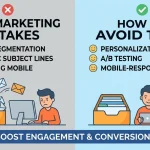
What are common email automation mistakes to avoid?
Even a well-planned sequence can underperform if you fall into these traps.
Sending too many emails too fast. Bombarding new subscribers leads to unsubscribes. Space your messages out and respect your audience’s inbox.
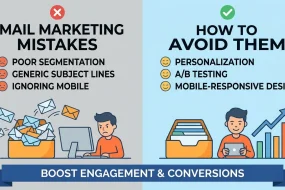
Ignoring segmentation. Sending identical emails to everyone wastes the power of automation. Group subscribers by interest, behavior, or stage in the funnel.
Forgetting to update content. An email autoresponder sequence setup isn’t permanent. Review your sequences every few months to keep offers, links, and messaging current.
Skipping the testing phase. Broken links and formatting errors damage trust. Always test before you launch.
How long should an automated email sequence be?
There’s no universal answer—it depends on your goal. A welcome series often runs three to five emails over one to two weeks. A lead nurturing email automation sequence might stretch over several weeks with six to ten emails. An abandoned cart sequence usually needs just two or three emails within 48 hours.
The right length is the one that achieves your goal without overwhelming your subscribers. Watch your unsubscribe and engagement rates, then adjust accordingly.
Start building your automated email sequence today
An automated email sequence is one of the highest-return investments you can make in your marketing. It saves hours of manual work, delivers consistent experiences, and nurtures relationships at a scale no human team could match on its own.
To scale further, businesses often combine automation with advanced systems like mastering email marketing with Mailchimp or other enterprise tools that support complex workflows.
Begin small. Pick one goal—maybe a customer onboarding email sequence or a simple welcome series—and build it from start to finish. Map your email automation workflow, write focused emails, and add a few behavior-based triggers. Once it’s running, use your results to expand into lead nurturing, drip campaigns, and follow-up systems.
The sooner you set up your first sequence, the sooner it starts working for you—day and night.
Frequently asked questions
What is the difference between a drip campaign and an automated email sequence?
A drip email marketing campaign is one type of automated email sequence. Drip campaigns send emails on a fixed schedule, while the broader category of automated sequences also includes behavior-based emails that trigger from specific subscriber actions. In short, all drip campaigns are automated sequences, but not all automated sequences are drip campaigns.
How much does it cost to set up an automated email sequence?
Costs vary based on your email marketing platform and list size. Many platforms offer free plans for small lists, with paid tiers starting around $10 to $30 per month. Larger lists and advanced automation features cost more. The main investment beyond software is the time you spend planning and writing your sequences.
How many emails should be in an email nurture sequence?
A typical email nurture sequence includes five to ten emails spread over a few weeks. The exact number depends on your sales cycle and goal. Longer, more considered purchases usually need more touchpoints, while simpler offers may convert with just a few well-timed messages.
What are behavior-based email triggers?
Behavior-based email triggers are conditions that send emails in response to specific subscriber actions, such as opening an email, clicking a link, making a purchase, or abandoning a cart. These triggers make your automated email marketing strategy more relevant by tailoring messages to what each person actually does.
Can I set up an automated email sequence without technical skills?
Yes. Most modern email marketing platforms use drag-and-drop builders that require no coding. You can create an email automation workflow visually, write your emails, and set triggers through a simple interface. The bigger challenge is strategy and copywriting, not technology.
What is an automated email sequence in digital marketing?
An automated email sequence is a set of pre-written emails that are sent automatically based on user actions or a fixed schedule to improve engagement and conversions.
How does an automated email sequence work?
An automated email sequence works by triggering emails when a user signs up, makes a purchase, or takes a specific action, allowing businesses to communicate without manual effort.
Why is an automated email sequence important for businesses?
An automated email sequence helps businesses save time, nurture leads, and increase sales by delivering timely and relevant messages to subscribers.
What are the main types of automated email sequences?
Common types include welcome emails, onboarding sequences, lead nurturing campaigns, and abandoned cart follow-ups within an automated email sequence strategy.
How do I create an automated email sequence?
To build an automated email sequence, define your goal, choose a trigger, map the workflow, write emails, and set up automation using an email marketing tool.
What triggers are used in an automated email sequence?
An automated email sequence can be triggered by actions like sign-ups, purchases, downloads, or user inactivity depending on your marketing goals.
How long should an automated email sequence be?
The length of an automated email sequence depends on your objective, but most campaigns include 3 to 10 emails spread over several days or weeks.
Can an automated email sequence increase sales?
Yes, a well-structured automated email sequence improves conversions by guiding users through the buyer journey with targeted and timely messaging.
What tools are used to build an automated email sequence?
Popular tools like Mailchimp, ActiveCampaign, HubSpot, and ConvertKit help businesses create and manage an automated email sequence easily.
Is an automated email sequence suitable for beginners?
Yes, beginners can easily set up an automated email sequence using drag-and-drop email marketing platforms without needing coding skills.


I'm Email Marketer who crafts targeted campaigns that drive engagement, nurture leads, and boost conversions. With a passion for creating personalized email strategies.






No Comments