

Email campaign management is the process of planning, building, sending, and analyzing marketing emails to reach specific goals. Strong campaign management combines clear strategy, smart list segmentation, automation tools, and ongoing performance tracking to boost engagement and conversions.
Email still delivers some of the best returns in marketing. The challenge isn’t whether to use it—it’s how to manage campaigns well enough to stand out in a crowded inbox. Sloppy planning leads to ignored messages, high unsubscribe rates, and wasted budget. Thoughtful campaign management does the opposite.
This guide walks you through the full lifecycle of an email campaign, from building a strategy to measuring results. You’ll learn how to segment your list, set up automation, track the right metrics, and steadily improve your conversion rate. Whether you run a small newsletter or a large multi-stage funnel, these practices will help you get more from every send.
Let’s break down what it takes to run email campaigns that actually work.
What is email campaign management?
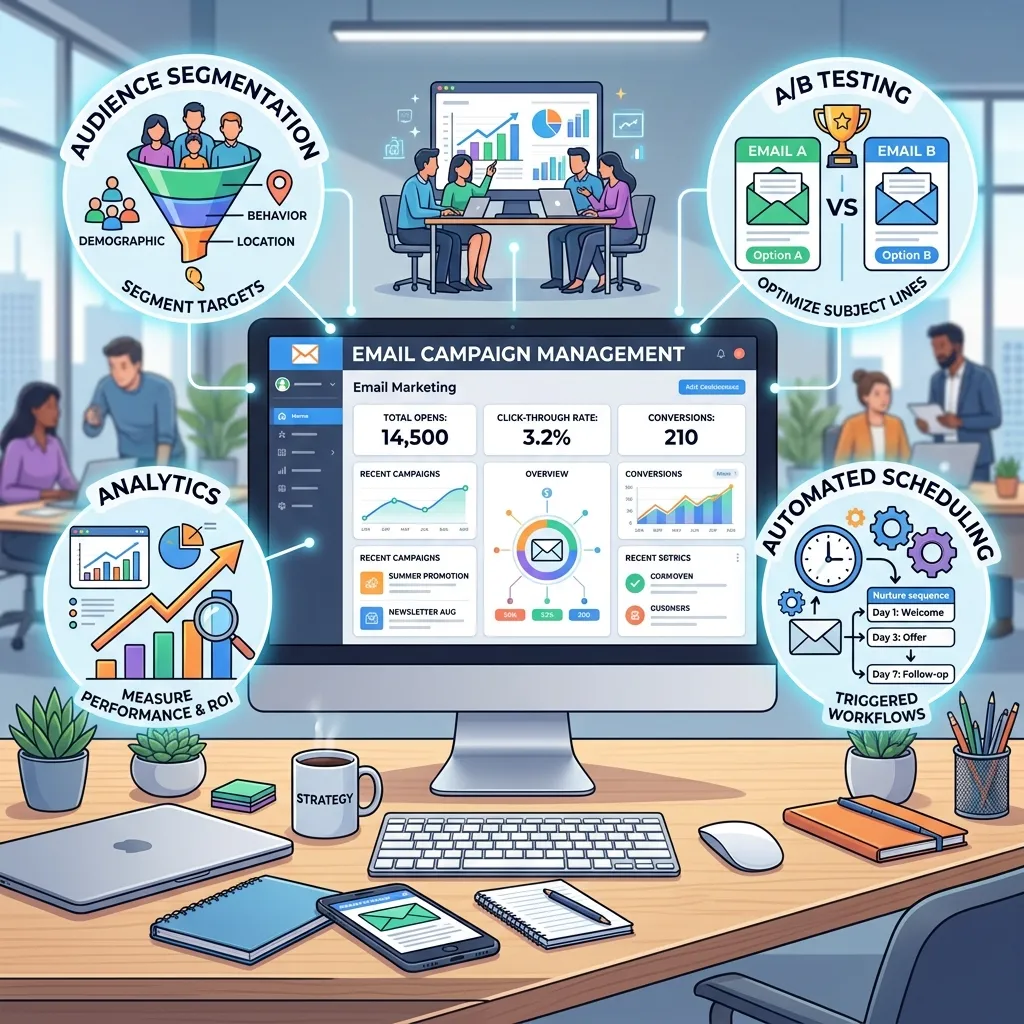
Email campaign management covers every step involved in running a marketing email program. That includes setting goals, designing emails, organizing your contact list, scheduling sends, automating sequences, and reviewing performance after each campaign.
Think of it as the system that keeps your email marketing organized and accountable. Without it, sends become random and reactive. With it, each email serves a clear purpose and ties back to a measurable outcome—more sign-ups, more sales, or stronger customer relationships.
Good campaign management balances two things: creativity and process. The creative side shapes your message and design. The process side makes sure that message reaches the right people at the right time, and that you learn something from every send.
How do you build an email campaign management strategy?
A solid strategy is the foundation of every successful campaign. Skip this step, and you’ll find yourself sending emails with no clear reason behind them.
Start by defining your goal. Are you trying to nurture leads, recover abandoned carts, promote a product launch, or re-engage inactive subscribers? Each goal shapes the content, timing, and audience of your campaign.
Next, map your campaign to the customer journey. A new subscriber needs different messaging than a loyal customer. Outline the stages your audience moves through, then plan which emails support each stage.
Finally, set measurable targets. Instead of a vague aim like “get more engagement,” choose a number you can track—say, a 25% open rate or a 4% click-through rate. Clear targets give you something concrete to measure against later.
Why does goal-setting matter so much?
Goals act as a filter for every decision you make. When you know your aim, choosing a subject line, a send time, or a call to action becomes much easier. Goals also keep your team aligned, so everyone works toward the same outcome rather than guessing.
What is the best email list segmentation strategy?
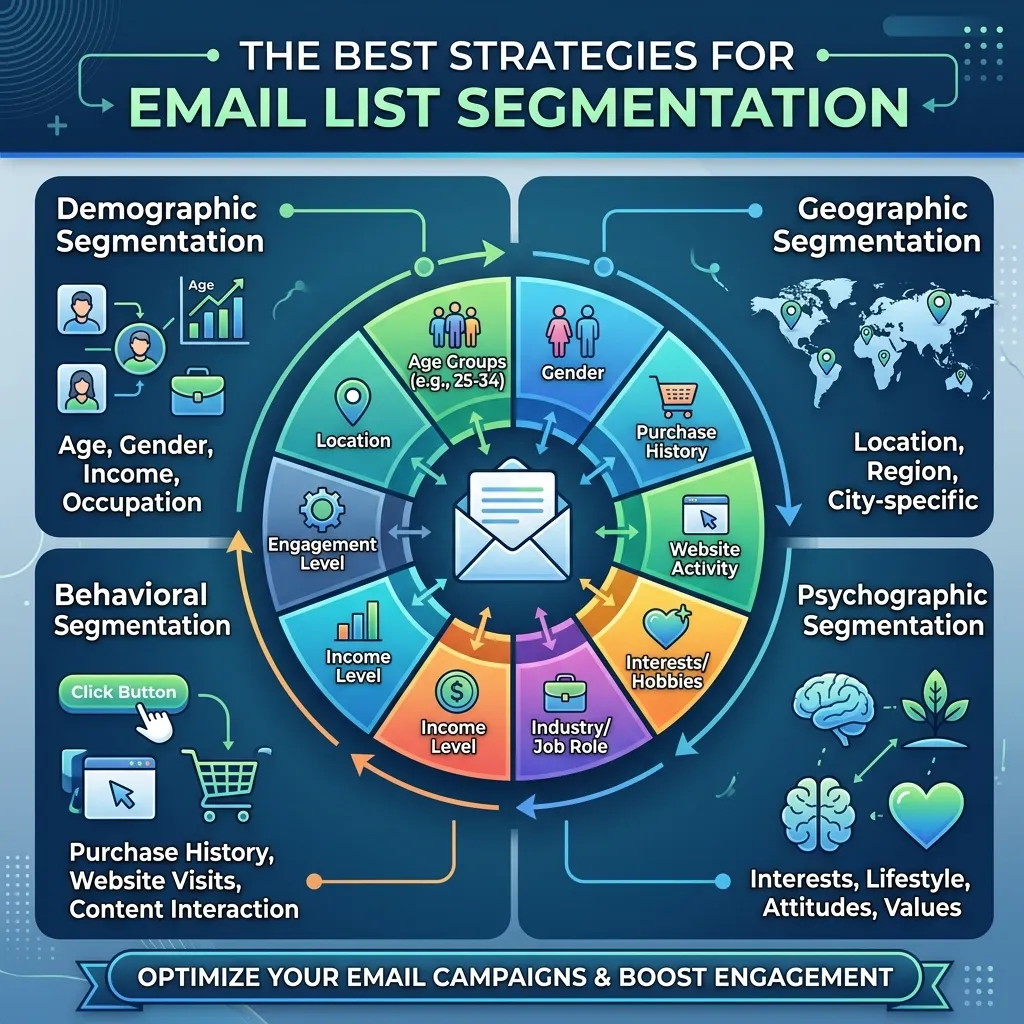
Segmentation means dividing your email list into smaller groups based on shared traits. It’s one of the highest-impact moves you can make, because relevant emails almost always outperform generic blasts.
Here are common ways to segment a list:
- Demographics: Age, location, job title, or company size.
- Behavior: Past purchases, email opens, clicks, or website activity.
- Lifecycle stage: New subscribers, active customers, or lapsed contacts.
- Engagement level: Highly engaged readers versus those who rarely open.
- Preferences: Topics or product categories a subscriber has shown interest in.
A practical starting point is to split your list by engagement and lifecycle stage. Send onboarding content to new subscribers, exclusive offers to loyal buyers, and win-back messages to people who’ve gone quiet. This simple structure already makes your emails far more relevant.
The payoff is real. Segmented campaigns tend to earn higher open and click rates because each message speaks directly to the reader’s situation rather than treating everyone the same.
To build stronger lists in the first place, it helps to study how to build email lists for marketing that actually converts, since segmentation is only as good as the data you collect.
How does automated email campaign management work?
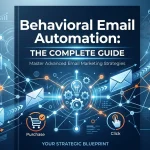
Automation lets you send the right email based on a trigger, without manually hitting send each time. Once you set up a workflow, it runs in the background and reaches people at the moments that matter most.
Common automated workflows include:
- Welcome series: A sequence that greets new subscribers and introduces your brand.
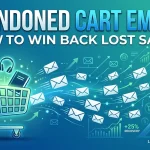
- Abandoned cart emails: Reminders sent when someone leaves items in their cart.
- Re-engagement campaigns: Messages aimed at subscribers who’ve stopped opening.
- Post-purchase follow-ups: Thank-you notes, review requests, or related product tips.
- Date-based emails: Birthday offers, renewal reminders, or anniversary messages.
Automation saves time and keeps your messaging consistent. More importantly, it delivers emails when they’re most useful—seconds after someone signs up, or hours after they abandon a cart—rather than days later when interest has faded.
Understanding the systems behind this is easier when you explore how email marketing software works: a complete guide, which explains how platforms handle triggers, sequences, and segmentation.
How do you manage email marketing workflows effectively?
Start small. Build one or two core workflows, like a welcome series and an abandoned cart sequence, before expanding. Map each workflow on paper first so you can see the logic: what trigger starts it, what emails follow, and how long the gaps between them should be.
Review your workflows regularly. An automation set up a year ago may no longer match your products or audience. Check that links work, offers are current, and the timing still feels right.
Which email marketing automation tools should you use?

The right tool depends on your budget, list size, and the complexity of your campaigns. Most platforms offer a similar core set of features: list management, templates, automation, and analytics. The differences usually come down to ease of use, pricing, and advanced capabilities.
When comparing tools, look for these features:
- Drag-and-drop email builder for fast, no-code design.
- Automation workflows with visual editors.
- Segmentation and tagging to organize contacts.
- A/B testing to compare subject lines and content.
- Detailed analytics with clear reporting dashboards.
- Integrations with your CRM, e-commerce, or website tools.
Choose a simple, affordable tool if you’re just starting out and your list is small. Choose a more advanced platform if you run complex, multi-stage funnels and need deeper automation, robust segmentation, and detailed reporting. Match the tool to your real needs rather than paying for features you won’t use.
How do you track email campaign analytics?
Tracking turns guesswork into informed decisions. After each send, your analytics show what worked and what fell flat, so you can adjust the next campaign with confidence.
Set up tracking before you send, not after. Most email platforms automatically record opens, clicks, and unsubscribes. To measure deeper outcomes like sales or sign-ups, connect your email tool to your website analytics using tracking links or UTM tags.
What email campaign performance metrics matter most?
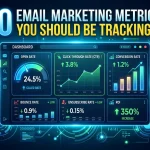
Focus on the metrics that connect to your goals rather than tracking everything at once. The key ones include:
- Open rate: The percentage of recipients who open your email. A signal of subject line strength and sender reputation.
- Click-through rate (CTR): The percentage who click a link. This shows how compelling your content and offer are.
- Conversion rate: The percentage who complete your goal action, such as a purchase or sign-up. This is the metric that ties most directly to revenue.
- Bounce rate: The percentage of emails that fail to deliver. A high bounce rate points to list quality problems.
- Unsubscribe rate: How many people opt out after a send. A spike often signals irrelevant content or sending too often.
Watch these metrics over time, not just after a single send. Trends reveal far more than one-off numbers.
How do you optimize email campaigns for better results?
Optimization is the ongoing work of testing, learning, and refining. Small, steady improvements add up to big gains over time.
A/B testing is your most reliable tool here. Test one element at a time—a subject line, a call-to-action button, an image, or a send time—so you know exactly what caused any change in results. Once you find a winner, apply that insight to future campaigns.
For a structured approach, a/b testing in email marketing: your complete guide shows how to run experiments that actually improve performance instead of guessing.
Beyond testing, keep your list clean by removing inactive contacts. A smaller, engaged list usually performs better than a large, unresponsive one. Also pay attention to mobile design, since a large share of emails are opened on phones. If your email looks broken on a small screen, you’ll lose readers fast.
How can you improve your email campaign conversion rate?
Conversion rate improvement comes down to relevance, clarity, and timing. Try these practical steps:
- Sharpen your call to action. Use one clear, specific action per email rather than several competing links.
- Match the offer to the segment. A relevant offer converts far better than a generic one.
- Reduce friction. Make sure your landing page loads fast and matches the promise in your email.
- Add urgency carefully. Limited-time offers can lift conversions, but overuse wears thin.
- Personalize the content. Use the subscriber’s name, past behavior, or preferences to make the message feel tailored.
Test these changes one at a time, measure the impact, and keep what works.
Putting your email campaign management into action
Strong email campaign management isn’t about sending more emails—it’s about sending smarter ones. When you start with a clear strategy, segment your list, automate the repetitive work, and track the metrics that matter, every campaign becomes a chance to learn and improve.
Begin with one change this week. Maybe that’s segmenting your list by engagement, or setting up a simple welcome series, or running your first A/B test on a subject line. Small steps build momentum, and over time those steps turn into reliable, measurable results.
The best email programs are never truly finished. They evolve with your audience, your products, and your data. Keep testing, keep refining, and your campaigns will keep getting better.
Frequently asked questions
What is email campaign management in simple terms?
Email campaign management is the process of planning, creating, sending, and analyzing marketing emails to achieve a specific goal. It covers everything from writing the email and organizing your contact list to automating sends and reviewing results.
How much does email marketing software cost?
Costs vary widely based on list size and features. Many platforms offer free tiers for small lists, with paid plans typically starting around $10 to $30 per month and scaling up based on the number of subscribers and the level of automation you need. Enterprise tools with advanced features cost considerably more.
How often should you send marketing emails?
There’s no single right answer—it depends on your audience and content. Many brands send weekly, while others send a few times a month. Watch your unsubscribe and engagement rates closely. If unsubscribes spike or opens drop, you may be sending too often or sending content that isn’t relevant.
What’s the difference between email marketing and email automation?
Email marketing is the broad practice of using email to reach and engage an audience. Email automation is one part of that practice—it uses triggers, like a new sign-up or an abandoned cart, to send the right email automatically without manual effort.
How do you measure if an email campaign is successful?
Success depends on your goal, but the most telling metrics are conversion rate, click-through rate, and open rate. Compare your results against your targets and your past campaigns. Steady improvement over time is the clearest sign of a healthy email program.


I'm Email Marketer who crafts targeted campaigns that drive engagement, nurture leads, and boost conversions. With a passion for creating personalized email strategies.




No Comments