

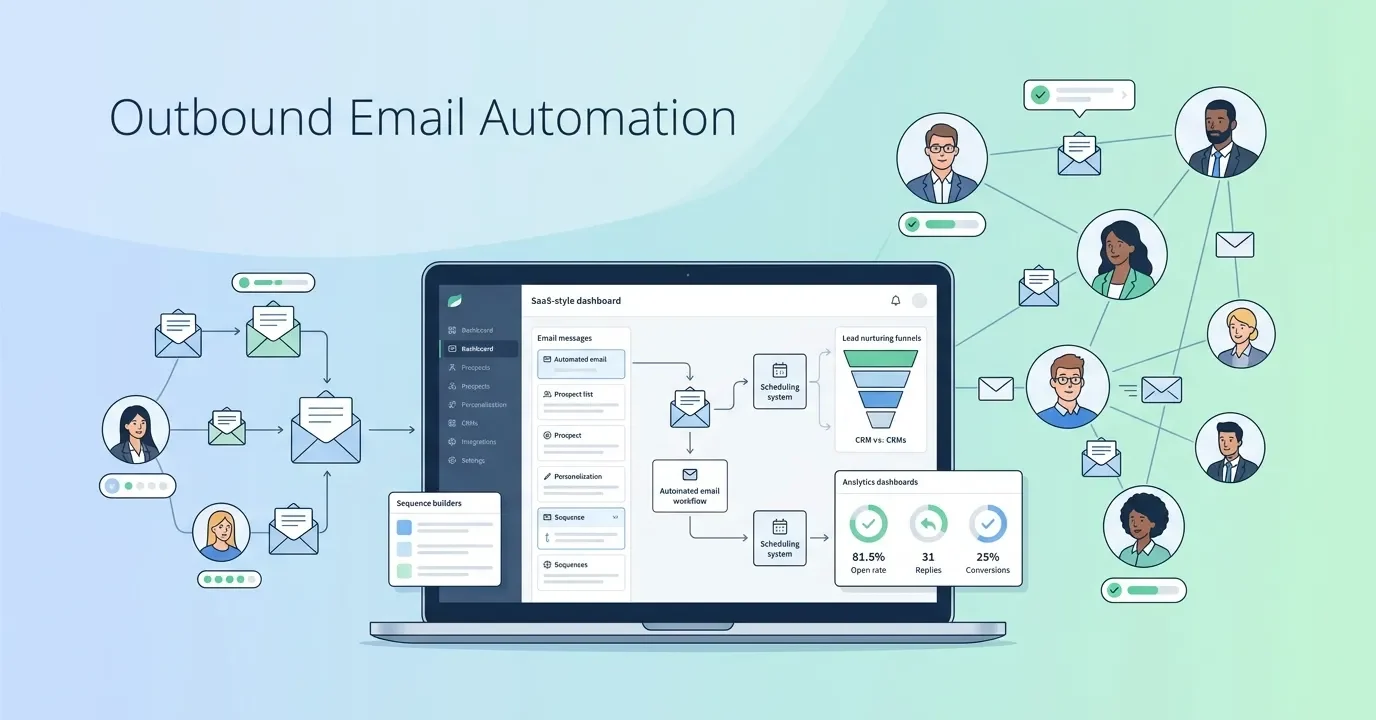
Outbound email automation helps businesses send personalized emails to prospects at scale using automated sequences, smart targeting, and behavioral triggers. By leveraging outbound email automation, sales and marketing teams can improve lead generation, increase response rates, book more meetings, and streamline outreach while reducing manual effort.
Outbound email automation uses software to send personalized, sequenced emails to prospects at scale—without manual effort. When done right, it combines automated email prospecting, smart segmentation, and behavioral triggers to generate leads, book meetings, and drive B2B revenue consistently.
Sending cold emails one by one is a fast track to burnout. Sales reps spend hours crafting outreach messages, only to watch most of them go unanswered. The math simply doesn’t work—not at scale, not in a competitive market where buyers receive dozens of pitches a week.
Outbound email automation changes that equation entirely. By combining automated outbound email campaigns with personalization, sequencing, and smart targeting, sales and marketing teams can reach hundreds (or thousands) of qualified prospects without sacrificing relevance or quality. The result: more pipeline, less manual work, and a repeatable system that compounds over time.
This guide covers everything you need to know about outbound email automation—from choosing the right cold email automation tools to building sequences that convert. Whether your goal is lead generation, sales engagement, or scaling B2B outbound email marketing, you’ll find actionable frameworks here.
What Is Outbound Email Automation?
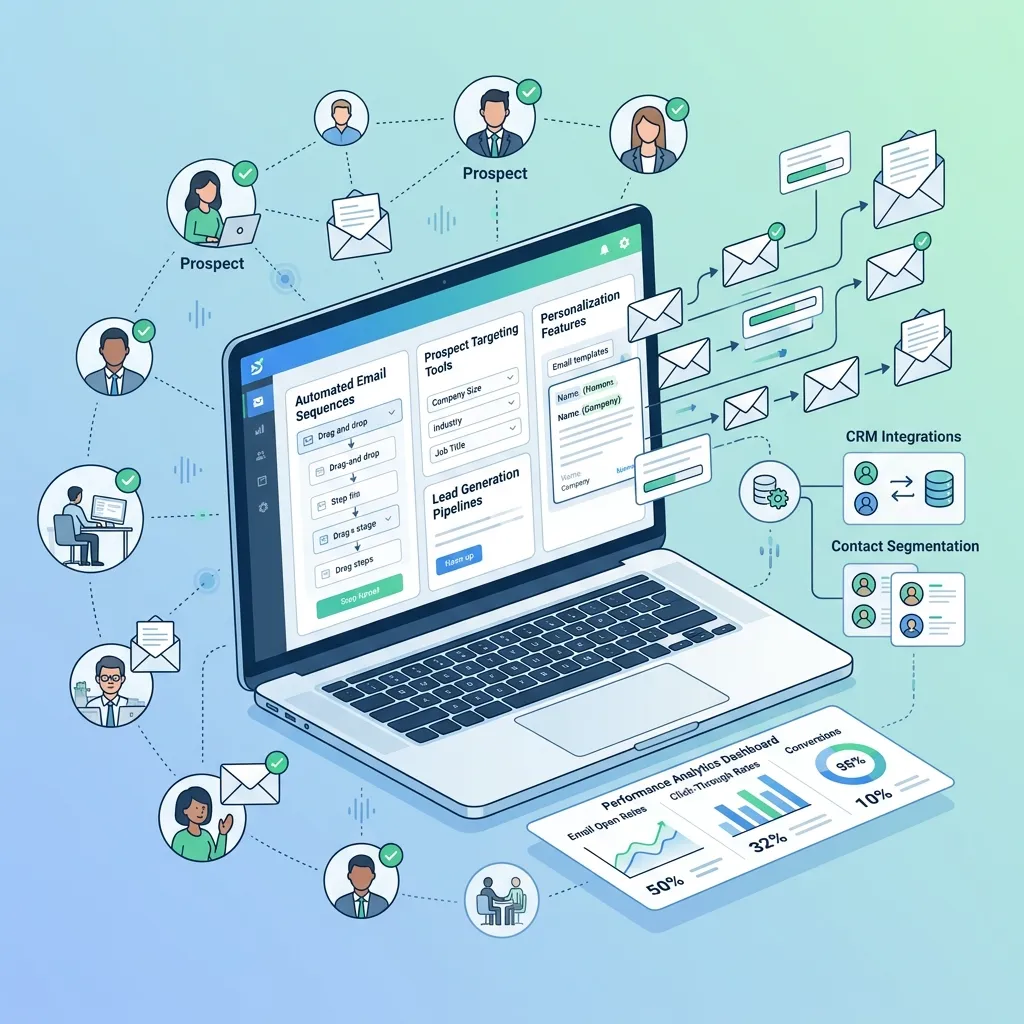
Outbound email automation is the process of using software to automatically send targeted, pre-written emails to prospects based on defined triggers, schedules, or behaviors. Unlike inbound email marketing (where subscribers have opted in), outbound email automation is proactive—your team initiates contact with potential buyers who haven’t yet engaged with your brand.
These sequences often follow the same principles as drip email marketing campaigns, where contacts receive timely messages based on a predefined schedule.
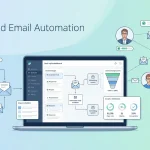
A complete outbound email automation system typically includes:
- Lead lists: Verified, segmented prospect data pulled from CRMs, enrichment tools, or third-party databases
- Email sequences: A series of automated follow-up emails sent over days or weeks
- Personalization layers: Dynamic fields or AI-generated copy tailored to each recipient
- Delivery infrastructure: Domain warming, sending limits, and spam filter avoidance
- Analytics: Open rates, reply rates, click-throughs, and meeting booked rates
Done well, automated email prospecting isn’t spray-and-pray. It’s a precision system built to reach the right people with the right message at the right time.
Why Outbound Email Automation Matters for B2B Sales
B2B outbound email marketing remains one of the highest-ROI channels available to sales teams. According to McKinsey & Company, email is 40x more effective at acquiring new customers than social media. And yet, most sales teams still rely on manual outreach—costing them time, consistency, and revenue.
That’s why mastering automated email follow-up strategies is one of the highest-leverage improvements sales teams can make.
Automation solves several critical problems at once:
Scale without sacrificing quality. A sales rep can manually send 30–50 personalized emails per day. With outbound sales email automation, that number jumps to 300–500, with consistent messaging and zero drop-off in quality.
Consistent follow-up. Research from Yesware shows that 70% of email threads stop after the first message, yet most replies come from follow-up emails. Automated sequences ensure no prospect falls through the cracks.
Faster lead response times. Harvard Business Review found that responding to a lead within an hour makes you 7x more likely to qualify them than if you waited even 60 minutes longer. Automation ensures timely outreach regardless of your team’s bandwidth.
Data-driven optimization. Every automated campaign generates performance data. Over time, you learn which subject lines, CTAs, and messaging frameworks generate the most replies—then optimize accordingly.
How to Build Automated Outbound Email Campaigns That Actually Work
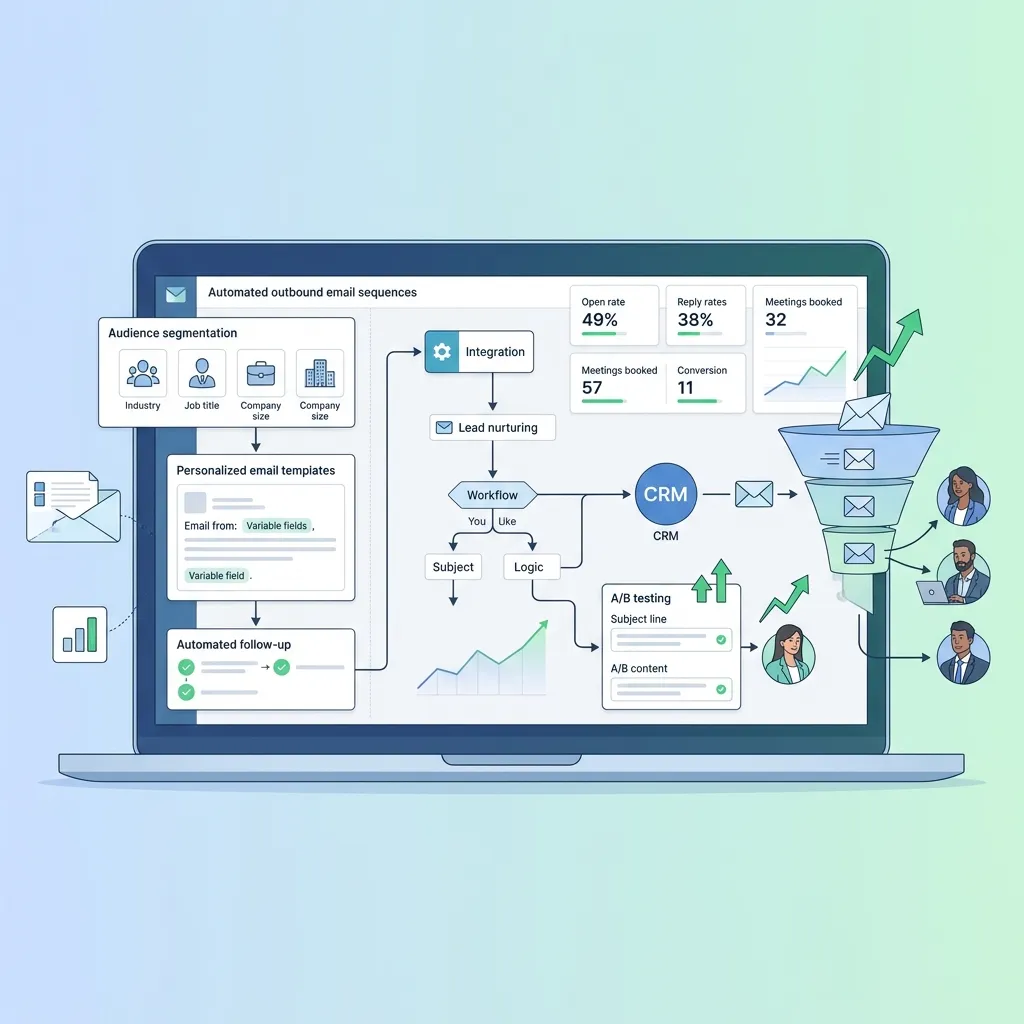
Step 1: Define your ideal customer profile (ICP)
Every high-performing outbound email campaign starts with clarity on who you’re targeting. Your ICP should define the firmographic and behavioral characteristics of your best-fit buyers: industry, company size, job title, tech stack, pain points, and buying triggers.
Vague targeting leads to vague messaging—and vague messaging gets ignored. The more precisely you define your ICP, the more relevant your emails will feel, even when automated.
Step 2: Build and verify your prospect list
Use a combination of tools—LinkedIn Sales Navigator, Apollo.io, ZoomInfo, or Lusha—to build targeted prospect lists based on your ICP. Always verify email addresses before sending. Invalid addresses harm your sender reputation and increase bounce rates, which can get your domain blacklisted.
Tools like NeverBounce, ZeroBounce, or Hunter.io can validate addresses in bulk before your campaign goes live.
Step 3: Choose the right email outreach automation software
The platform you choose determines how sophisticated your sequences can be, how well your emails land in inboxes, and how easily your team can analyze results. Key features to look for include:
- Multi-step sequence builder with time delays and conditional logic
- Personalization at scale (dynamic fields, AI-generated snippets)
- Email deliverability tools (domain warming, sending throttles, spam testing)
- CRM integration with Salesforce, HubSpot, or Pipedrive
- A/B testing for subject lines and email body copy
- Reply detection to pause sequences when a prospect responds
Step 4: Write high-converting email sequences
Email sequence automation is only as powerful as the copy behind it. A typical B2B outbound sequence includes 4–7 touchpoints over 14–21 days. Here’s a framework that works:
- Email 1 (Day 1): Personalized cold email referencing a specific trigger (funding round, new hire, recent news)
- Email 2 (Day 3–4): Value-add follow-up—share a relevant case study, stat, or insight
- Email 3 (Day 7): Reframe the pitch from a different angle (different pain point or use case)
- Email 4 (Day 10): Social proof email—include a testimonial or client win relevant to their industry
- Email 5 (Day 14–15): Soft breakup email—acknowledge they may not be interested, but leave the door open
- Email 6 (Day 20–21): Final touch—offer a different resource or alternative next step
Each email should have a single, clear CTA. Asking a prospect to “check out your website, read a case study, and book a demo” in one email reduces the chance they do any of them.
Step 5: Personalize at scale with AI
Personalized email outreach automation used to mean manually researching each prospect. AI tools have changed that. Platforms like Clay, Lavender, and Smartlead now allow teams to generate hyper-personalized opening lines, subject lines, and value propositions based on LinkedIn profiles, company news, and CRM data—automatically.
The sweet spot is structured personalization: a templated framework with dynamic fields and AI-generated snippets that make each email feel one-to-one, even when it’s sent to thousands.
Top Cold Email Automation Tools
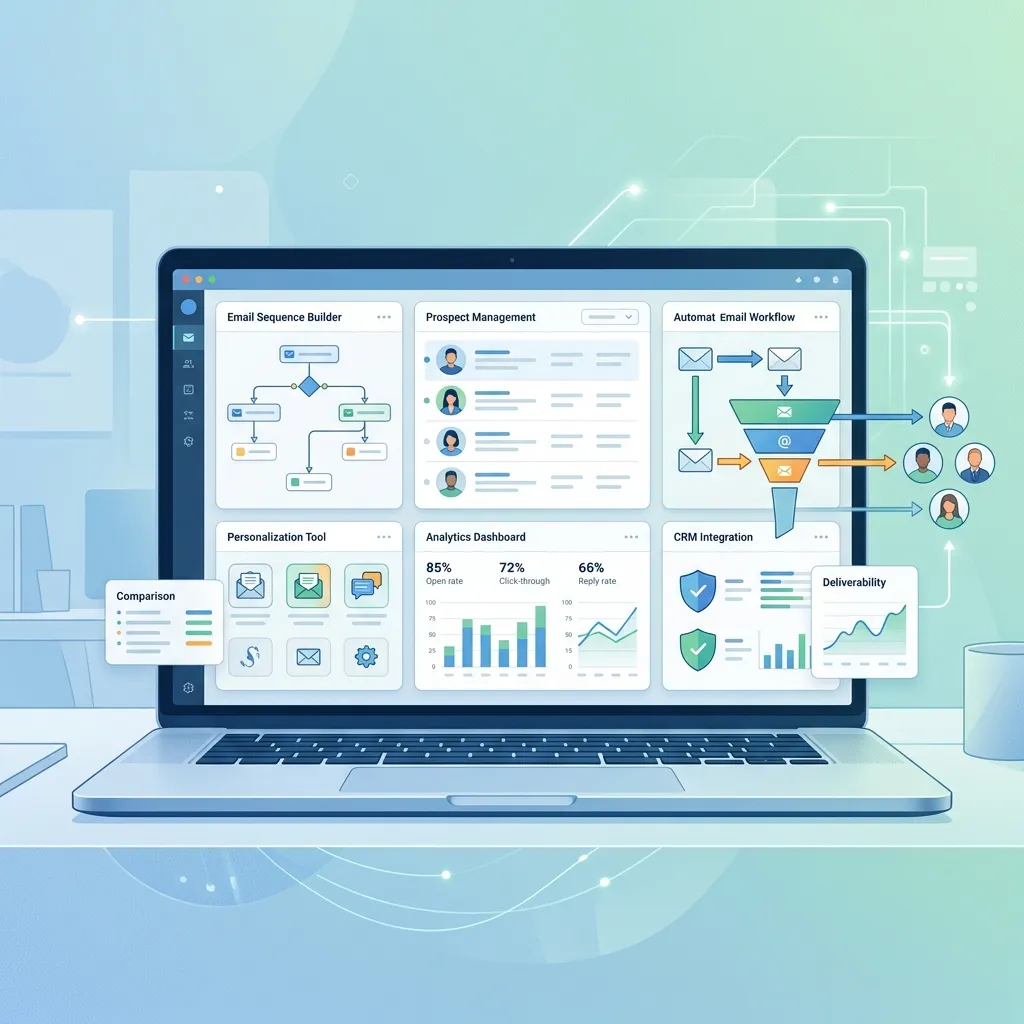
Choosing the right platform depends on your team’s size, technical sophistication, and sales motion. Here’s a breakdown of the leading tools:
Instantly.ai — Best for high-volume cold email outreach. Known for excellent deliverability infrastructure and unlimited email accounts. Ideal for agencies and SDR teams running large-scale campaigns.
Smartlead — Strong deliverability features, AI-powered personalization, and robust analytics. A strong choice for B2B sales teams running multi-channel outreach.
Lemlist — Offers advanced personalization including personalized images and videos. Great for teams that want to stand out in crowded inboxes.
Apollo.io — Combines a B2B contact database with built-in sequence automation. A good all-in-one option for teams that want prospecting and outreach in a single platform.
Outreach.io — Enterprise-grade sales engagement and email automation platform with deep CRM integrations. Best suited for larger sales organizations with dedicated RevOps support.
Salesloft — Similar to Outreach, with strong analytics and coaching features. Well-suited for teams that prioritize sales performance data alongside outreach.
Lead Generation Email Automation: What High-Performing Teams Do Differently
Most teams set up automation and assume the work is done. High-performing teams treat lead generation email automation as a living system—one that’s constantly being tested, refined, and improved.
Here’s what separates them:
They test obsessively. Subject lines, send times, email length, CTA copy, and sequence length all get A/B tested. Small improvements compound. Increasing reply rate from 3% to 6% doubles your pipeline without adding a single new prospect.
They prioritize deliverability. Even the best email falls flat if it lands in spam. Top teams use separate sending domains, warm up new accounts gradually, monitor sender reputation scores, and rotate sending addresses to maintain inbox placement.
They align sales and marketing. The best B2B outbound email marketing programs aren’t owned entirely by sales or marketing—they’re built collaboratively. Marketing supplies messaging, competitive intelligence, and content assets. Sales provides front-line insights on objections and what resonates in real conversations.
They act on intent signals. Rather than blasting cold lists, top teams layer intent data—from tools like Bombora or G2 Buyer Intent—to prioritize prospects already researching solutions like theirs. Outreach to warm prospects converts at 3–5x the rate of fully cold lists.
Common Mistakes to Avoid in Outbound Sales Email Automation
Even well-intentioned teams make errors that tank campaign performance. Watch out for:
- Skipping domain warming: Sending high volumes from a new domain without warming it first almost guarantees spam placement
- Over-automating personalization: Dynamic fields that pull incorrect data (“Hi [FirstName]”) destroy credibility instantly
- Ignoring unsubscribe requests: Beyond being legally required under CAN-SPAM and GDPR, ignoring opt-outs damages your sender reputation
- Sending too frequently: Bombarding prospects with daily emails accelerates unsubscribes and spam reports
- Neglecting mobile optimization: More than 50% of emails are opened on mobile, according to Litmus. Long paragraphs and small fonts hurt readability
The Future of Outbound Email Automation
AI is reshaping what’s possible in outbound email automation—and quickly. The shift from rule-based sequences to AI-driven, adaptive campaigns is already underway. Platforms are beginning to dynamically adjust email content, send timing, and sequence length based on individual prospect behavior in real time.
As buying committees grow larger and attention spans shrink, the teams that win will be those who combine automation’s efficiency with genuine relevance. That means sharper ICPs, smarter personalization, and continuous optimization—not just more volume.
Outbound email automation isn’t a shortcut. It’s infrastructure. Build it thoughtfully, test it consistently, and it becomes one of the most reliable growth levers in your GTM strategy.
This evolution mirrors broader trends discussed in email campaigns that actually convert, where personalization and customer-centric messaging consistently outperform volume-based approaches.
Frequently Asked Questions
What is the difference between outbound and inbound email marketing?
Outbound email marketing involves proactively reaching out to prospects who haven’t expressed prior interest—typically through cold email. Inbound email marketing targets subscribers who have opted in to receive communications. Outbound focuses on generating new pipeline; inbound focuses on nurturing existing interest.
How many emails should be in an outbound email sequence?
Most high-performing outbound email sequences include 5–7 emails sent over 14–21 days. Fewer than four touchpoints typically underperforms, since most replies come from follow-up emails rather than the initial outreach.
What open rate should I expect from cold email automation?
Average cold email open rates range from 15–25%, depending on industry, subject line quality, and list cleanliness. Reply rates typically fall between 1–10%, with well-personalized, targeted campaigns reaching the higher end of that range.
Is outbound email automation legal?
Yes, provided you comply with applicable regulations. In the US, CAN-SPAM governs commercial email. In Europe, GDPR applies. Key requirements include clear sender identification, a functioning unsubscribe mechanism, and no deceptive subject lines. Always consult legal counsel before running large-scale outbound campaigns in regulated markets.
What’s the best cold email automation tool for small B2B teams?
For small B2B teams, Apollo.io or Instantly.ai are strong starting points. Apollo.io provides a built-in prospect database alongside sequencing tools, reducing the need for multiple platforms. Instantly.ai excels at deliverability and is straightforward to set up without technical expertise.
How do I improve email deliverability for outbound campaigns?
Use a dedicated sending domain (separate from your main company domain), warm it up gradually over 2–4 weeks, verify all email addresses before sending, keep bounce rates below 2%, and monitor spam complaint rates. Tools like Mailreach and Warmbox automate the warming process.
What is outbound email automation?
Outbound email automation is the process of using software to automatically send personalized emails and follow-ups to prospects based on schedules, triggers, or predefined workflows.
How does outbound email automation improve lead generation?
Outbound email automation helps businesses reach more qualified prospects consistently, automate follow-ups, and nurture leads through personalized email sequences that increase engagement and conversions.
What are the benefits of outbound email automation?
Key benefits include increased productivity, scalable outreach, improved personalization, consistent follow-ups, better lead management, and higher meeting booking rates.
Which businesses should use outbound email automation?
Outbound email automation is ideal for B2B companies, SaaS businesses, agencies, consultants, recruiters, and sales teams looking to generate leads and build a predictable sales pipeline.
What features should I look for in outbound email automation software?
Look for email sequencing, personalization tools, CRM integration, A/B testing, deliverability monitoring, analytics, reply detection, and automated workflow capabilities.
How many emails should an outbound email sequence include?
Most successful outbound email automation campaigns use 5–7 emails spread across 2–3 weeks, allowing multiple touchpoints without overwhelming prospects.
Can outbound email automation be personalized?
Yes. Modern outbound email automation platforms use dynamic fields, AI-generated content, and behavioral data to create highly personalized outreach at scale.
How can I improve outbound email deliverability?
To improve deliverability, warm up sending domains, verify email addresses, avoid spam-trigger words, maintain clean prospect lists, and gradually increase sending volume.
Is outbound email automation legal?
Yes, outbound email automation is legal when it follows regulations such as CAN-SPAM, GDPR, and other local email marketing laws. Always include sender information and an unsubscribe option where required.


I'm Email Marketer who crafts targeted campaigns that drive engagement, nurture leads, and boost conversions. With a passion for creating personalized email strategies.


No Comments