

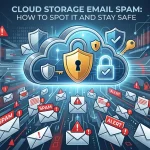
Cloud storage email spam uses fake messages that appear to come from trusted cloud services to trick users into clicking malicious links, downloading infected files, or sharing sensitive information. This guide explains how to identify cloud storage email spam, recognize common phishing tactics, and protect your accounts with practical security best practices.
Cloud storage email spam refers to phishing emails that impersonate legitimate cloud storage services—like Google Drive, Dropbox, or OneDrive—to steal credentials, spread malware, or trick users into accessing malicious files. Recognizing the warning signs and following secure email practices are the most effective ways to protect yourself.
That email telling you someone shared an important document with you looks legitimate. The logo matches. The formatting looks right. There’s even a plausible sender name. You click the link—and that’s where things go wrong.
Cloud storage phishing emails are among the most effective cyberattacks in circulation today, precisely because they exploit something most people do every day: receive and open shared files. Cybercriminals have gotten remarkably good at mimicking platforms like Google Drive, Dropbox, OneDrive, and iCloud, making it harder than ever to tell the real from the fake.
This guide breaks down how cloud storage email spam works, what the most common scams look like, how to detect them, and—most importantly—how to protect yourself and your organization before any damage is done.
What Is Cloud Storage Email Spam?
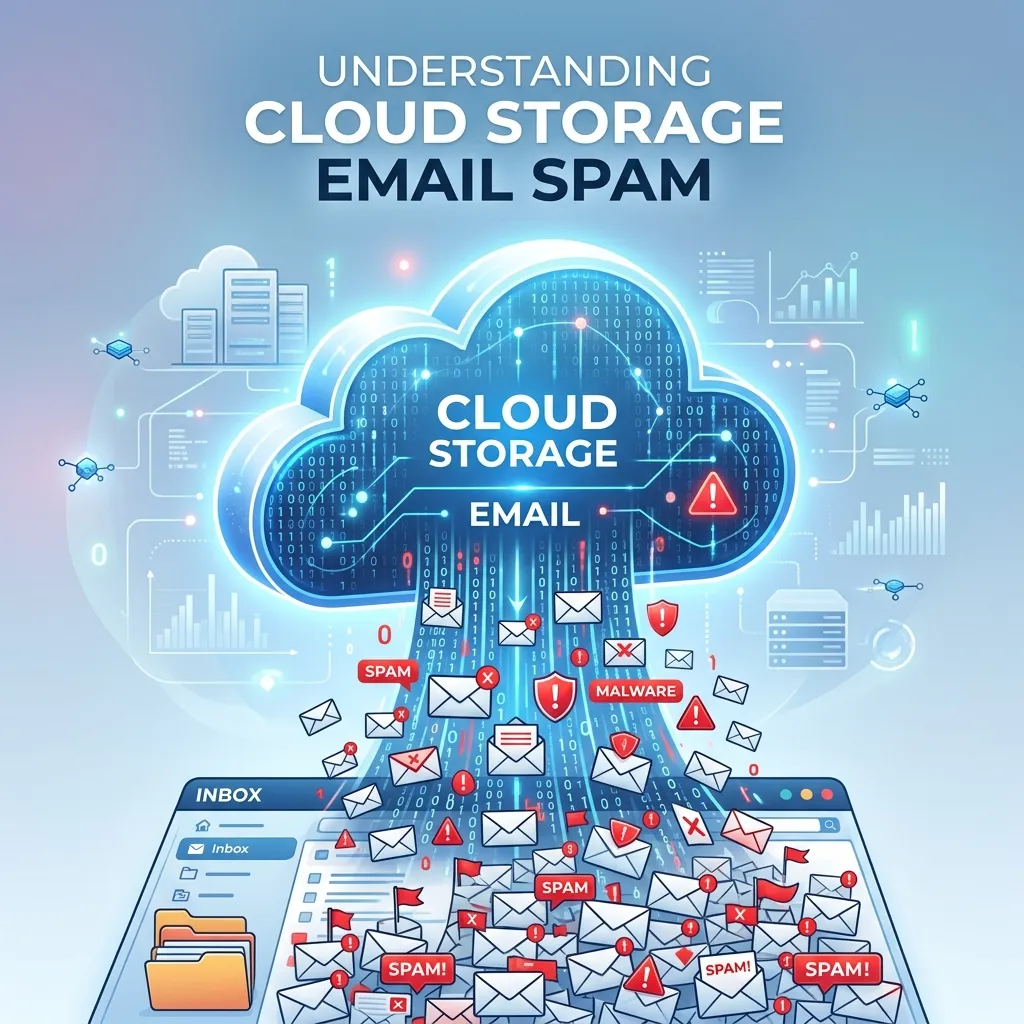
Cloud storage email spam is a category of phishing attack where scammers send emails that appear to come from trusted file-sharing or cloud storage platforms. The goal is typically one of three things: steal your login credentials, install malware on your device, or access sensitive files or financial information.
What makes these attacks particularly dangerous is their credibility. Unlike older phishing emails riddled with spelling errors and suspicious formatting, modern cloud storage spam is polished. Scammers replicate official branding with precision and craft messages that closely resemble legitimate notifications. Learning how professional email marketing campaigns are created makes it much easier to recognize when an email doesn’t follow authentic communication standards
According to Verizon’s 2023 Data Breach Investigations Report, phishing remains one of the top three initial attack vectors in confirmed data breaches. Cloud-themed lures are a significant contributor to that figure, given the widespread adoption of platforms like Google Workspace and Microsoft 365 in both personal and professional settings.
What Do Fake Cloud Storage Email Scams Look Like?
Understanding the most common scam formats is the first step toward avoiding them.
Fake file-sharing notifications
This is the most prevalent type. You receive an email claiming that someone has shared a document with you. The email includes a button such as “Open in Drive” or “View File,” but clicking it redirects you to a fake login page designed to steal your credentials. Comparing these messages with examples of well-written marketing emails can help you identify suspicious wording, unusual formatting, and deceptive calls to action.
Malicious file sharing emails with embedded attachments
Some attackers skip the fake login page entirely and embed malware directly in an attached file—often disguised as a PDF, Word document, or ZIP archive. Opening the file triggers a download or script that can install ransomware, spyware, or keyloggers.
Storage quota warnings
These emails warn that your cloud storage account is almost full and prompt you to click a link to “upgrade” or “verify” your account. The link leads to a fraudulent page that either steals payment information or login credentials.
Collaboration request scams
Attackers send fake collaboration invitations that appear to originate from real platforms. The embedded links route users through a series of redirects before landing on a credential-harvesting page.
Account suspension warnings
“Your account will be suspended in 24 hours.” This urgency-driven tactic is designed to bypass rational thinking. The panic of losing access to important files pushes users to click and “verify” before pausing to question legitimacy.
How to Identify Suspicious Cloud Storage Emails
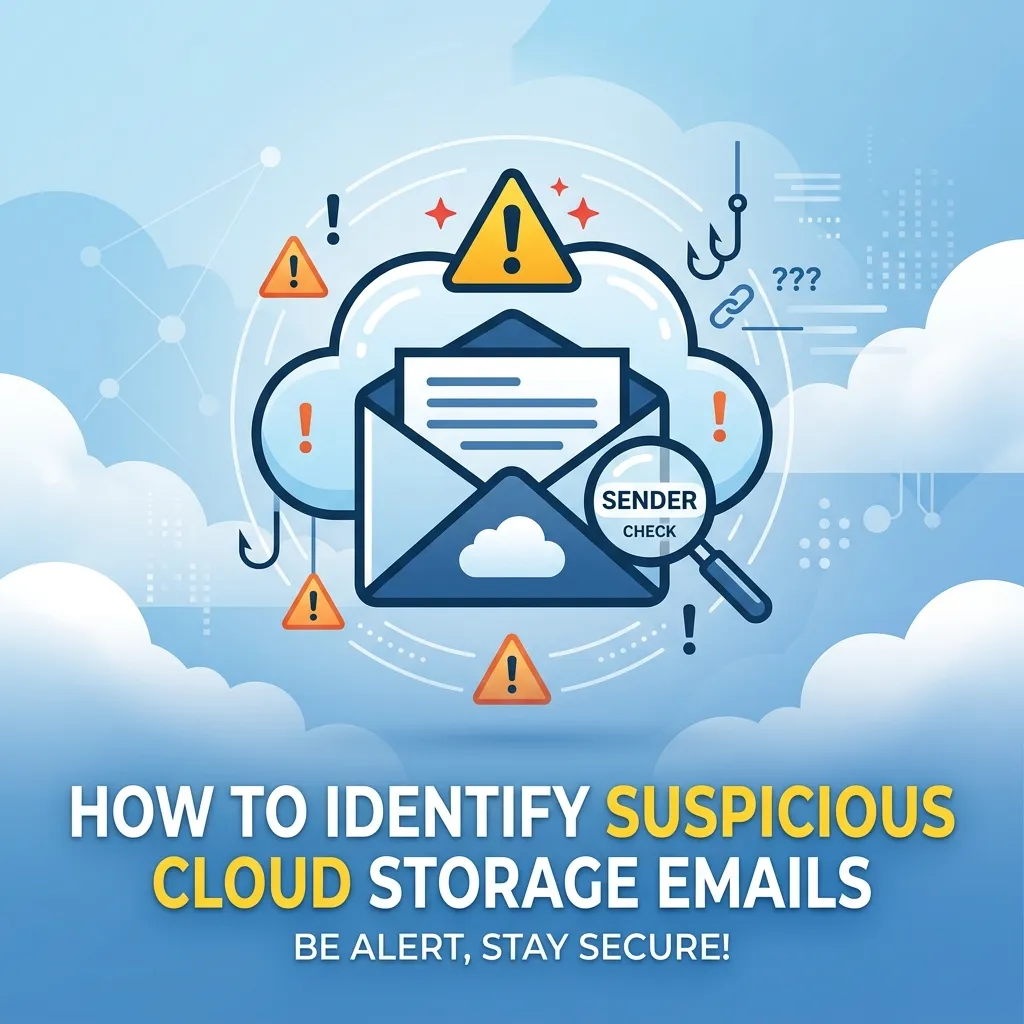
Spotting cloud storage spam isn’t always straightforward, but several consistent red flags appear across most scam attempts.
Check the sender’s email address carefully
Legitimate cloud storage platforms send emails from verified domains. Google Drive notifications come from @google.com. Dropbox uses @dropbox.com. Scammers often use slight variations—@g00gle.com, @dropbox-support.net, or @drive-notifications.com—that look right at a glance but don’t hold up under scrutiny. Always check the full sender address, not just the display name.
Hover before you click any link
Before clicking any link in a cloud storage email, hover over it to preview the destination URL. If the address doesn’t match the official cloud storage provider or redirects through unfamiliar domains, treat it as suspicious. Following the best practices outlined in this guide to the CAN-SPAM Act can help you understand how legitimate organizations communicate with users.
Look for mismatched branding
Fake emails often have subtle inconsistencies—slightly off colors, pixelated logos, unusual fonts, or layout differences from what you normally see. If something about the visual presentation seems slightly wrong, trust that instinct.
Assess the context of the notification
Ask yourself: were you expecting this file? Do you recognize the sender’s name? Is this the kind of document someone would realistically share with you? Unexpected sharing notifications—especially from unfamiliar contacts or with vague file names like “Invoice_Final_REVISED.pdf”—deserve serious scrutiny.
Watch for pressure tactics
Urgency is a manipulation tool. Legitimate cloud platforms do not threaten account suspension within hours or demand immediate action. Any email that manufactures a sense of panic should be treated with suspicion.
Cloud Storage Spam Detection: Tools and Techniques

Individual vigilance is important, but technology can also help filter out cloud storage email spam before it reaches your inbox.
Email filtering software uses machine learning to detect and quarantine phishing attempts based on known patterns, suspicious domains, and behavioral signals. Microsoft Defender for Office 365 and Google Workspace’s built-in phishing protections both offer robust cloud-aware threat detection.
Anti-phishing browser extensions like Netcraft or built-in browser warnings from Chrome and Firefox can flag known malicious URLs before a page even loads.
Multi-factor authentication (MFA) won’t stop a phishing email from arriving, but it significantly limits the damage if credentials are compromised. Even if an attacker obtains your password through a fake login page, MFA provides a second layer of defense.
Domain-based Message Authentication, Reporting, and Conformance (DMARC), combined with SPF and DKIM protocols, helps email providers verify whether an incoming message genuinely originates from the claimed domain. Organizations that implement these email authentication standards make it significantly harder for scammers to spoof their domain.
Email Phishing Prevention Tips for Individuals and Teams
Protecting against cloud storage phishing requires both good habits and clear policies.
- Never open unexpected attachments from unknown senders, even if the file appears to come from a cloud storage platform.
- Access cloud storage directly by typing the URL into your browser rather than clicking email links. If there’s a real notification, it will appear in your actual account dashboard.
- Enable login alerts on all cloud storage accounts so you’re notified of any sign-in from an unrecognized device or location.
- Keep software updated. Many malware payloads exploit known vulnerabilities in outdated operating systems or applications. Regular updates close those gaps.
- Train your team regularly. For organizations, human error remains the most common entry point for phishing attacks. Regular security awareness training—combined with simulated phishing exercises—significantly reduces click rates on malicious emails.
- Report suspicious emails. Most email providers have a “Report phishing” option. Using it helps train filters to catch similar attempts for other users.
Cloud Storage Security Threats Beyond Phishing Emails
While cloud storage email spam is one of the most visible threats, it exists within a broader landscape of cloud security risks worth understanding.
Account takeover attacks occur when stolen credentials—obtained through phishing or purchased on the dark web—are used to access a cloud account directly. Once inside, attackers can exfiltrate data, lock out the legitimate user, or use the account to send further phishing emails to the victim’s contacts.
Malicious file sharing can also happen within a cloud platform itself. An attacker who gains access to a legitimate account may share a malware-laden file with others through the platform’s own sharing features, bypassing external email filters entirely.
Third-party app permissions represent another underappreciated risk. Many users grant broad permissions to third-party apps connected to their cloud storage without fully reviewing what access they’re providing. Periodically auditing and revoking unnecessary app permissions reduces this exposure.
Secure Cloud Storage Email Practices Worth Adopting Today
Addressing cloud storage spam protection is both a technical and a behavioral challenge. The following practices form a solid baseline.
- Use strong, unique passwords for every cloud storage account and store them in a reputable password manager.
- Activate multi-factor authentication on all cloud platforms, prioritizing authenticator apps over SMS-based verification where possible.
- Review sharing settings regularly on your cloud accounts to ensure files and folders aren’t accessible to unintended parties.
- Audit connected apps and integrations at least quarterly, removing any that are no longer necessary.
- Establish a clear reporting process within your organization so employees know exactly what to do when they receive a suspicious email.
- Use end-to-end encrypted storage platforms for particularly sensitive files, adding an extra layer of protection even if credentials are compromised.
Staying Ahead of Cloud Storage Email Threats
Cybercriminals targeting cloud platforms aren’t slowing down—cloud storage email spam has grown more sophisticated alongside the tools designed to stop it. The most effective defense combines technical safeguards with informed, skeptical users who know what to look for.
When an email arrives claiming a file has been shared with you, pause before clicking. Verify the sender’s domain. Navigate to your cloud account directly. If the notification is real, it will be there. If it isn’t, you’ve just avoided a phishing attempt.
Security starts with awareness. Share this guide with colleagues, revisit your account settings today, and make sure your team has clear protocols for handling suspicious cloud storage emails.
Frequently Asked Questions
What is cloud storage email spam?
Cloud storage email spam refers to phishing emails that impersonate legitimate cloud storage services—such as Google Drive, Dropbox, or OneDrive—to trick recipients into clicking malicious links, entering credentials on fake login pages, or downloading malware-laced files.
How do I know if a cloud storage email is a scam?
Check the sender’s full email address for domain spoofing, hover over links before clicking to preview the destination URL, look for mismatched branding or unusual formatting, and question whether you were expecting the file or notification. Urgency-based language is another strong indicator of a scam.
Can clicking a link in a fake cloud storage email install malware?
Yes. Some phishing links redirect to pages that automatically trigger malware downloads, even without the user entering any information. This is known as a drive-by download attack. Keeping your browser and operating system updated helps mitigate this risk.
What should I do if I clicked a suspicious cloud storage link?
Disconnect from the internet immediately if you suspect malware was downloaded. Change your cloud storage account password and enable multi-factor authentication. Notify your IT team if you’re on a work device. Run a full malware scan using reputable security software.
Are cloud storage platforms themselves responsible for phishing emails I receive?
No. In most cases, attackers are not using the platforms themselves—they’re sending emails that impersonate those platforms from external servers. Legitimate cloud storage services like Google and Dropbox have official channels and will never ask for your password via email.
How can businesses protect employees from cloud storage phishing?
Organizations should implement email authentication protocols (SPF, DKIM, DMARC), deploy email filtering software, require multi-factor authentication across all accounts, conduct regular phishing awareness training, and establish clear procedures for reporting suspicious emails.


I'm Email Marketer who crafts targeted campaigns that drive engagement, nurture leads, and boost conversions. With a passion for creating personalized email strategies.








No Comments