

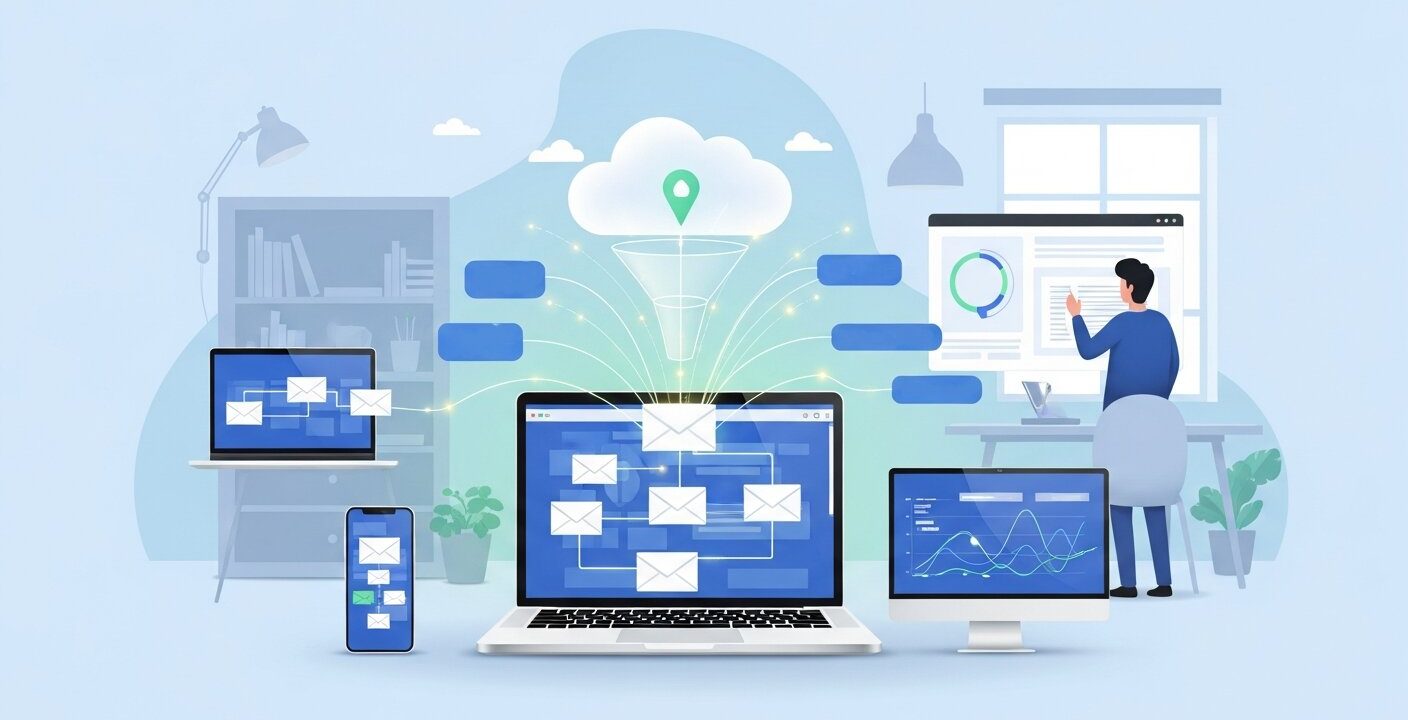
Sending emails manually to every single person on your subscriber list takes a massive amount of time. If you run a growing business, you simply cannot afford to sit at a computer writing individual messages to every new lead or customer. This challenge leads many marketers and business owners to ask one critical question: what is email automation, and how can it help?
Email automation takes the repetitive tasks out of your marketing strategy. It allows you to set up rules and triggers so that messages send automatically when a subscriber takes a specific action. You write the email once, set the conditions, and the software handles the rest behind the scenes.
Understanding this technology gives you a massive advantage in connecting with your audience. You can nurture leads, welcome new subscribers, and re-engage dormant customers without lifting a finger. By the end of this guide, you will understand exactly how to implement these systems to scale your business communications efficiently.
Email Automation Explained
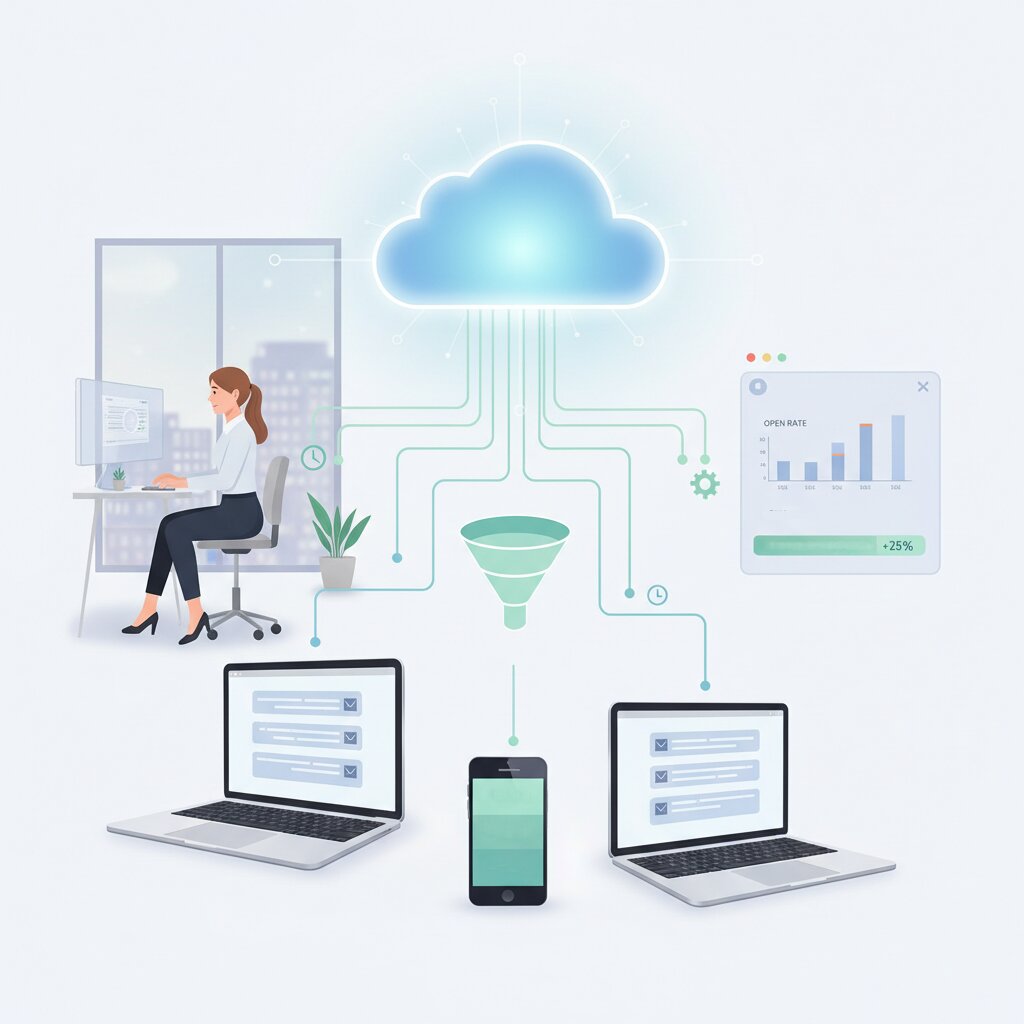
At its core, email automation is the process of using software to send targeted emails to your audience based on specific triggers or schedules. Instead of broadcasting a single message to your entire list at once, automation allows you to send highly relevant content to individuals exactly when they need to see it.
Email automation bridges the gap between manual marketing and scalable communication. It becomes even more powerful when combined with proper strategy, such as learning how to build email lists for marketing
When someone asks “what is email automation,” they are usually looking for a way to streamline their marketing efforts. It bridges the gap between mass marketing and personalized communication. You define a set of rules, and the software executes those rules relentlessly.
How Email Automation Works
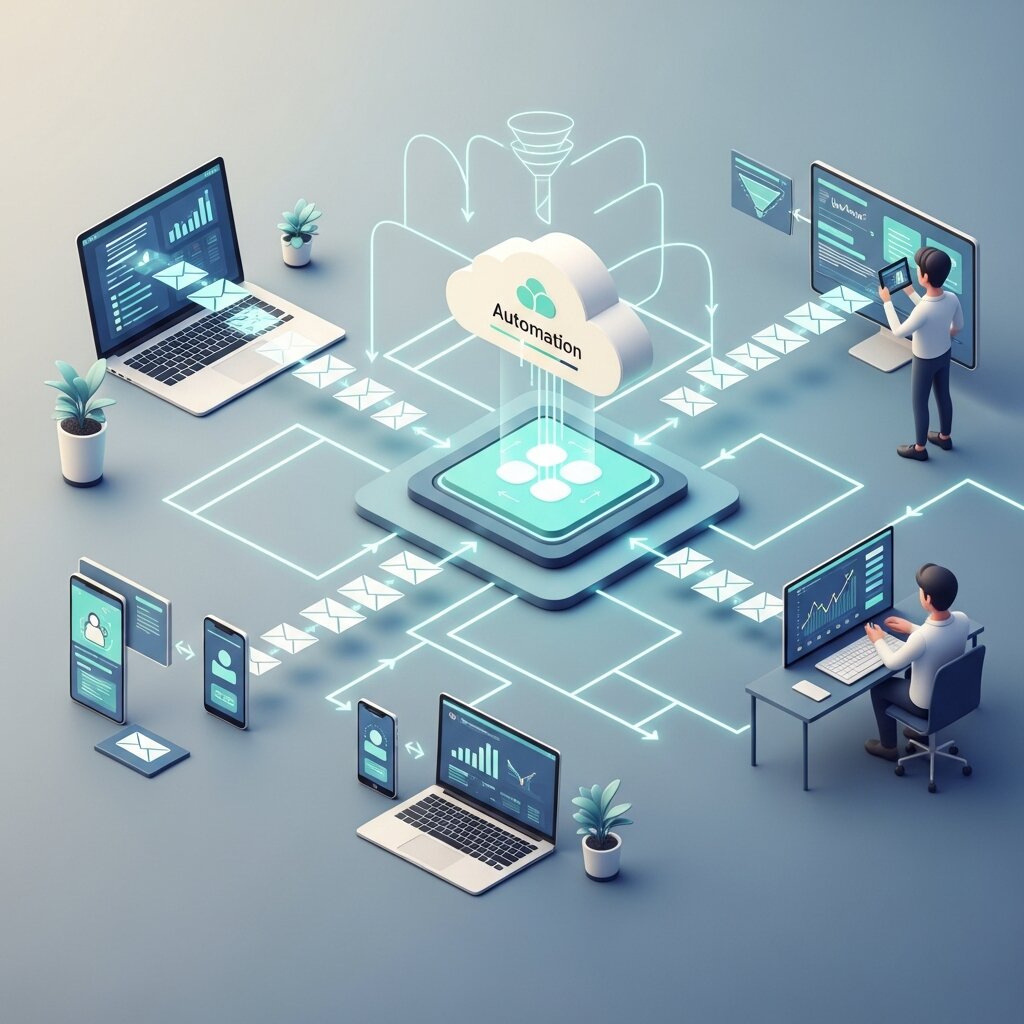
The mechanics of automation rely on triggers, rules, and actions. A strong setup is often powered by tools and integrations explained in how email marketing software works. A trigger is an event that initiates the process. This could be a user subscribing to your newsletter, making a purchase, or abandoning a shopping cart on your website.
Once a trigger activates, the software looks at the rules or conditions you have established. These conditions might include waiting for a specific amount of time, checking if the user opened a previous email, or looking at their geographical location. Finally, the action takes place. The system sends the designated email to that specific user.
Benefits of Email Marketing Automation
Automating your email communications offers several major advantages for businesses of all sizes. First, it recovers countless hours of manual labor. Your marketing team can focus on high-level strategy and creative tasks instead of hitting the send button repeatedly.
Second, it drastically improves personalization. Subscribers receive messages based on their actual behavior and interests. If a customer buys a specific product, you can automatically send them a tutorial on how to use it. This level of relevance increases open rates, click-through rates, and overall customer satisfaction. It also allows you to scale your marketing efforts seamlessly. A system designed to handle ten automated emails a day works just as effectively when sending ten thousand.
Automated Email Marketing Campaigns
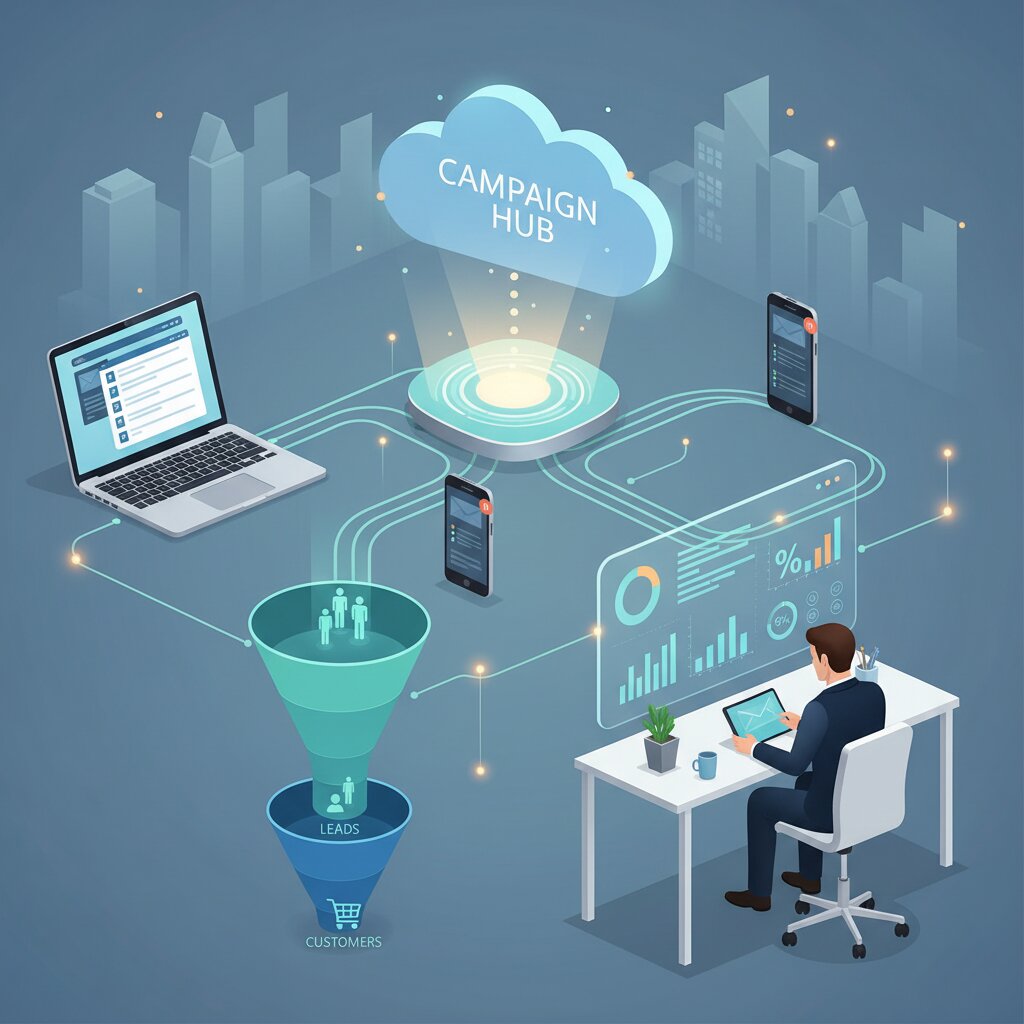
A successful marketing strategy relies on several types of automated campaigns. Welcome sequences are the most common. When a user joins your list, they receive a series of emails introducing your brand, sharing your best content, and offering a small discount.
Common campaigns include welcome sequences, abandoned cart emails, and re-engagement workflows. These campaigns perform even better when combined with well-crafted messaging, like in this guide on how to write marketing emails that get results.
Another highly effective campaign is the abandoned cart sequence. If a shopper leaves items in their digital cart without checking out, the system automatically sends a friendly reminder a few hours later. You can also set up post-purchase campaigns to gather reviews, or re-engagement campaigns to win back subscribers who have not opened your emails in a few months.
Drip Email Marketing Automation
Drip marketing is a specific type of automation where emails are sent in a sequential order over a set period. Think of it like a dripping faucet, slowly and consistently providing value. You might set up a five-day educational course delivered via email. The subscriber gets lesson one immediately upon sign-up, lesson two the next day, and so on. Drip campaigns excel at nurturing leads until they are ready to make a purchasing decision.
Email Workflow Automation Guide
Creating an effective automated workflow requires careful planning. A workflow is simply the visual map of your triggers, conditions, and emails. Before you touch any software, you should map out the customer journey on a whiteboard or a piece of paper.
Determine the ultimate goal of the workflow. Are you trying to sell a product, educate the user, or gather feedback? Once you know the goal, decide on the initial trigger. From there, plot out the exact sequence of emails and the time delays between them.
How to Set Up an Email Automation System
Setting up your system involves a few practical steps. First, integrate your chosen email software with your website and customer relationship management (CRM) tool. This ensures the software can detect triggers like purchases or form submissions.
Next, build your email templates. Keep the design clean and focused on a single call to action. After your emails are written, use the workflow builder in your software to connect the triggers, time delays, and messages. Finally, test the entire sequence thoroughly before making it live. Subscribe to your own list using a test email address to ensure everything fires correctly.
Email Automation Strategies for Business
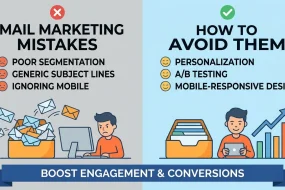
To get the best results, you need to apply strategic thinking to your automated campaigns. Segmentation is vital. Divide your audience into smaller groups based on their behavior, demographics, or purchase history. You can then build specific automated workflows for each segment, ensuring maximum relevance.
A/B testing is another crucial strategy. Test different subject lines, email copy, and sending times within your automated sequences. By continuously analyzing the data, you can refine your workflows to improve conversion rates over time. Always monitor your metrics, paying close attention to unsubscribe rates. If a specific automated email causes a spike in unsubscribes, you know you need to adjust the content or the timing.
Best Email Automation Software
The email automation software market is filled with powerful platforms designed to help businesses create, manage, and optimize complex marketing workflows at scale. Among the most advanced solutions, ActiveCampaign and HubSpot stand out for their strong CRM integration, automation flexibility, and behavioral tracking capabilities. These platforms allow marketers to build highly sophisticated workflows based on user actions such as website visits, email engagement, form submissions, and purchase history. With features like conditional logic, lead scoring, and advanced segmentation, they make it possible to deliver deeply personalized customer experiences that improve engagement and conversions.
HubSpot is particularly popular for its all-in-one marketing ecosystem, combining email automation with CRM, analytics, and sales tools in a single platform. ActiveCampaign, on the other hand, is known for its powerful automation builder, which gives users the ability to design complex, multi-step customer journeys with precision.
For ecommerce businesses, Klaviyo is one of the most effective choices. It integrates seamlessly with platforms like Shopify, WooCommerce, and BigCommerce, allowing store owners to track customer behavior in real time. Klaviyo uses this data to send highly targeted product recommendations, abandoned cart reminders, and personalized offers based on browsing and purchase history. Its deep analytics also help businesses understand customer lifetime value and optimize their email marketing performance more effectively.
Overall, choosing the right email automation software depends on your business model, level of complexity, and growth goals, but these platforms provide a strong foundation for building scalable and high-performing email marketing systems.
Email Automation Tools for Beginners
If you are just starting out, you need a tool that balances functionality with an easy learning curve. Mailchimp remains a popular choice for beginners due to its intuitive drag-and-drop builder and pre-made automation templates.
MailerLite is another fantastic option for small businesses. It offers a clean interface, excellent customer support, and robust automation features even on its lower-tier plans. ConvertKit is highly recommended for bloggers and content creators, focusing heavily on text-based emails and simple, effective subscriber tagging.
Frequently Asked Questions
What is email automation?
Email automation is the use of software to send targeted, timed emails to subscribers based on predefined rules, behaviors, or triggers without manual intervention.
Why do I need email automation?
It saves time, scales your marketing efforts, and ensures your subscribers receive highly relevant, personalized content precisely when they need it.
What is a trigger in email automation?
A trigger is an action or event that starts an automated workflow, such as a user signing up for a newsletter or abandoning a shopping cart.
How much does email automation software cost?
Prices vary widely. Some beginner tools offer free plans for small lists, while advanced enterprise software can cost hundreds or thousands of dollars per month.
What is a drip campaign?
A drip campaign is a series of automated emails sent on a specific schedule, designed to slowly nurture a lead or educate a subscriber over time.
Can small businesses use email automation?
Absolutely. Many platforms are designed specifically for small businesses and are very affordable, helping small teams compete with larger companies.
How do I start building an automated email sequence?
Start by mapping out your customer journey. Define the goal, choose the trigger, write the emails, and set the time delays in your software before testing it.
Is email automation the same as spam?
No. Spam is unsolicited mass email. Automation sends targeted, relevant emails to people who have explicitly opted in to receive communications from you.
What are conditions in a workflow?
Conditions are rules that determine the path a subscriber takes in a workflow. For example, a condition might check if a user opened the previous email before sending the next one.
Do I need coding skills to set up automated emails?
No. Most modern email marketing platforms use intuitive drag-and-drop visual builders that require absolutely zero coding knowledge.
What is the best email automation tool for beginners?
MailerLite, Mailchimp, and ConvertKit are widely considered to be very beginner-friendly due to their simple interfaces and helpful templates.
How do I measure the success of an automated campaign?
Track key metrics such as open rates, click-through rates, conversion rates, and unsubscribe rates to gauge how well your automated emails are performing.
What is a welcome series?
A welcome series is an automated sequence of emails triggered when a new user joins your list, designed to introduce your brand and build trust.
Can email automation help recover lost sales?
Yes. Setting up an abandoned cart automation reminds shoppers of the items they left behind, which is a proven method for recovering lost revenue.
How often should I update my automated emails?
You should review your automated sequences every few months to ensure the information, links, and branding are still accurate and relevant.
Take Your Email Marketing to the Next Level
Implementing a robust email automation system can completely transform how you communicate with your audience and manage your marketing efforts. Instead of manually sending each message, automation allows you to build intelligent workflows that operate in the background, delivering the right message to the right person at the right time. By understanding the core mechanics of triggers, conditions, and workflows, you can create highly targeted campaigns that respond automatically to user behavior, such as sign-ups, purchases, or engagement activity.
These automated systems work continuously, helping you generate leads, nurture relationships, and drive sales 24/7 without constant manual input. To get started, it’s best to begin with a simple workflow like a welcome email sequence that introduces your brand and builds initial trust with new subscribers. As you monitor performance metrics such as open rates, click-through rates, and conversions, you can refine your messaging and timing for better results.
Over time, you can expand into more advanced workflows such as abandoned cart recovery, re-engagement campaigns, and behavior-based segmentation. This gradual approach allows you to understand what resonates most with your audience while steadily improving performance. With consistent testing and optimization, email automation becomes a powerful engine for long-term business growth and customer engagement.


I'm Email Marketer who crafts targeted campaigns that drive engagement, nurture leads, and boost conversions. With a passion for creating personalized email strategies.






No Comments