

Behavioral Email Automation sends personalized emails based on user actions such as clicks, purchases, browsing, or cart abandonment. By delivering relevant messages at the right time, businesses can improve engagement, increase conversions, and build stronger customer relationships automatically.
Behavioral email automation sends targeted messages based on what users actually do—clicks, purchases, abandoned carts, and more. Behavioral email automation drives higher open rates, better conversions, and stronger customer relationships by delivering the right message at the right moment, automatically.
Most email marketing fails for a simple reason: it treats every subscriber the same. A first-time visitor gets the same message as a loyal customer. Someone who just abandoned their cart receives the same weekly newsletter as someone who’s never browsed your site. The result? Low engagement, high unsubscribes, and revenue left on the table.
Behavioral email automation fixes this. Rather than sending messages based on a schedule, behavioral email automation triggers messages based on what users actually do. Every click, purchase, page visit, or period of inactivity becomes a signal—and that signal triggers a relevant, personalized response.
This guide covers everything you need to know about behavioral email automation: what it is, how it works, which triggers matter most, and how to build automated customer journeys that convert. Whether you’re just getting started or looking to optimize an existing program, you’ll find practical, actionable guidance here.
What Is Behavioral Email Automation?
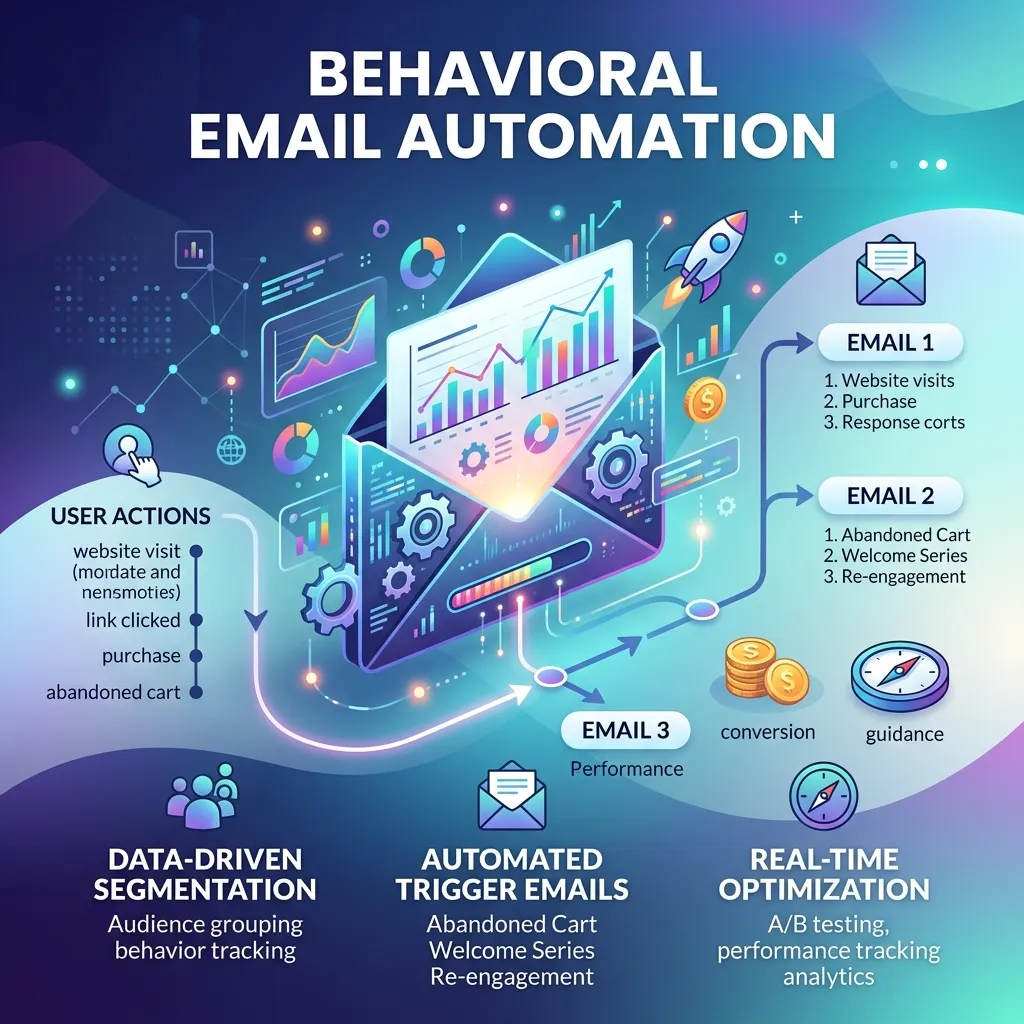
Behavioral email automation is the practice of sending automated emails based on specific actions—or inactions—taken by a user. Unlike traditional email marketing, which relies on fixed send times and static lists, behavioral email automation responds dynamically to individual user behavior.
The core idea is straightforward: when a user does something meaningful, your email platform detects it and sends a relevant message in response. This is sometimes called trigger-based email marketing because a user’s behavior “triggers” a pre-built email or sequence.
Behavioral email automation typically relies on three components:
- User behavior tracking: Monitoring what users do across your website, app, or email campaigns
- Email behavior triggers: The specific actions or conditions that activate an automated email
- Personalized email automation: The ability to customize email content based on user data and past behavior
Together, these components create automated customer journeys—sequences of emails that guide subscribers from first contact to loyal customer, all without manual intervention.
Why Does Behavioral Targeting in Email Marketing Matter?
Relevance drives results. When an email is directly connected to something a user just did, it feels helpful rather than intrusive. That’s the power of behavioral targeting in email marketing.
Consider the difference between a generic promotional email and a message that says, “You left something behind”—triggered minutes after a user abandons their cart. The second message is timely, specific, and immediately useful. Naturally, it outperforms the first.
Behavioral targeting also makes better use of your existing audience. Rather than pushing volume—more sends, more contacts—it prioritizes quality. You’re reaching people with messages they’re primed to engage with, based on signals they’ve already given you.
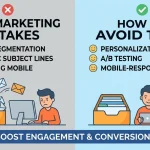
The effectiveness of these messages also depends on how well the emails are written. Using proven techniques for writing marketing emails that get results can help improve the performance of automated campaigns.
How Does User Behavior Tracking Work in Email Automation?
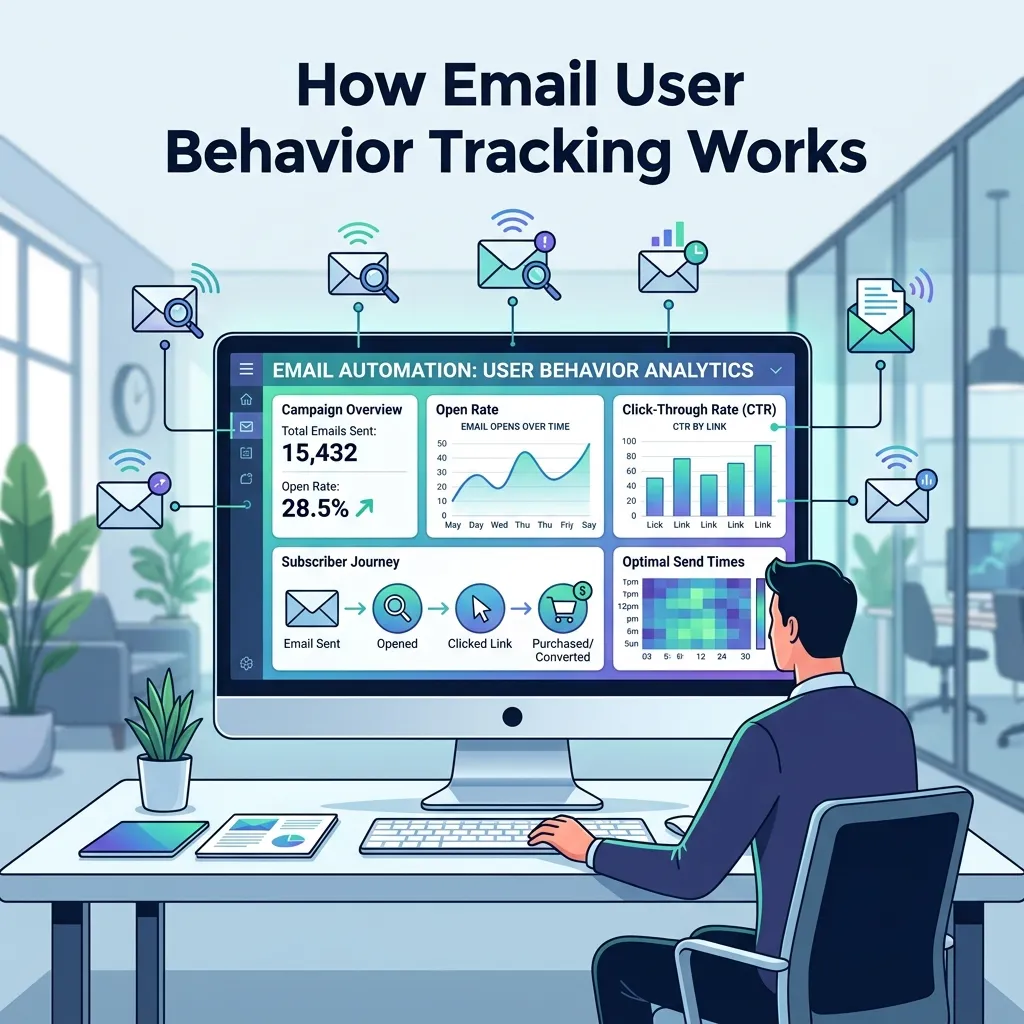
User behavior tracking is the foundation of behavioral email automation. Your email platform collects data from multiple sources to build a picture of what each subscriber is doing. Common tracking methods include:
- Website tracking: Using cookies or tracking pixels to monitor page visits, time on site, and content viewed
- Email engagement tracking: Monitoring opens, clicks, and link activity within emails
- E-commerce event tracking: Recording purchases, cart additions, wishlist saves, and product views
- App behavior tracking: Logging in-app actions like feature usage, onboarding progress, or inactivity
- Form and survey submissions: Capturing data from lead forms, preference centers, and feedback surveys
Most modern email marketing platforms—including Klaviyo, ActiveCampaign, HubSpot, and Mailchimp—offer built-in behavior tracking tools that connect directly to your website and customer data.
What Are the Most Important Email Behavior Triggers?
An email behavior trigger is any event or condition that initiates an automated email. Triggers can be action-based (something a user did) or inaction-based (something a user didn’t do). Here are the most impactful trigger categories:
Action-Based Triggers
Welcome triggers: Activated when a user signs up, creates an account, or opts into a list. These initiate onboarding sequences designed to educate, engage, and convert.
Purchase triggers: Fired when a customer completes a transaction. These power order confirmations, shipping notifications, and post-purchase follow-ups.
Browse and product view triggers: Activated when a user views a specific product or category. These are highly effective for re-engaging window shoppers with personalized recommendations.
Content engagement triggers: Fired when a user clicks a link, downloads a resource, or watches a video. These can branch users into relevant nurture sequences based on interest.
Inaction-Based Triggers
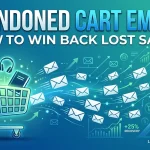
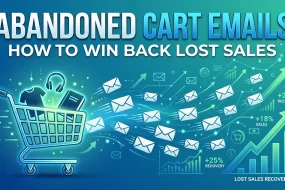
Abandoned cart triggers: Perhaps the most well-known behavioral trigger, these fire when a user adds items to their cart but doesn’t complete checkout. Abandoned cart sequences consistently rank among the highest-revenue automated flows in e-commerce.
Browse abandonment triggers: Similar to cart abandonment, but activated when a user views a product without adding it to their cart. These require slightly softer messaging, since the intent signal is less explicit.
Re-engagement triggers: Fired when a subscriber hasn’t opened, clicked, or purchased within a defined period. These are critical for maintaining list health and recovering disengaged contacts.
Milestone inaction triggers: Activated when a user hasn’t completed a key step—like verifying their email, finishing onboarding, or using a feature for the first time.
How to Build Automated Customer Journeys That Convert
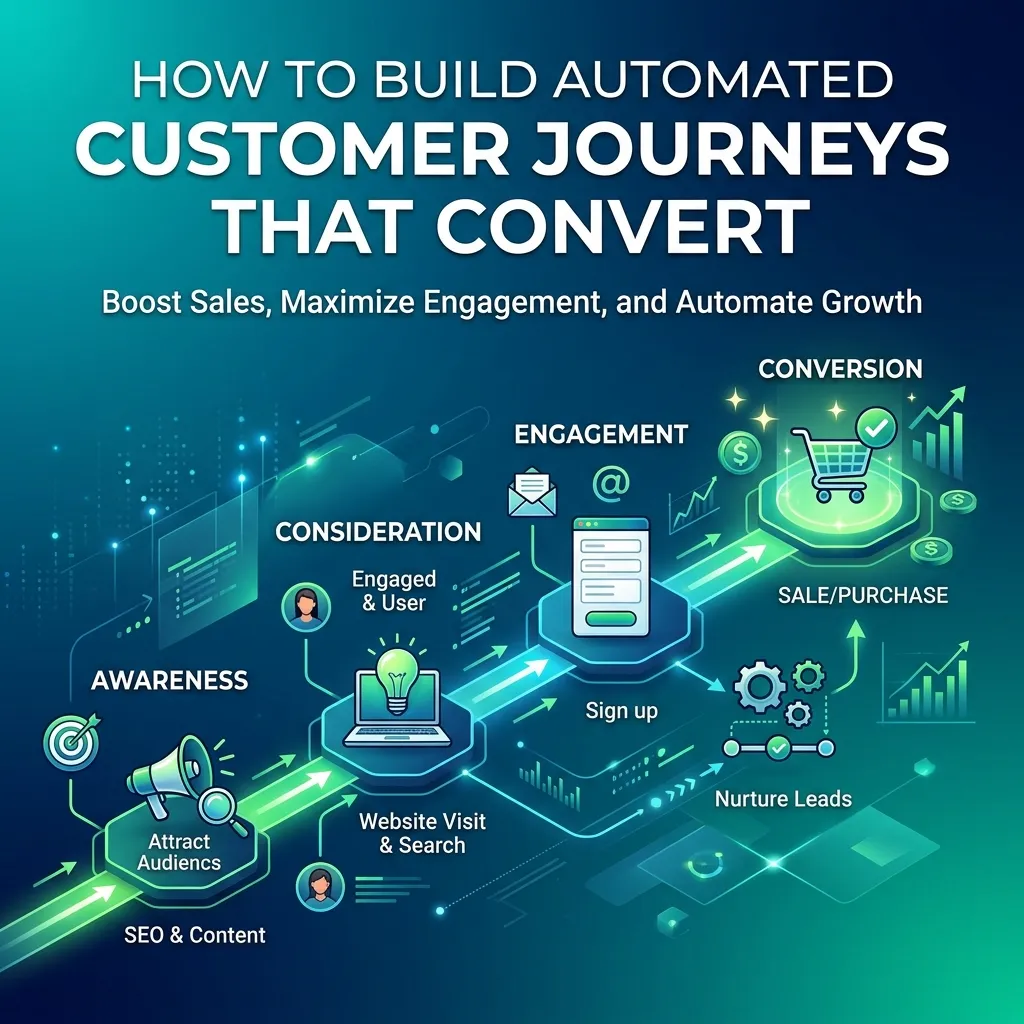
Automated customer journeys map a subscriber’s path from initial contact through to conversion and beyond. Building effective journeys requires both strategic thinking and technical setup. Here’s how to approach it:
Step 1: Map Your Lifecycle Stages
Lifecycle email automation starts with understanding your customer lifecycle. Most businesses can segment users into a few core stages:
- Awareness: New subscribers who don’t yet know your product well
- Consideration: Active evaluators comparing options
- Conversion: Users who are close to purchasing or have just purchased
- Retention: Existing customers you want to keep engaged
- Reactivation: Lapsed customers you want to bring back
Each lifecycle stage calls for different messaging, offers, and frequency. Mapping these stages first prevents you from sending re-engagement emails to brand-new subscribers, or welcome sequences to longtime customers.
Step 2: Define Your Key Behavioral Triggers
Once you’ve mapped your lifecycle stages, identify the key behavioral signals that indicate a user has moved from one stage to another. A first purchase moves a subscriber from consideration to conversion. A 60-day period of inactivity signals a shift from retention to reactivation.
Document these triggers clearly before building any automations. This clarity will prevent overlapping sequences and ensure every subscriber receives a coherent, consistent experience.
Step 3: Build Personalized Email Automation Sequences
With your triggers defined, build the email sequences that each trigger will activate. Personalized email automation goes beyond using a subscriber’s first name. Strong behavioral sequences tailor content based on:
- What the user viewed or purchased: Recommend complementary products or content based on actual browsing history
- Where the user is in the funnel: New leads need education; warm prospects need proof and urgency
- How the user has engaged with previous emails: Users who click every email can handle higher-frequency sequences; unengaged contacts need lighter-touch outreach
Most email platforms support conditional branching, which lets you build sequences that adapt based on whether a user opens, clicks, or ignores each message.
Step 4: Set Timing and Frequency Rules
Timing matters enormously in behavioral email automation. An abandoned cart email sent four hours after abandonment will almost always outperform one sent 24 hours later. A re-engagement email sent one week into inactivity may be premature; one sent after 90 days may be too late.
General timing guidelines for common sequences:
- Abandoned cart: First email within 1–2 hours; follow-ups at 24 hours and 72 hours
- Post-purchase: Confirmation immediately; follow-up at 3–5 days; review request at 10–14 days
- Welcome sequence: First email immediately; second within 24 hours; subsequent emails every 2–3 days
- Re-engagement: Initial touchpoint after 30–60 days of inactivity; second attempt 7–14 days later
Step 5: Test, Measure, and Refine
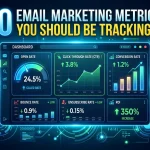
Behavioral email automation is not a set-it-and-forget-it strategy. Once your sequences are live, monitor performance metrics closely:
- Open rate: Indicates whether your subject lines and send times are effective
- Click-through rate: Measures content relevance and call-to-action clarity
- Conversion rate: The ultimate indicator of whether your sequence is achieving its goal
- Unsubscribe rate: A rising unsubscribe rate signals messaging frequency or relevance issues
Run A/B tests on subject lines, email copy, send timing, and sequence length. Small optimizations, compounded across high-volume behavioral sequences, can produce significant gains.
Run A/B tests on subject lines, email copy, send timing, and sequence length. Even small optimizations, compounded across high-volume behavioral sequences, can produce significant gains. A practical starting point is to review proven A/B testing strategies for email marketing.
Customer Behavior Email Automation by Industry
Behavioral email automation looks different depending on the business model. Here’s how it applies across common verticals:
E-commerce: Abandoned cart sequences, post-purchase follow-ups, browse abandonment flows, loyalty reward triggers, and win-back campaigns for lapsed buyers.
SaaS and tech: Onboarding sequences triggered by sign-up, feature adoption nudges triggered by inactivity, upgrade prompts triggered by usage thresholds, and churn prevention flows triggered by declining engagement.
Media and publishing: Content recommendation emails triggered by article views, newsletter upgrade prompts triggered by high engagement, and re-engagement sequences triggered by email inactivity.
B2B and lead generation: Lead nurture sequences triggered by form submissions, sales follow-up triggers based on email engagement, and re-engagement flows for cold leads.
What Tools Support Behavioral Email Automation?
Several platforms offer robust behavioral email automation capabilities. The right choice depends on your business size, technical resources, and integration needs:
- Klaviyo: Best suited for e-commerce businesses, with deep Shopify integration and powerful behavioral segmentation
- ActiveCampaign: A strong option for small-to-mid-sized businesses needing flexible automation and CRM features
- HubSpot: Well-suited for B2B companies that need to align marketing automation with sales workflows
- Braze: Enterprise-grade platform built for high-volume, cross-channel behavioral automation
- Customer.io: Developer-friendly platform ideal for SaaS companies that need precise event-based triggers
Email privacy and compliance should also be part of the setup from the beginning. Businesses operating across regions can review this guide to global email marketing compliance.
Start Sending Emails That Actually Mean Something
Behavioral email automation transforms email from a broadcast channel into a genuine conversation—one where every message is informed by what your subscribers have already told you through their actions.
The brands that win at email marketing aren’t the ones sending the most emails. They’re the ones sending the most relevant ones. By investing in user behavior tracking, building thoughtful email behavior triggers, and designing personalized automated customer journeys, you create a system that works continuously on your behalf.
Start by auditing your current email program. Identify your highest-value behavioral triggers—abandoned cart, post-purchase, and re-engagement are usually the quickest wins—and build from there. Each automation you add compounds over time, generating engagement and revenue without additional manual effort.
Frequently Asked Questions
What is the difference between behavioral email automation and regular email marketing?
Regular email marketing typically involves sending the same message to an entire list or segment at a scheduled time. Behavioral email automation sends messages based on individual user actions or inactions—such as visiting a product page, abandoning a cart, or becoming inactive—making each message more relevant and timely.
What are the most effective behavioral email triggers for e-commerce?
The most effective behavioral triggers for e-commerce are abandoned cart emails, post-purchase follow-up sequences, browse abandonment emails, and win-back campaigns for lapsed customers. Abandoned cart emails, in particular, are consistently among the highest-revenue automated flows available to e-commerce businesses.
How many emails should a behavioral automation sequence include?
The ideal sequence length depends on the trigger and goal. Abandoned cart sequences typically include 2–3 emails. Welcome sequences often run 4–6 emails over one to two weeks. Re-engagement sequences are usually 2–3 emails before a contact is removed or downgraded. Always monitor unsubscribe rates as a signal that your sequence length or frequency needs adjustment.
Is behavioral email automation suitable for small businesses?
Yes. Many email platforms—including Mailchimp, ActiveCampaign, and Klaviyo—offer behavioral automation features at accessible price points. Even simple trigger-based sequences, like a welcome series or abandoned cart flow, can deliver meaningful results for small businesses without requiring significant technical resources.
What data do I need to get started with behavioral email automation?
At minimum, you need a way to capture email addresses and track basic user behavior—such as website visits, clicks, and purchases. Most email platforms provide tracking scripts that make this straightforward. As your program matures, integrating your CRM, e-commerce platform, and customer support data will allow for more sophisticated personalization.
How does behavioral email automation affect email deliverability?
Behavioral email automation generally improves deliverability over time. Because messages are triggered by user interest and intent, they tend to generate higher engagement rates—more opens and clicks—which signals to inbox providers that your emails are wanted. Lower engagement from untargeted broadcast emails, by contrast, can harm sender reputation and deliverability.
What is Behavioral Email Automation?
Behavioral Email Automation sends automated emails based on specific actions or inactions taken by users, such as signing up, making a purchase, or abandoning a cart.
How does Behavioral Email Automation work?
It tracks user behavior across websites, apps, and emails. When a predefined trigger occurs, the system automatically sends a relevant message or email sequence.
What are common behavioral email triggers?
Common triggers include new sign-ups, purchases, product views, email clicks, abandoned carts, inactivity, downloads, and completed onboarding steps.
What are the benefits of Behavioral Email Automation?
It helps businesses deliver more relevant messages, improve engagement, increase conversions, save time, and create more personalized customer experiences.
Is Behavioral Email Automation useful for e-commerce?
Yes. E-commerce businesses can use it for abandoned cart reminders, product recommendations, post-purchase emails, browse abandonment, and customer win-back campaigns.
Can small businesses use Behavioral Email Automation?
Yes. Many email marketing platforms offer affordable automation tools, allowing small businesses to start with simple welcome, abandoned cart, and re-engagement campaigns.
How does Behavioral Email Automation personalize emails?
Emails can be personalized using customer actions, purchase history, browsing behavior, interests, engagement levels, and lifecycle stages.
How many emails should an automated sequence contain?
There is no fixed number. A simple abandoned cart sequence may contain 2–3 emails, while a welcome or nurture sequence may include 4–6 emails depending on the audience and goal.
Which tools support Behavioral Email Automation?
Platforms such as Klaviyo, ActiveCampaign, HubSpot, Braze, and Customer.io provide behavioral automation, segmentation, tracking, and personalized email journey features.
How can I improve my Behavioral Email Automation strategy?
Start with high-value triggers, create relevant sequences, set appropriate timing and frequency rules, monitor conversions and engagement, and regularly A/B test your emails for better performance.


I'm Email Marketer who crafts targeted campaigns that drive engagement, nurture leads, and boost conversions. With a passion for creating personalized email strategies.








No Comments