


Email marketing is a powerful tool for connecting with your audience, driving engagement, and ultimately, boosting sales. But when you’re juggling dozens of tasks, from writing content to analyzing stats, managing email campaigns can feel overwhelming. That’s where email marketing plugins come in. These handy tools integrate with your existing platforms, streamlining your workflows and supercharging your email game.
If you’re curious about what email marketing plugins can do for your business and how to choose the right one, you’re in the right place.
What Is an Email Marketing Plugin?
An email marketing plugin is software that connects with your website or content platform (such as WordPress, Shopify, or Salesforce CRM) to help you create, automate, and optimize email campaigns. Think of it as your personal assistant for email marketing. It handles tasks like designing emails, collecting leads, managing subscribers, and tracking performance.
Rather than managing emails in a standalone platform, a plugin integrates emails directly into your current systems, saving you time and helping ensure no leads slip through the cracks.
Why Do You Need an Email Marketing Plugin?
Email marketing plugins aren’t just for convenience; they’re powerful tools with measurable benefits for businesses of all sizes. Below are some compelling reasons to use one:
1. Automates Tedious Tasks
Manually collecting emails or segmenting subscribers is so last decade! Plugins can automate:
- Welcome sequences
- Abandoned cart emails
- Post-purchase follow-ups
With automation, you maintain engagement with customers without lifting a finger.
2. Improves Subscriber Management
Keeping tabs on growing lists of subscribers can get tricky. Good email plugins allow you to:
- Create segmented lists (e.g., new customers vs. VIPs)
- Manage opt-ins/opt-outs
- Ensure GDPR compliance through double-opt-in processes
3. Streamlined Analytics
With insights like open rates, CTRs (Click-Through Rates), and conversion stats, email plugins cut down the guesswork and help you make data-backed decisions.
4. Boosts Email Engagement
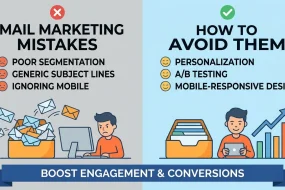
Marketing emails are only effective if they’re opened. Many plugins offer A/B testing, personalized subject lines, and dynamic content to make your emails stand out in cluttered inboxes. Fun fact? Emails with personalized subject lines are 26% more likely to be opened!
Key Features to Look for in an Email Marketing Plugin
Choosing the right email marketing plugin boils down to what features and integrations will best serve your business. Here are a few must-haves:
1. Drag-and-Drop Email Builder
The best plugins come with intuitive editors, allowing you to design professional emails—even if you’re not a graphic designer.
2. Automated Workflows
Look for plugins offering pre-built workflows so setting up actions like lead nurturing or post-purchase emails takes only minutes.
3. List Management
Segment your audience based on preferences, behavior, or demographics. The more targeted your email lists, the higher the likelihood of engagement.
4. Reporting and Insights
From open rates to bounce rates, the plugin should provide detailed analytics to improve your campaigns over time.
5. Third-Party Integrations
Ensure the plugin is compatible with platforms you already use, whether that’s Shopify for e-commerce or Salesforce CRM for customer management.
6. Scalability
Choose a plugin that can scale as your subscriber list grows. The last thing you want is to outgrow a plugin too quickly.
Top Email Marketing Plugins You Should Know
Now that you know how an email marketing plugin can transform your business, here are some top options that deliver exceptional results:
1. Mailchimp for WordPress
- Best for: Small businesses or beginners.
- Features: Custom sign-up forms, integration with WooCommerce, and email campaigns tailored to customer behaviors.
- Bonus: Free plan available for up to 500 subscribers.
2. HubSpot Email Marketing
- Best for: Brands seeking a comprehensive CRM and email solution.
- Features: Drag-and-drop editor, email automation, and detailed subscriber metrics.
- Bonus: Free CRM included!
3. Sendinblue
- Best for: Companies looking for multi-channel capabilities like email and SMS.
- Features: A/B testing, email templates, and ready integrations with Shopify.
- Bonus: SMS functionality for added reach.
4. Constant Contact
- Best for: E-commerce or event-heavy businesses.
- Features: Event RSVP tools, social media integrations, and image libraries.
- Bonus: Straightforward, user-friendly interface.
5. ConvertKit
- Best for: Content creators like bloggers, coaches, and YouTubers.
- Features: Subscriber segmenting, email funnels, and personalization options.
- Bonus: Strong community support for small businesses.
How to Get Started with an Email Marketing Plugin
Integrating an email marketing plugin into your workflow can be a seamless process if you follow these steps:
Step 1. Determine Your Goals
Are you looking to generate leads, increase sales, or nurture existing customers? Clarifying your objectives will guide your choice of plugin.
Step 2. Choose Your Plugin
Refer to the list above and choose a plugin that aligns with your goals, budget, and current tech stack.
Step 3. Set It Up
Install the plugin on your corresponding platform (e.g., a WordPress site). Ensure proper integration by linking it to your CRM or e-commerce tools.
Step 4. Import Your Contacts
Upload your existing email list, making sure it’s segmented for tailored messaging.
Step 5. Create Your First Campaign
Using the plugin’s editor, design a simple but engaging email (consider adding a clear Call-To-Action (CTA) like “Shop Now” or “Learn More”).
Step 6. Test and Optimize
Always test your campaigns to see what works. Experiment with subject lines, images, and sending times.
Real-Life Success Story
Case Study
Business: Brew Beans, a small coffee subscription service.
Plugin Used: Mailchimp for WordPress
Key Results: By using automated workflows for abandoned cart emails, Brew Beans recovered 27% of potential lost sales within three months. Further, segmentation based on customer preferences (dark roast vs. light roast lovers) saw email open rates jump to 45%.
Improving Deliverability and Open Rates
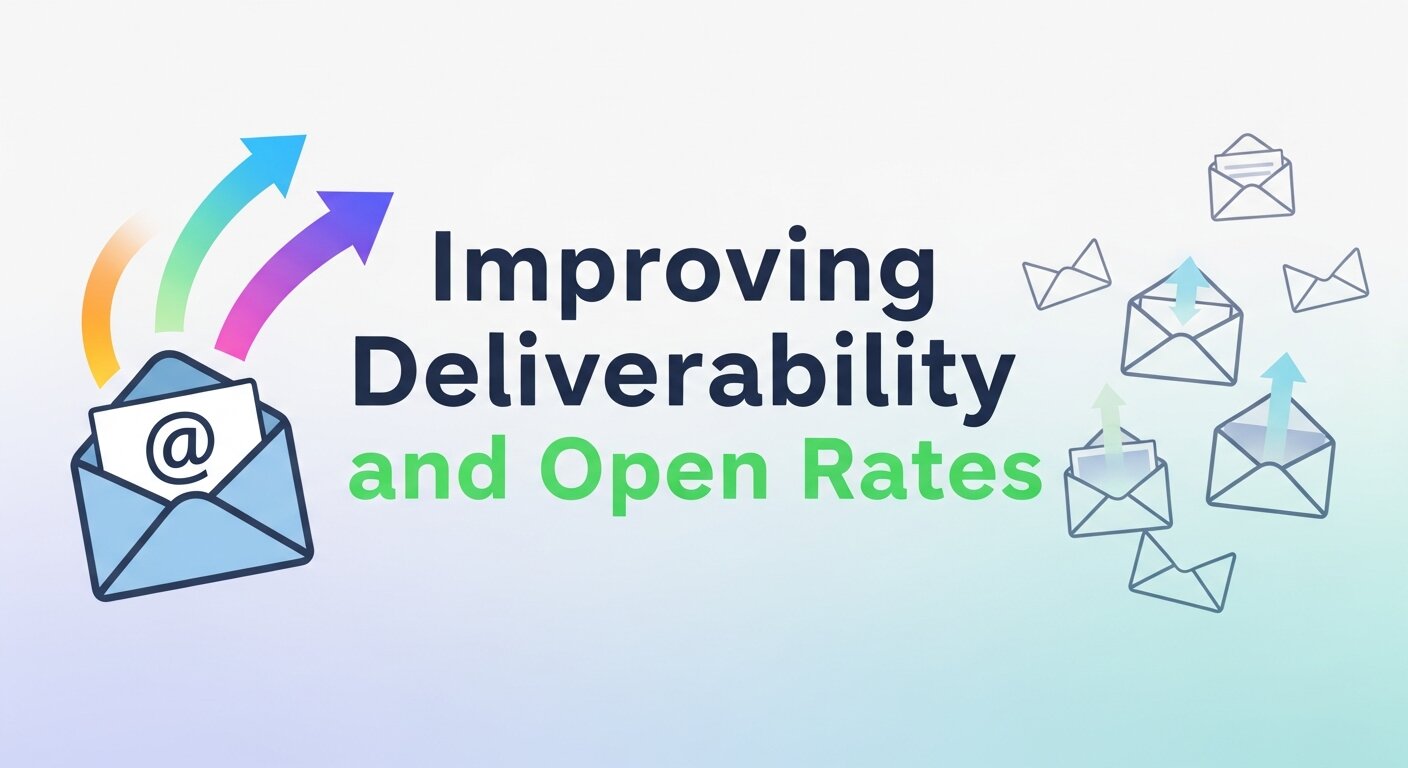 Ensuring your emails reach subscribers’ inboxes is essential for campaign success. With the right email marketing plugin, you can monitor deliverability, manage bounce rates, and avoid spam folders. Tools often include features like automated email verification, sender authentication, and scheduling optimization. By sending messages at optimal times and tailoring content to user preferences, businesses see higher open rates and engagement. Email Marketing Legit practices, such as clean subscriber lists and double opt-ins, are key to maintaining a reputable sender reputation. Following these best practices ensures your campaigns achieve visibility while strengthening trust with your audience.
Enhancing Subscriber Segmentation
 Segmentation allows marketers to send highly relevant content to specific groups within their audience. Advanced plugins let you segment based on demographics, purchase history, engagement behavior, or website activity. This level of personalization ensures your messages resonate with recipients, increasing engagement and conversions. By applying Email Marketing SEO techniques to email content, businesses can even improve cross-channel performance. Proper segmentation helps prevent subscriber fatigue by avoiding irrelevant emails, while boosting long-term loyalty. Additionally, segmenting by engagement frequency or interests allows marketers to create campaigns that feel highly personalized, improving overall campaign effectiveness and ROI.
Integrating E-Commerce Platforms
 Many email marketing plugins integrate seamlessly with e-commerce platforms like Shopify, WooCommerce, or Wix. This integration enables automatic tracking of purchases, abandoned carts, and user behaviors, which can trigger targeted campaigns. Plugins make it easy to send personalized product recommendations or promotional offers, increasing conversion rates. For instance, Wix Email Marketing tools allow small businesses to automate follow-ups and tailor campaigns to user purchase history. By connecting email campaigns with your online store, you can recover lost sales, boost repeat purchases, and deliver a more cohesive customer experience, all while maintaining accurate reporting on revenue and ROI.
Automating Workflows for Efficiency
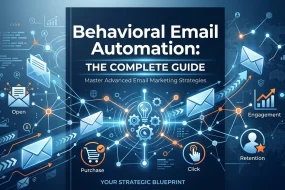
Automation is one of the strongest advantages of using an email marketing plugin. From welcome sequences to abandoned cart reminders and post-purchase follow-ups, automated workflows save time while keeping customers engaged. Marketers can schedule campaigns, set triggers, and use behavioral data to deliver the right content at the right moment. This level of efficiency ensures consistent communication without manual effort. Integrating Email Marketing Legit strategies within automation guarantees ethical list management and maintains audience trust. Automation not only improves operational efficiency but also enhances subscriber experience, driving better engagement rates and higher long-term returns for your marketing efforts.
Tracking Performance with Analytics
Understanding how your emails perform is crucial for optimizing campaigns. Email marketing plugins provide insights such as open rates, click-through rates, bounce rates, and conversions. Advanced reporting dashboards allow you to compare campaigns, track trends, and identify what resonates most with your audience. Combining analytics with Email Marketing SEO practices enables better alignment of email content with website traffic and search visibility. This data-driven approach allows marketers to fine-tune subject lines, messaging, and visuals to maximize engagement. By leveraging analytics effectively, businesses can make informed decisions, reduce wasted effort, and continuously improve ROI across all email campaigns.
Designing Mobile-Friendly Emails
With a growing number of users accessing emails via mobile devices, creating responsive emails is critical. Email marketing plugins offer drag-and-drop editors with mobile-optimized templates to ensure your messages look perfect on any screen size. Personalization elements and dynamic fields can adapt for readability and engagement, making every email impactful. Mobile-friendly design also contributes to higher engagement rates, as users are more likely to read and interact with emails that are easy to navigate. When combined with Wix Email Marketing features, even small businesses can craft professional campaigns that perform well on both desktop and mobile platforms, reaching audiences wherever they are.
Enhancing ROI with Personalization
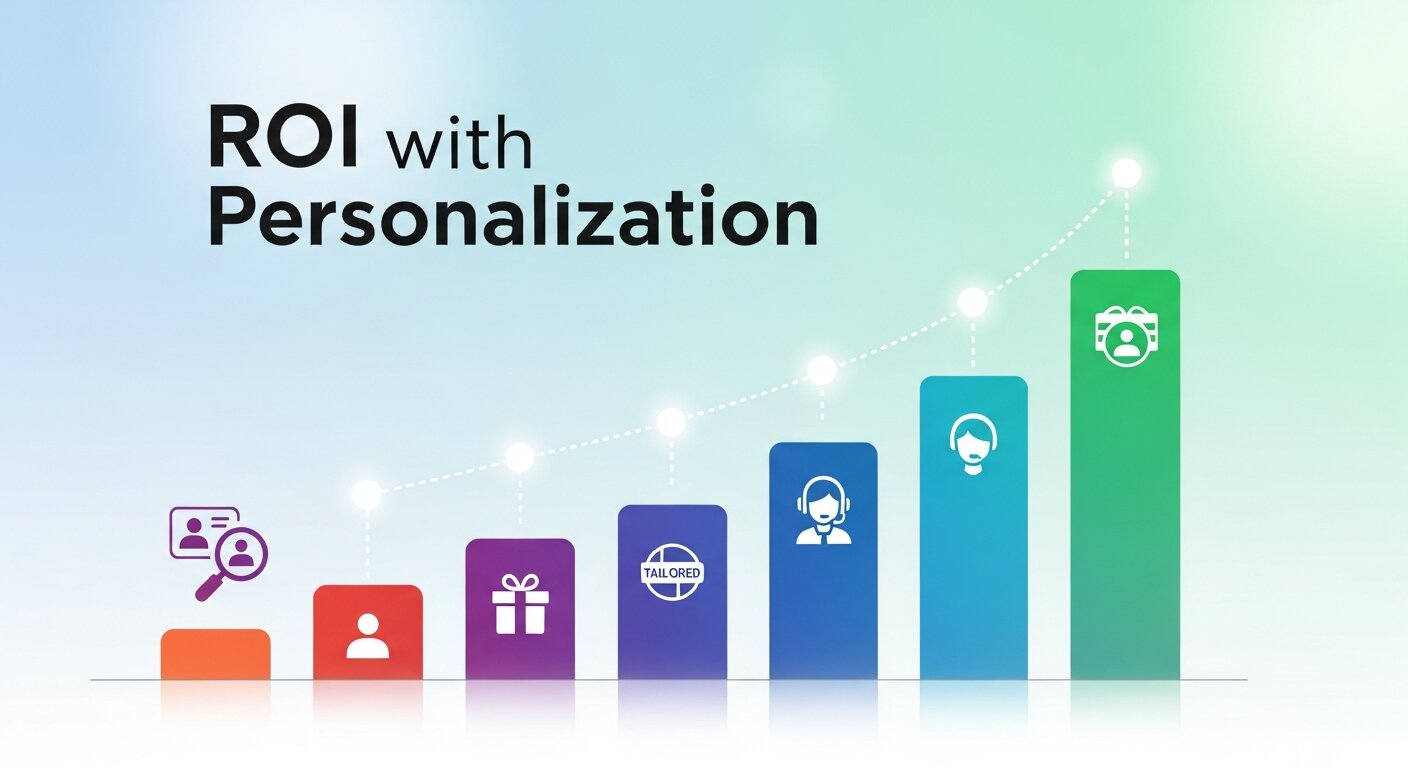 Personalized emails outperform generic campaigns by capturing attention and driving conversions. Using subscriber behavior, past purchases, or engagement data, marketers can craft messages that feel individual and relevant. Email marketing plugins often allow dynamic content blocks, smart recommendations, and custom subject lines to increase click-through and conversion rates. Incorporating Email Marketing SEO practices ensures that content aligns with your website and search strategies, enhancing cross-channel impact. By focusing on personalization, businesses can significantly improve email marketing ROI while maintaining audience trust. Each interaction becomes meaningful, fostering loyalty and encouraging repeat engagement across campaigns.
Take the Next Step
An email marketing plugin is no longer a luxury for businesses; it’s a necessity. By streamlining your email campaigns, boosting personalization, and delivering actionable insights, these tools help businesses consistently engage with their audience and drive results.
Want to reap similar benefits for your business? Start by picking the right plugin and watch your marketing efforts flourish.
Frequently Asked Questions (FAQ)
1. What is an email marketing plugin?
An email marketing plugin is software that integrates with your website or platform (like WordPress, Shopify, or Salesforce CRM) to create, manage, and automate email campaigns. It helps with tasks like designing emails, collecting leads, segmenting subscribers, and tracking analytics—all without switching platforms.
2. Do I need coding skills to use an email marketing plugin?
No. Most plugins feature drag-and-drop editors and pre-built templates, making it easy for beginners to design professional-looking emails without any coding experience. Advanced features are available for those who want more customization.
3. Can I send automated emails with a plugin?
Yes. Email marketing plugins allow you to set up automated workflows, such as welcome sequences, abandoned cart reminders, and post-purchase follow-ups, ensuring consistent engagement with minimal manual effort.
4. How do I manage and segment my subscriber list?
Plugins let you organize your contacts into segments based on preferences, behavior, or demographics. Segmentation improves targeting, increases open rates, and ensures relevant content reaches the right audience.
5. Can I track the performance of my email campaigns?
Absolutely. Plugins provide analytics like open rates, click-through rates (CTR), conversions, and ROI, helping you make data-driven decisions and refine future campaigns for better results.
6. Are email marketing plugins suitable for small businesses?
Yes. Many plugins are designed for small businesses and bloggers, offering free or low-cost plans, user-friendly interfaces, and features that scale as your business grows.
7. How do I choose the right plugin for my business?
Consider your goals, budget, platform compatibility, and desired features such as automation, segmentation, reporting, or third-party integrations. Test free versions when possible before committing.
8. Can I integrate my plugin with e-commerce platforms?
Yes. Many plugins integrate seamlessly with platforms like Shopify or WooCommerce, allowing you to track sales, trigger post-purchase emails, and recover abandoned carts.
9. Is it possible to personalize emails for individual subscribers?
Definitely. Plugins like Mailchimp, ConvertKit, and HubSpot allow personalization using dynamic fields, letting you include subscriber names, purchase history, or preferences to boost engagement.
10. Will using a plugin increase my email marketing ROI?
Yes. By automating campaigns, improving targeting, tracking performance, and enhancing personalization, email marketing plugins help maximize conversions and revenue while saving time and effort.


I'm Email Marketer who crafts targeted campaigns that drive engagement, nurture leads, and boost conversions. With a passion for creating personalized email strategies.








No Comments